Chapter 4 Autel Enterprise App 55
EVO Max 4T User Manual
click this button, and the map will quickly return to the
current positioning point.
6
Find Aircraft
When the plane is lost, click this button to query the
location information of the lost aircraft.
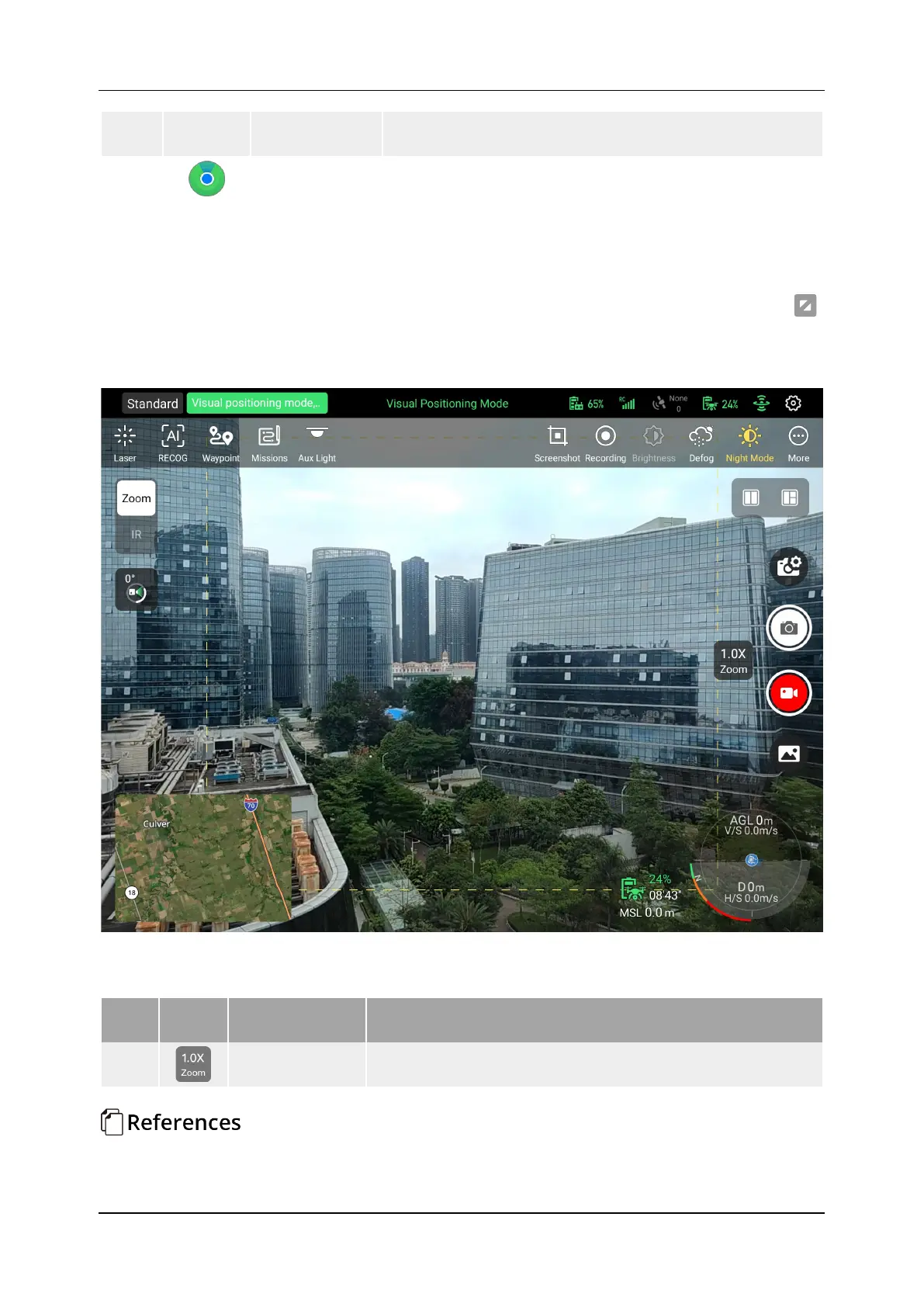
4.7 Zoom Camera Interface
In the lower right corner of the "Zoom" preview on the main interface of the App, click " "
to enter the Zoom Camera interface. The user can also click "Zoom" to switch the zoom camera
on the "Thermal Camera" (IR) interface, and the parameters of the zoom camera can be set as
shown in Figure 4-12.
Figure 4-12 Zoom Camera Interface
Table 4-7 Zoom Camera Settings Detail
No. Icon Meaning Description
1
Zoom
The maximum hybrid zoom is 160×.
Adjust the zoom factor












 To Next Page