58 Chapter 4 Autel Enterprise App
EVO Max 4T User Manual
Adjust the infrared zoom factor
Click " ", the infrared zoom setting will pop up, users can drag up or down to zoom in or
out on the picture captured by the Thermal Camera.
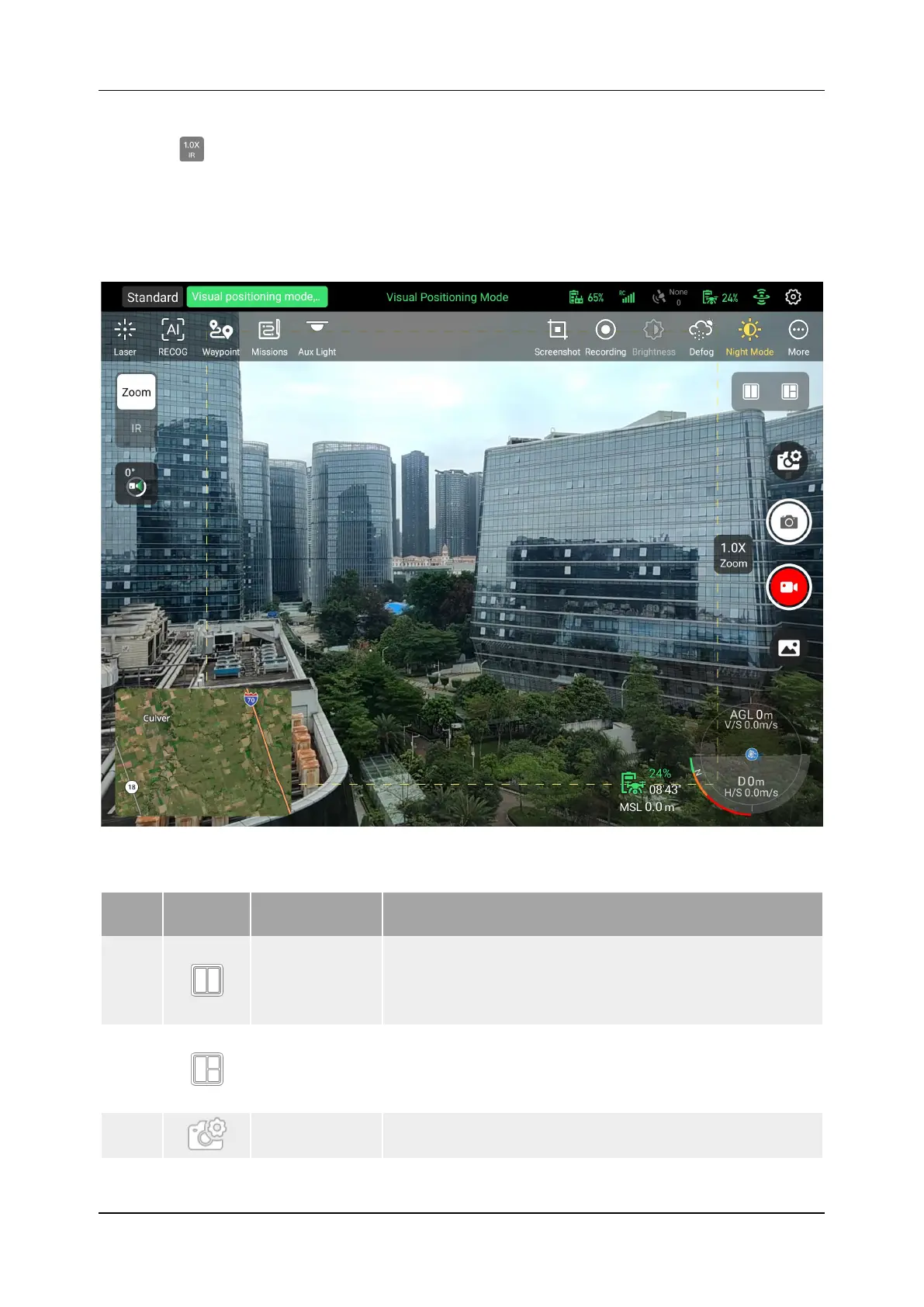
4.9 Camera Menu
Figure 4-14 Camera Menu
Table 4-9 Camera Menu Details
No. Button Meaning Description
1
Dual Screen
Click this icon to enter the dual-screen mode. The left
screen can check map and infrared, and the right
screen can check zoom and infrared. It also supports
2
Triple Screen
Click this icon to enter the three-screen mode, the left
side is the "Maps" window preview, the right side is the
"Zoom" window preview and the "Infrared" window
preview, also supporting zoom functionality.
3
Click this icon to set additional parameters related to
the camera.












 To Next Page