Chapter 4 Autel Enterprise App 71
EVO Max 4T User Manual
Click the "Cancel" button, after closing the pop-up window, the mission will no longer be
executed from the last point.
4.11.4 Mission History
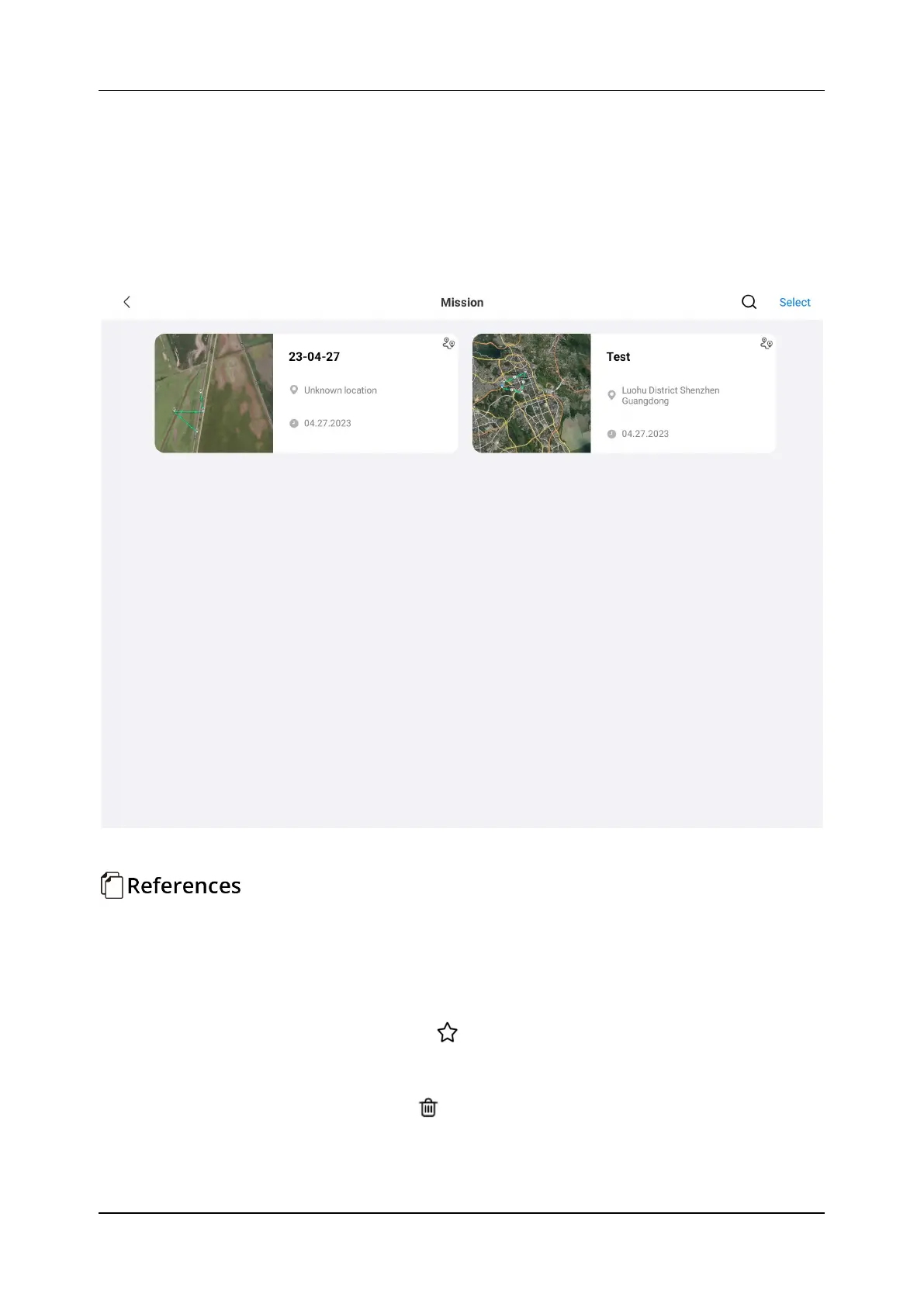
On the "Missions" interface, users can search, edit, favorite, and delete previously saved
historical flight missions, as shown in Figure 4-20.
Figure 4-20 Historical Missions
Edit
Click the historical flight mission to be modified to re-enter the route editing interface. For
detailed operations, please refer to "4.11.2 Waypoint Mission".
Favorite
Click the "Select" button in the upper right corner, then single-, multiple-, or all-select the
missions to be favorited, and then click the "
".
Delete
Click the "Select" button in the upper right corner, then single-select, multi-select or select
all missions to be deleted, and then click "
". After a dialog box pops up, click the "Confirm".












 To Next Page