FIRMWARE VERSION 1.0.5.2 E129 SIP DESKPHONE USER MANUAL Page 14 of
60
OFF - handset on hook
ON - handset off hook
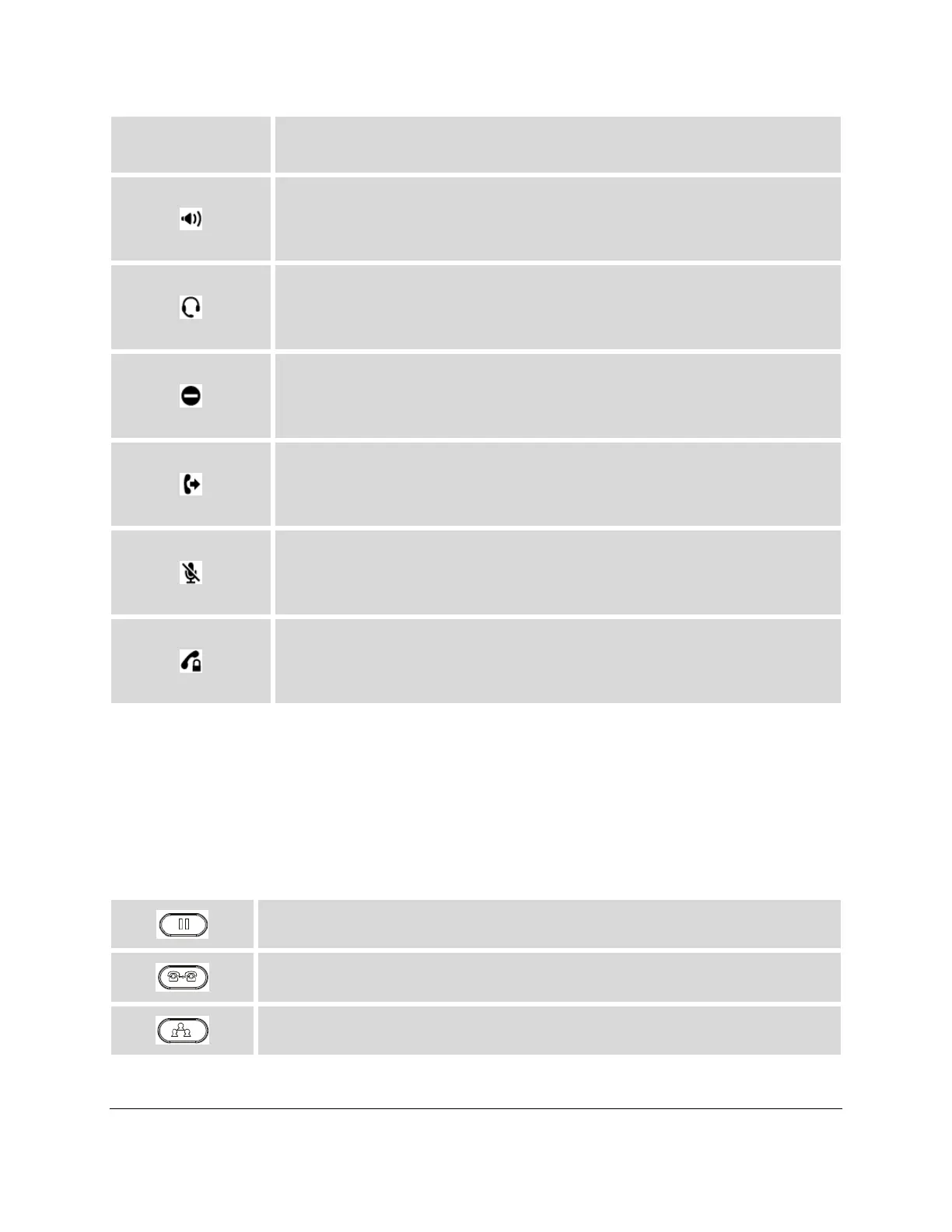
Speaker Status.
OFF - speaker off
ON - speaker on
Headset Status.
OFF - headset off
ON - headset on
DND Status.
OFF - Do Not Disturb disabled
ON - Do Not Disturb enabled
Call Forward Status.
OFF - Call Forward feature disabled
ON - Call Forward feature enabled
MUTE Status.
OFF - The active call is not muted
ON - The active call is muted
SRTP Status.
OFF - SRTP is not used
ON - SRTP is used
GETTING FAMILAR WITH THE KEYPAD
The following table describes the buttons used on the E129 SIP DESKPHONE keypad.
Table 6: E129 SIP DESKPHONE KEYPAD DEFINITIONS
Place active call on hold, or resume the call on hold.
Transfer an active call to another number.
Establish 3-way conference with other 2 parties.




 To Next Page