FIRMWARE VERSION 1.0.5.2 E129 SIP DESKPHONE USER MANUAL Page 15 of
60
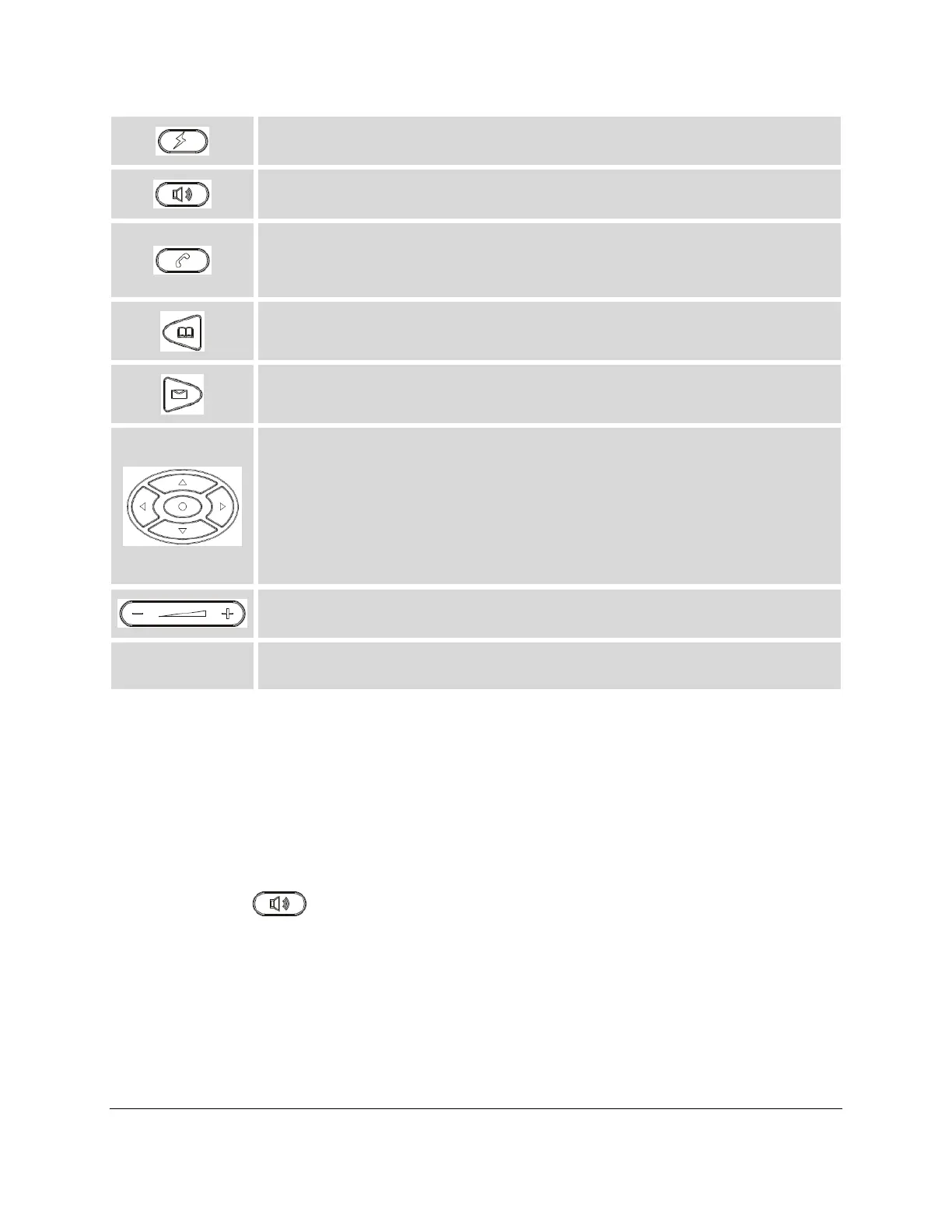
Bring up a new line; or answer the second incoming call.
Send/Redial.
Send. Enter the digits and then press Send to dial out the number;
Redial. Redial when there is a previously dialed call.
Voicemail. Press to retrieve voice mails.
Phonebook. Brings phonebook on screen.
Navigation Keys/Menu.
Press the 4 navigation keys to move up/down/left/right;
Press the round button in the center to enter Keypad Configuration
MENU when phone is in idle;
The round button "MENU" can also be used as ENTER key when in
Keypad Configuration.
Volume. Press "-" or "+" to adjust the volume.
MAKING PHONE CALLS
HANDSET, SPEAKER AND HEADSET MODE
The E129 SIP DESKPHONE allows users to switch among handset, speaker or headset when making
calls. Press the Hook Switch to switch to handset; press the Headset softkey to switch to headset; or press
the Speaker button to switch to speaker.
2 CALLS WITH 1 SIP ACCOUNT
E129 SIP DESKPHONE can support up to two lines "virtually" mapped to one SIP account. By picking up
the




 To Next Page