PARTNER User Guide Page 22
- Issue 1b (22 February 2010)IP Office PARTNER Version
4. Advanced Features
4.1 Feature and Intercom Codes
Using Feature Codes
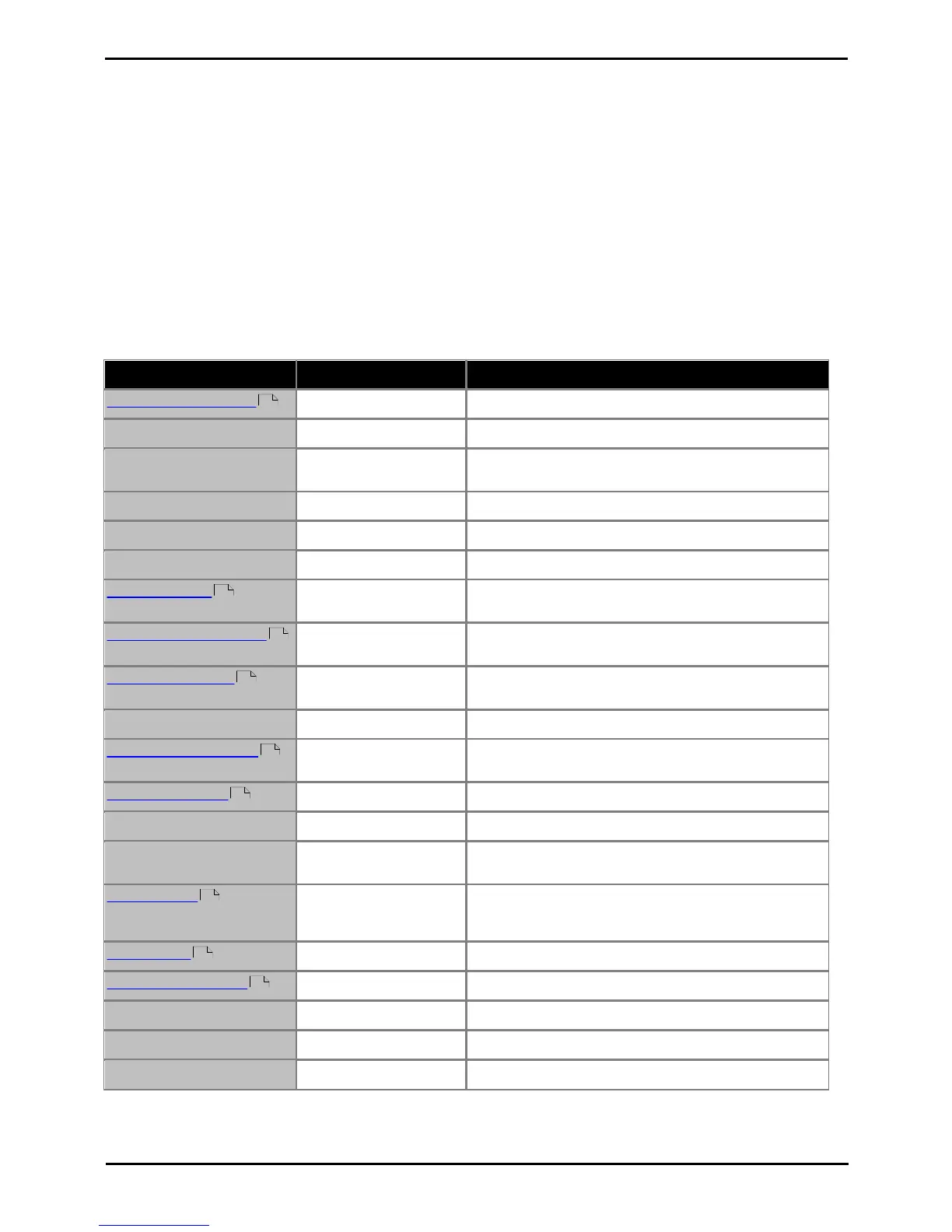
There are a wide range of features that can be used with your extension. They are accessed by pressing FEATURE and
dialing the required feature code. Depending on the feature be used this is done either when the phone is idle or during a
call.
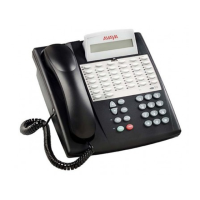
· On ETR phones the FEATURE button is used to start dialing a feature code.
· On 1400 Series phones, select Feature on the display to start dialing a feature code. During a call you may need
to select >> first to display the Feature option.
· On analog phones, at dial tone dial # followed by the feature code. To do this during a call you need to press recall
first to get to dial tone.
The table below lists some of the features. Note that some feature may have restrictions on which extensions and or
types of phone can us the feature.
Switch your do not disturb on/off.
Send a recall or hook switch flash signal during a call.
Save the number dialed during a call. Then redial that
number when idle.
Redial the last dialed number.
Drop the last added party from a conference.
Turn privacy on/off during a call.
FEATURE 11
<Extension Number>
Forward your calls to another extension.
FEATURE 11
<Personal Speed Dial>
Forward your calls to an external number by selecting one
of your personal speed dials as the destination.
FEATURE 11 *
<Personal Speed Dial>
Similar to remote call forwarding but with your calls ringing
at both your extension and the external number.
Enter and exit account code entry mode during a call.
FEATURE 14
<Extension Number>
Transfer your current call to an extension's mailbox.
Turn your voicemail cover on/off.
Toggle the display between name and number information.
See the call details of a call on another line button without
interrupting your own current call.
FEATURE 20
<Own Extension>
<Covering Extension>
Enable call coverage from your extension to another
extension. To disable call coverage, enter your own
extension number twice.
Lock or unlock your extension.
Set/clear an absent text message.
Operate the system's first contact closure switch.
Operate the system's second contact closure switch.
Display the software version of the system.



 To Next Page