PARTNER User Guide Page 9
- Issue 1b (22 February 2010)IP Office PARTNER Version
ETR Telephones:
1.1 Fixed Buttons
In addition to the line buttons, the telephones have some or all of the following fixed buttons, which are already
imprinted:
· INTERCOM (not labeled)
Press to make or answer a call to or from another extension. If you receive a call on a T1 line with Direct Inward
Dialing (DID), and you cannot access that line from a line button, the call will appear on your Intercom button.
· FEATURE
Press to change programmed settings or use system features.
· CONF
Press to add other parties to your call.
· TRANSFER
Press to pass a call to another extension.
· HOLD
Press to put a call on hold.
· SPKR
Press to turn on and off the speaker and microphone (if available), so you can dial and have a conversation
without lifting the handset. The light next to this button shows when the speaker is turned on.
· MIC/HFAI
Press to turn the microphone on and off. The light next to this button shows when the microphone is turned on.
Leave on to use Hands-Free Answer on Intercom (HFAI) feature.
· Volume Control Buttons
Press to decrease or to increase the volume as follows:
· To adjust ringer volume, press while the telephone is idle or ringing and the handset is in the cradle.
· To adjust speaker volume, press while listening to a call through the speaker.
· To adjust handset volume, press while listening through the handset.
1.2 Ringing Patterns
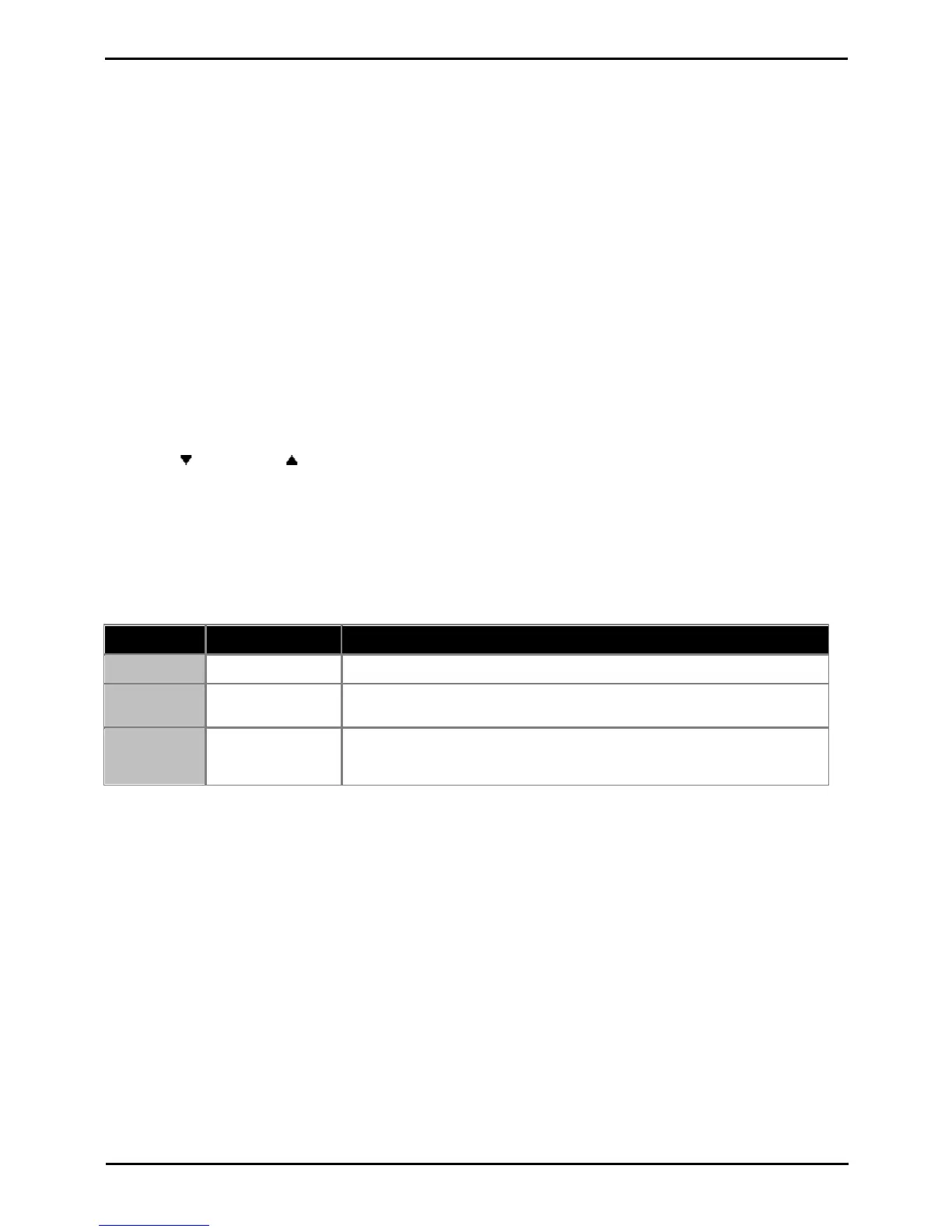
ETR phones use the following ring patterns:
1.3 Dial Tones
There are two different dial tones when you call with a system telephone:
· Outside dial tone is generated by your local telephone company to indicate that you are connected with an outside
line.
· Intercom dial tone is generated by the system to indicate that you are connected with an inside line. You hear this
dial tone when you are making an inside or intercom call.



 To Next Page