Chapter 7 Managing Outbound Contact Calls
188 Avaya Agent User’s Guide
Adding the Customer to the Do Not Call List
If the customer requests never to be called again, follow this procedure.
To add the customer to the Do Not Call list:
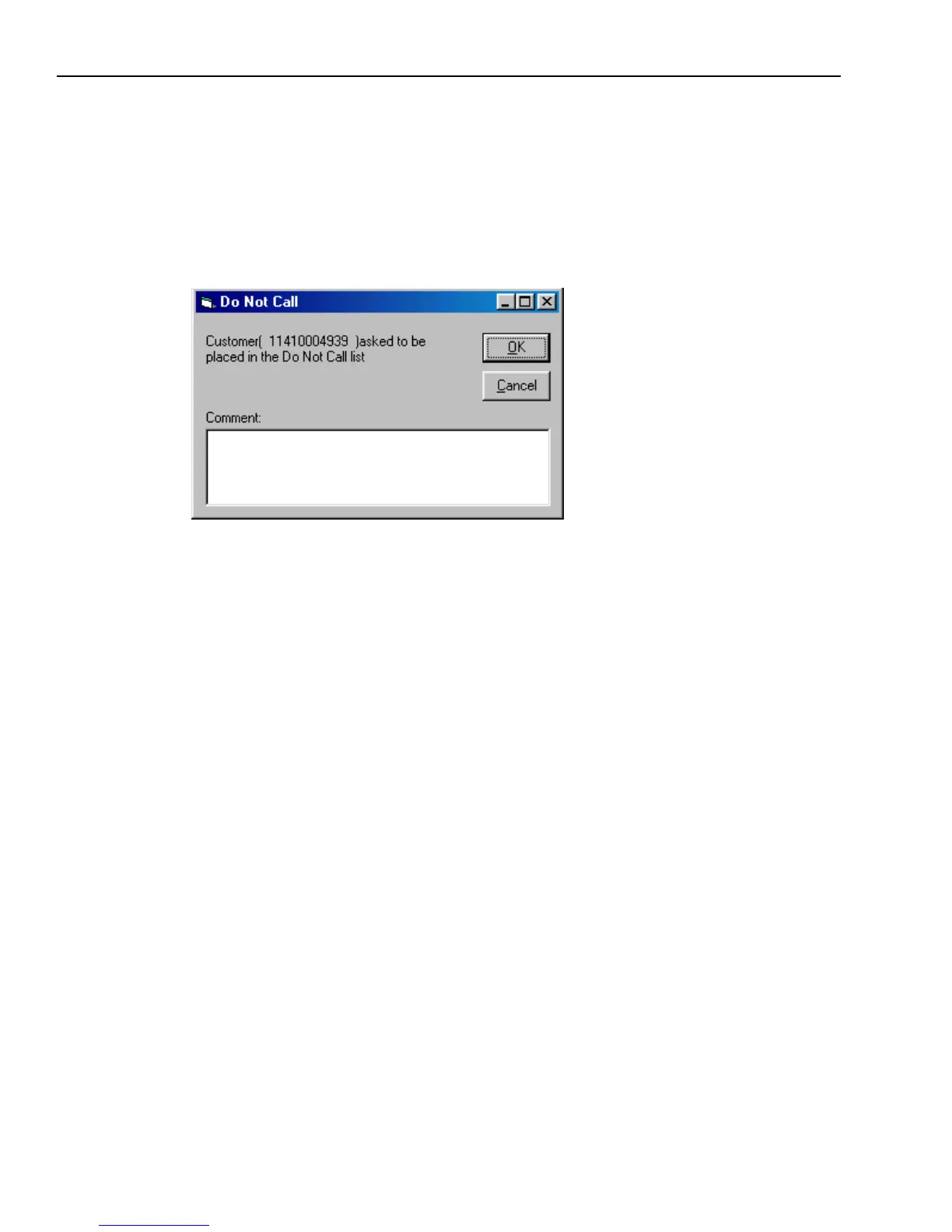
1 Click the Do Not Call button.
The Do Not Call dialog box is displayed.
2 In the text box, add a description to explain why the customer wants to be added to the Do Not
Call list.
3 Click OK.
Outbound Contact Management ends the call, adds the customer’s telephone number to the Do
Not Call list, and records the customer’s request in the database.
Handling Stray Calls
Occasionally, Outbound Contact passes you an unexpected call, referred to as a stray call. This is
an inbound call that is not related to the job or jobs you joined.
When you receive a stray call, Outbound Contact passes the call to you without the customer
information. Outbound Contact displays the Stray Call dialog box and prompts you to click OK.
A stray call can occur under the following conditions:
n
You are not actively speaking with a customer, and a customer calls your extension
n
Avaya Agent passes an inbound call to your extension through the Private Branch Exchange
(PBX)
n
You are reviewing customer record information
n
You are on a break



 To Next Page