Proceeding Through Agent Tasks
Issue 1.0 June 2002 189
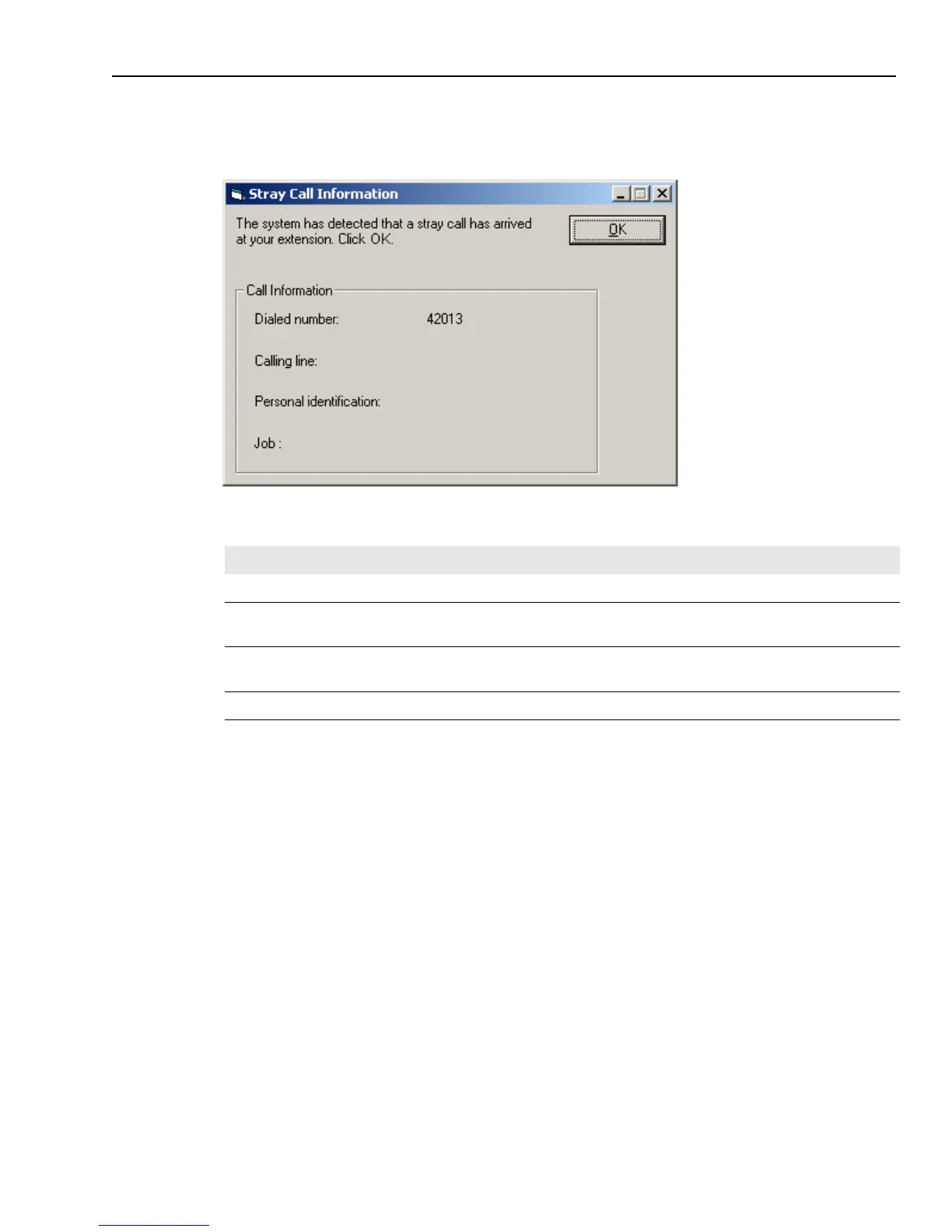
Outbound Contact completes the fields on the Stray Call Information dialog box, as shown in the
following illustration:
The following table describes each field in the dialog box:
The way you can handle the stray call depends on what you are doing and on whether you are
using Auto Answer. Follow the directions in the appropriate section below.
To handle a stray call when you are handling an outbound call:
1 When the Stray Call dialog box informs you that a stray call has come in, excuse yourself to the
customer you were talking to, and put that customer on hold.
2 Click OK in the dialog box.
You hear a ringing tone for the stray call.
3 Complete the outbound call with the customer.
4 Click Close to end the call.
5 In the WrapUp dialog box, select the outcome of the call and click OK.
Field Description
Dialed Number The number that the caller dialed.
Calling Number The caller's telephone number. The field may be blank if the calling line information
is unavailable.
Personal
Identification
The Personal Identification Number that the customer entered before Outbound
Contact connected you with the call.
Job Name The job that originated the call.



 To Next Page