4. Turn off and then on your network scanner so that the
new IP address will be automatically searched by Button
Manager.
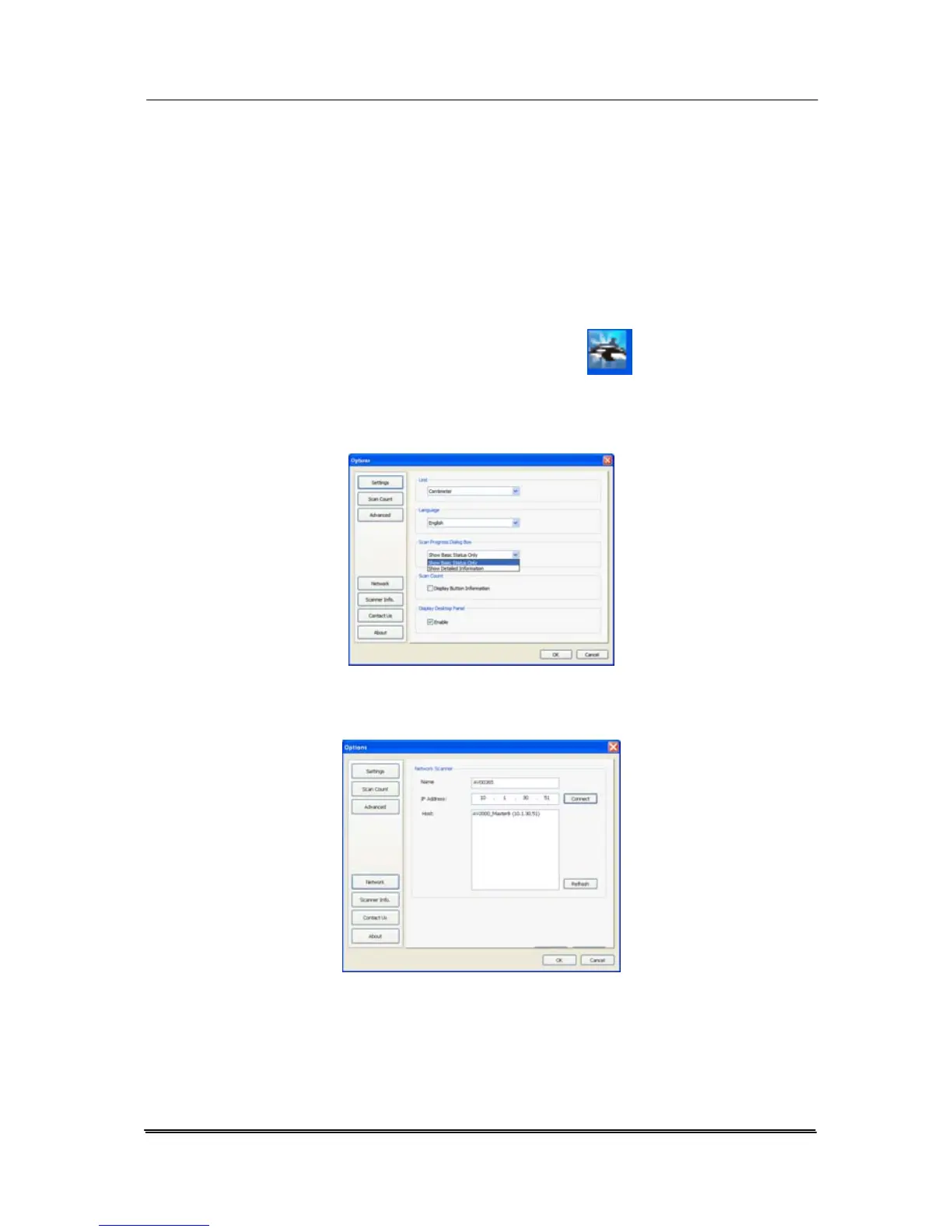
5. Reconnect the network scanner through Button Manager
by the following steps.
a. Right-click Button Manager icon (
) at the right
corner to prompt a menu screen.
b. Choose “Options” to prompt the following “Options”
screen.
c. Choose “Network” to show the following screen.
d. Button Manager automatically searches the new IP
address of your network scanner. Click “Connect” and
then “OK” to reconnect your network scanner.
e. If successful, a “Network Connection Successful”
message will be displayed.
7-14



 To Next Page