User’s Manual
1. Introduction
Congratulations on your purchase of the color image
scanner. With this scanner, you can scan documents in a
rated speed to increase your productivity.
Before you install and operate the new scanner, please take
a few minutes to read through this manual. It provides
proper instructions for you to unpack, install, operate and
maintain the scanner.
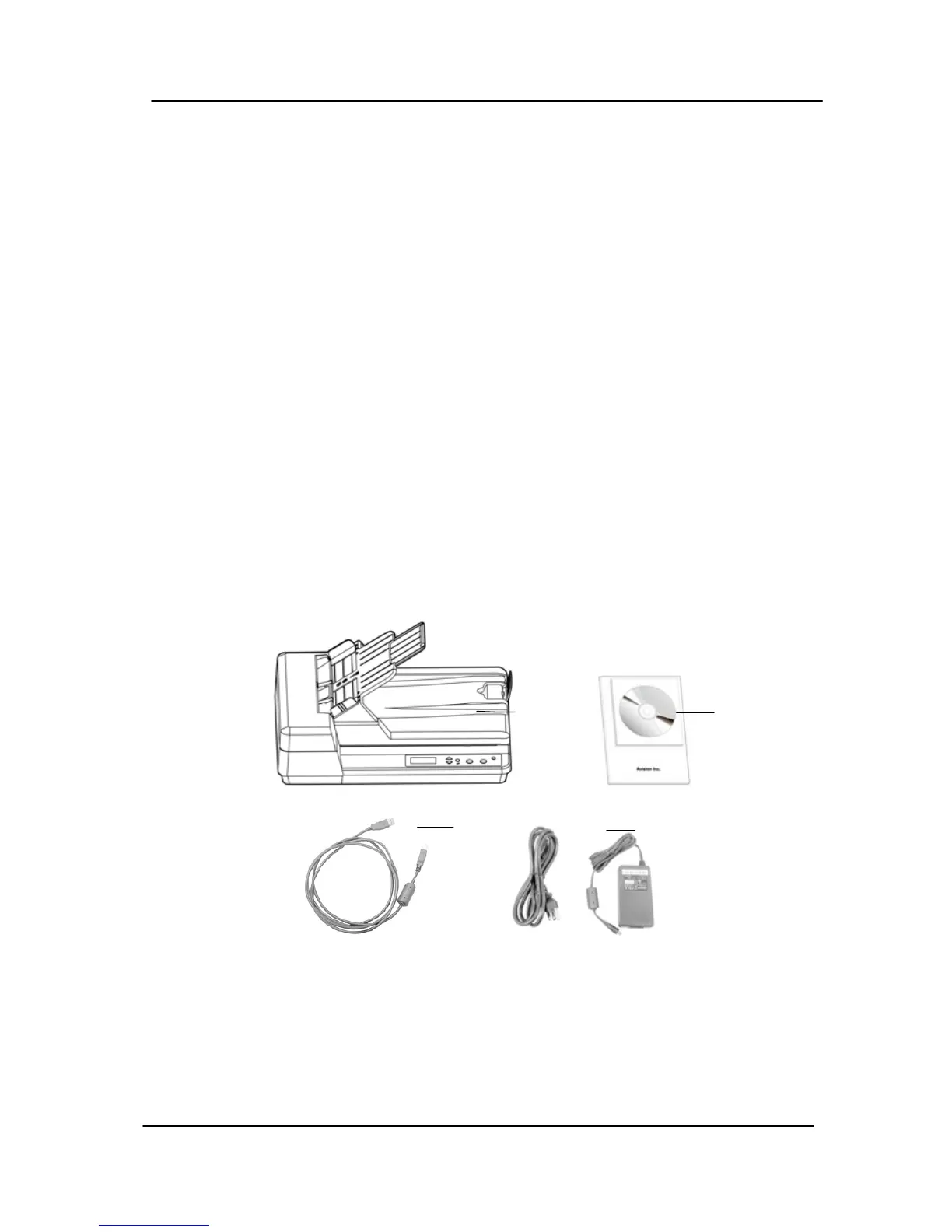
The following figure indicates the package contents. Please
check all the items against your checklist. If you do not
receive all the items, please contact your authorized local
dealer immediately.
2
1
3
4
1. Scanner main unit
2. Power adapter
3. Power cord
4. USB cable
5. User’s manual/CD
1-1



 To Next Page