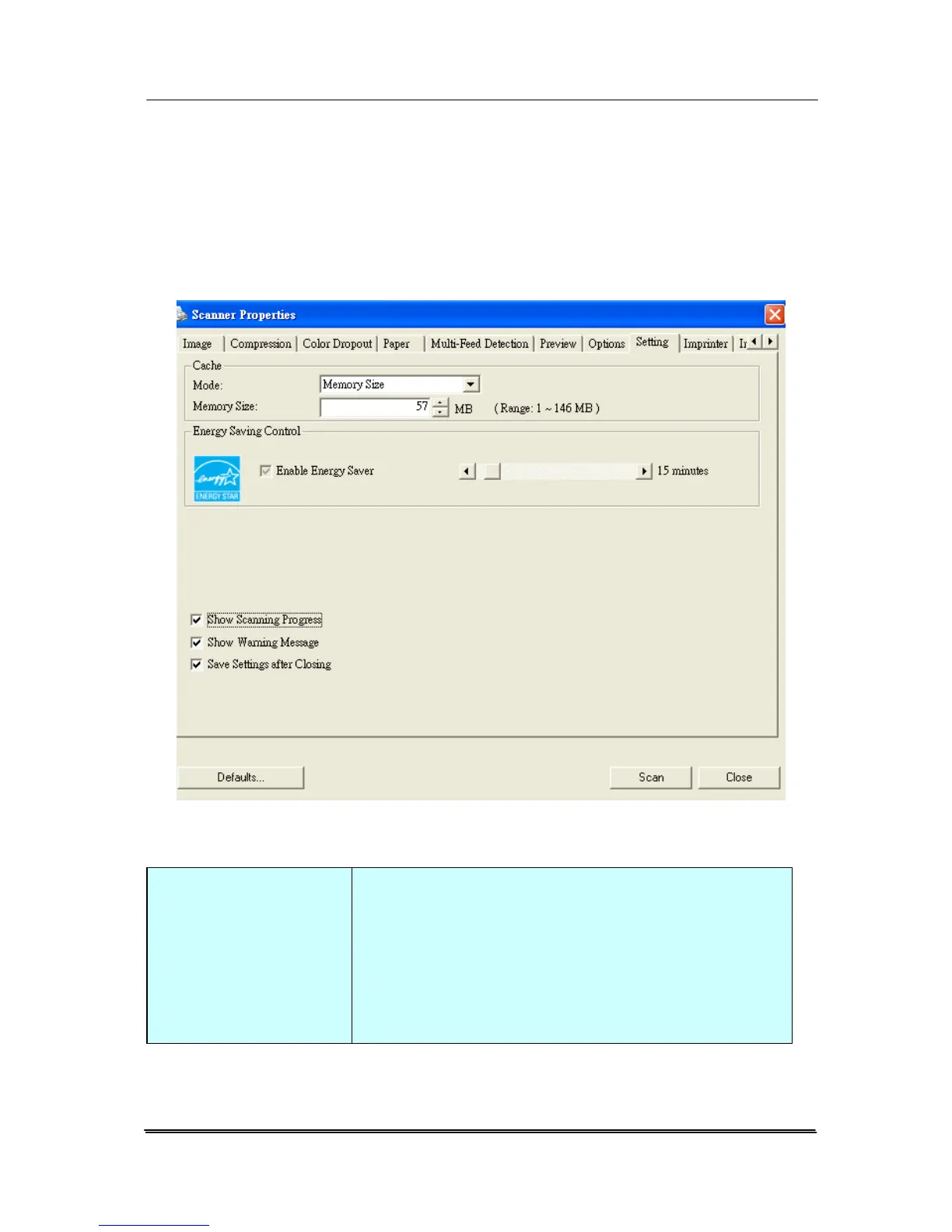
4.9 The Setting Tab
The Setting tab allows you to set the following settings:
The Setting tab dialog box
Energy Saving
Control
Check the Enable Energy Saver box
and move the slider to the right to set
the amount of time to start the energy
saver after your last action. The range
is from 1 to 240 minutes. The default
is 15 minutes.
4-54



 To Next Page