User’s Manual
7. Using the Product as a
Network Scanner
With the network port at the back of the scanner, this product
allows you to use it as a network scanner. This means users in
the intranet environment can share the scanner and obtain the
scanned image from their individual computer.
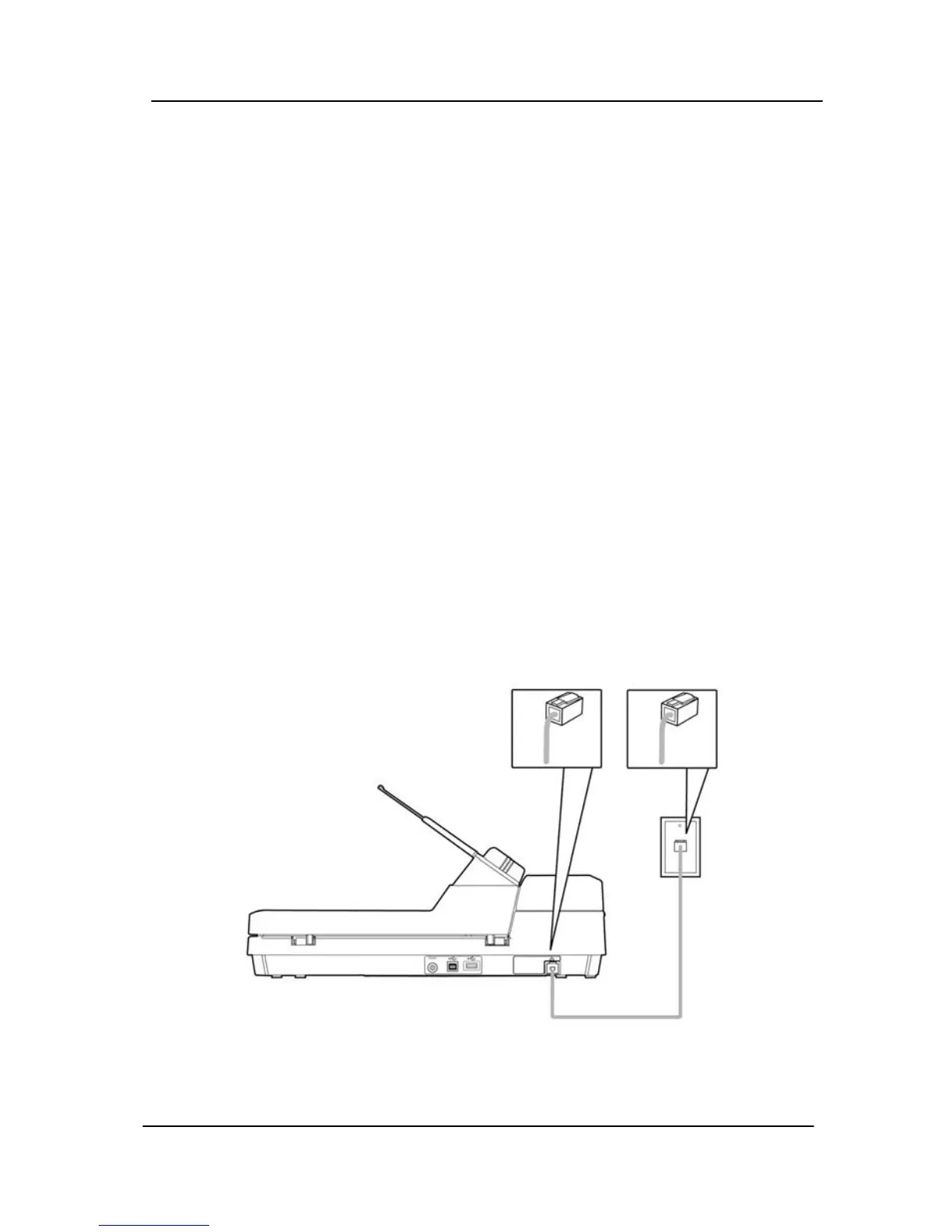
7.1 Connecting the LAN Cable
1. Connect one end of your Ethernet LAN cable to an
available port of your Ethernet Hub
.
2. Connect the other end to the LAN port at the back of the
product.
7-1



 To Next Page