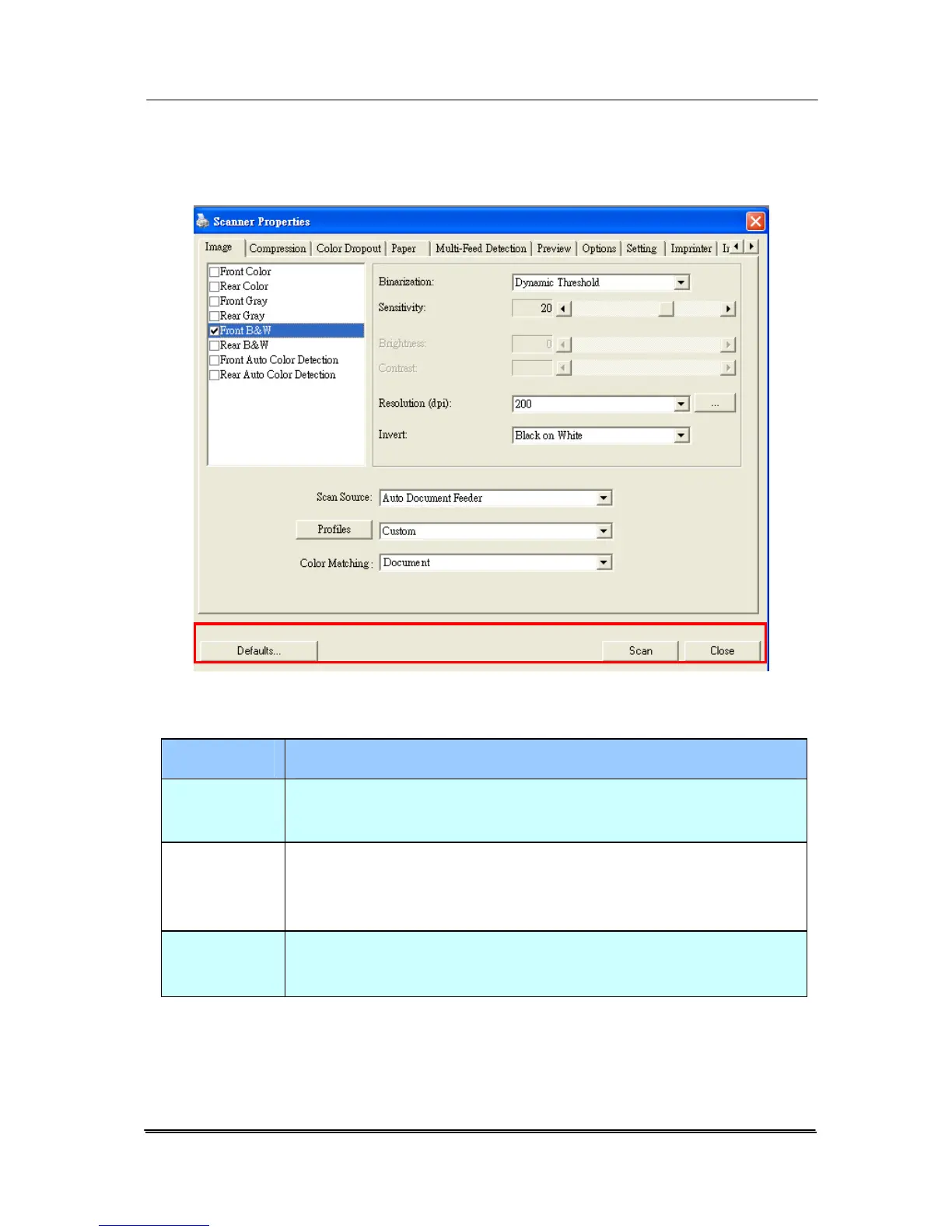
4.1 Buttons on the Scanner Properties Dialog Box
The buttons on the Scanner Properties dialog box
Buttons
Description
Defaults Click the Defaults button, the factory default
settings will be shown on each tab.
Scan After all the scan settings are satisfactory, click
the Scan button to start scanning your
document.
Close Click the Close button to leave the Scanner
Properties dialog box.
4-2



 To Next Page