User’s Manual
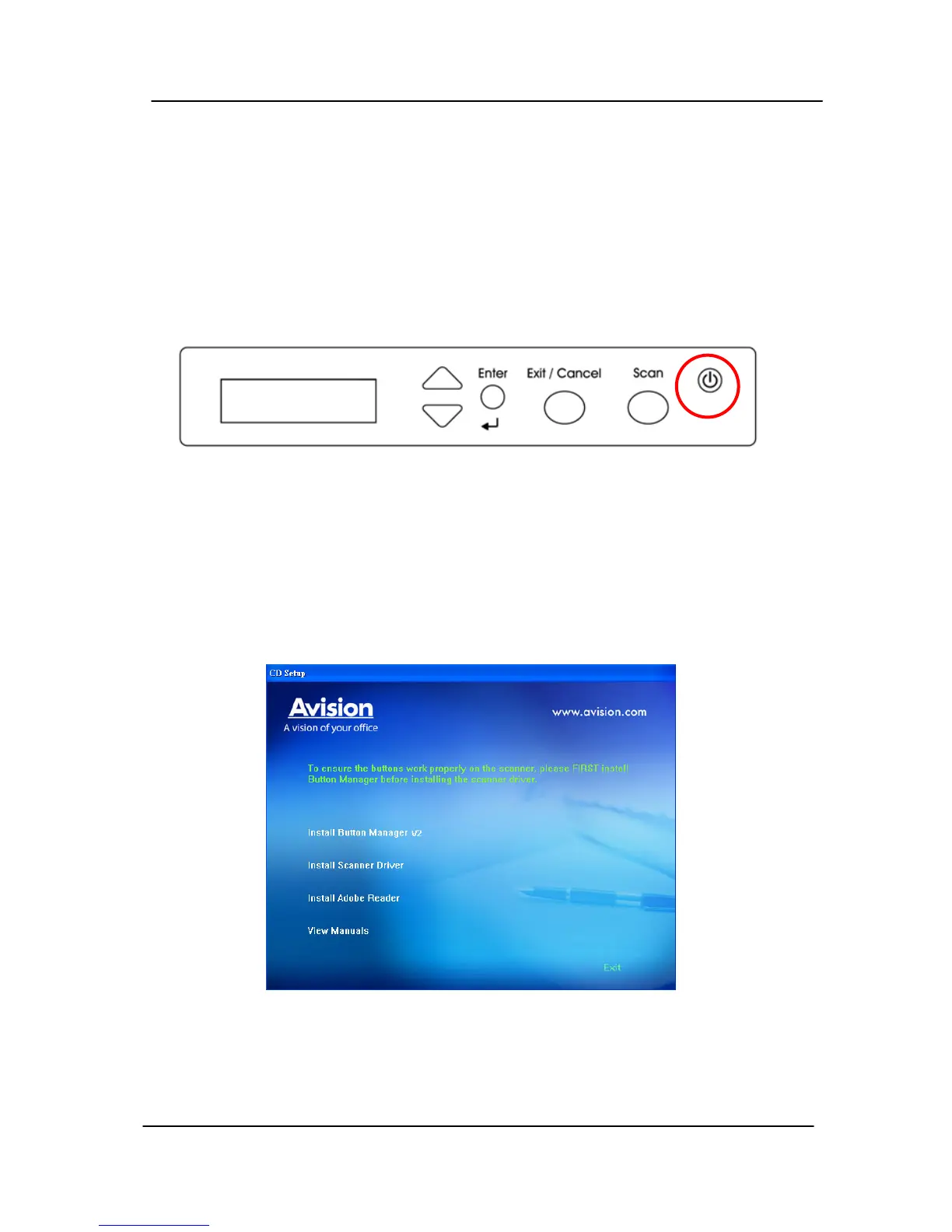
2.1.2 Turning on the Scanner
Press the Power Switch button on the front panel, the Power
LED will be lit. To turn off the scanner, press the Power
Switch button for about 3 seconds, the Power LED will be off.
2.1.3 Installing the Scanner Driver
1. Place the supplied CD-ROM onto your CD-ROM drive.
2. The software installation graphic appears. If not, run
“setup.exe”.
2-3



 To Next Page