User’s Manual
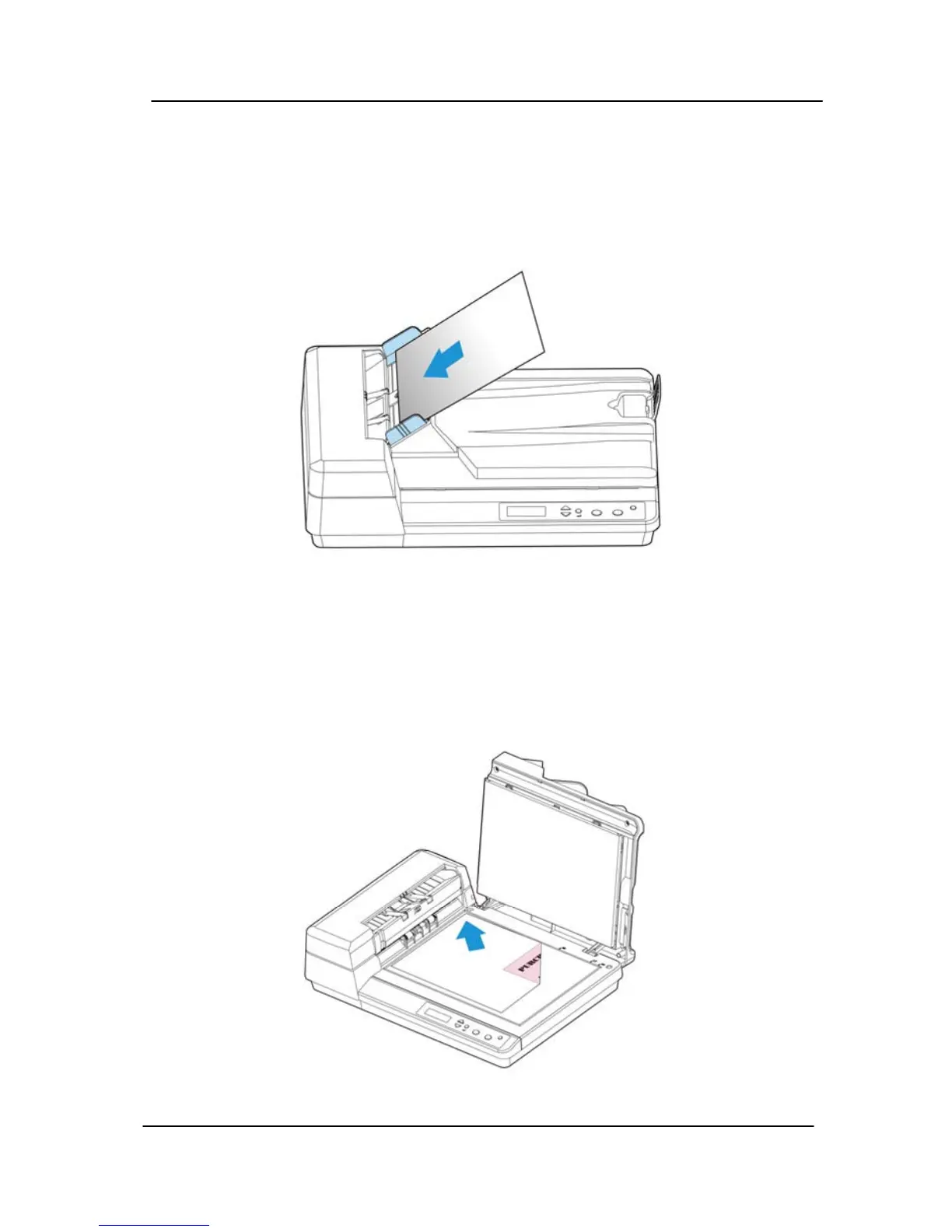
2. Place your document with the text face up and make the
top of the page point to the document feeder as shown
below. Center your document with the paper guides and
make sure the edge of document touch the paper guides.
3.2 Placing paper on the document glass
Place your document face down on the document glass and
align the document to the reference mark as indicated.
3-3



 To Next Page