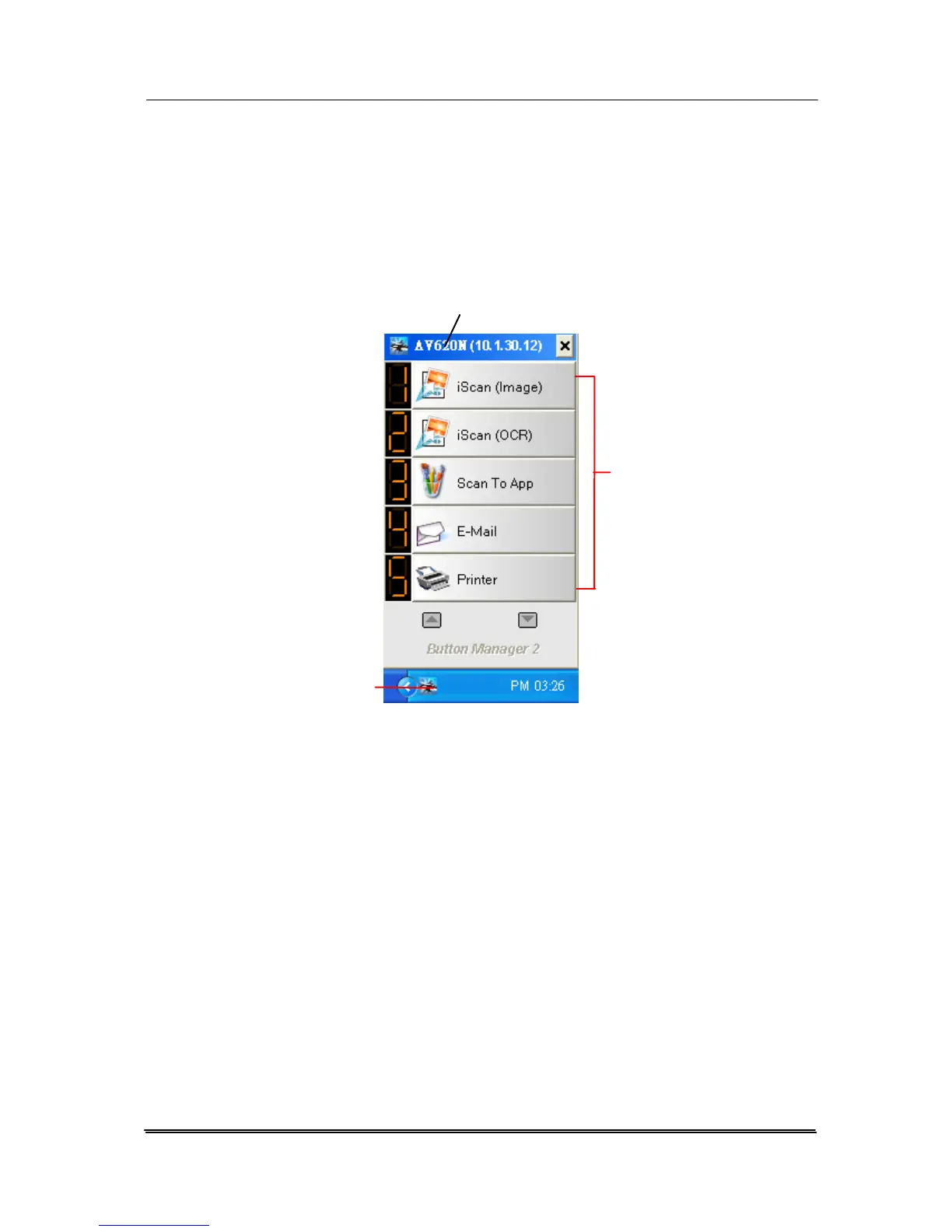
6.2 Checking the Button Configurations Before Scanning
1. Click the Scan button on the scanner.
2. The Button Panel is displayed in the Windows System Tray
at the bottom right corner of your computer screen.
This indicates the scanner model
The Function
Icon
(The number of
function icons
vary based on
type of
scanner.)
The Button
Icon
The Button Panel
3. The Button Panel shows the first five scanning buttons.
Right-click the button (function) you wish to check. The
Button Properties window appears.
6-2



 To Next Page