User’s Manual
10. Troubleshooting
If you have problems with the operation of your scanner,
please check the following troubleshooting hints.
10.1 Removing an Abnormal Line on the Scanned
Image
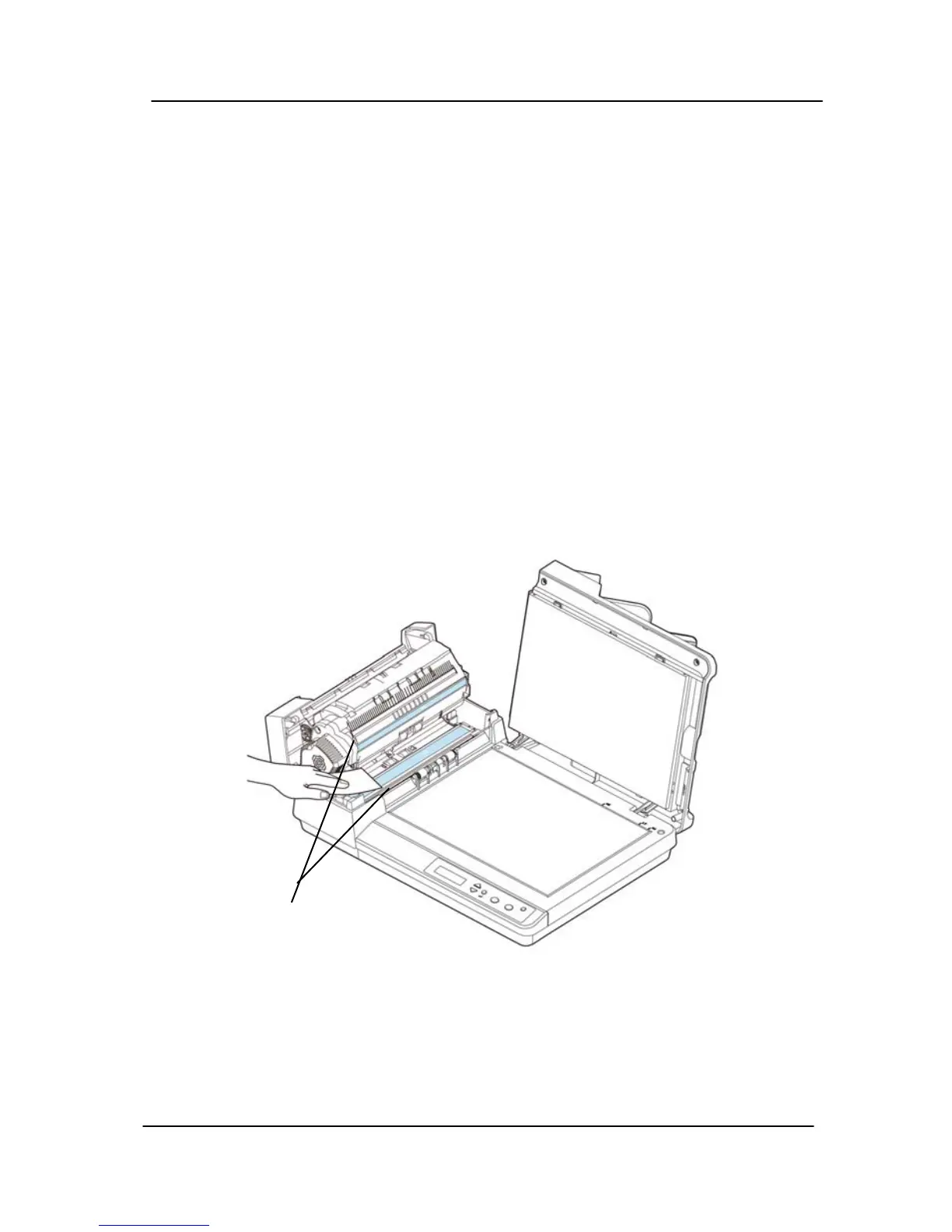
If the scanned image appears with abnormal lines on it, clean
the white strips of the glass as indicated below with a clean
lint-free cloth.
White
Strips of
Glass
10-1



 To Next Page