7.2 Connecting the Scanner with Button Manager V2
Use the bundled software, Button Manager V2, to connect the
network scanner to your computer. Button Manager V2 is
included in the supplied software CD. Refer to chapter 2,
Scanner Installation, to install Button Manager V2 to your
computer.
To connect the scanner,
1. Start Button Manager V2 by clicking the “Start” button
and then choosing All Programs>Avision Button
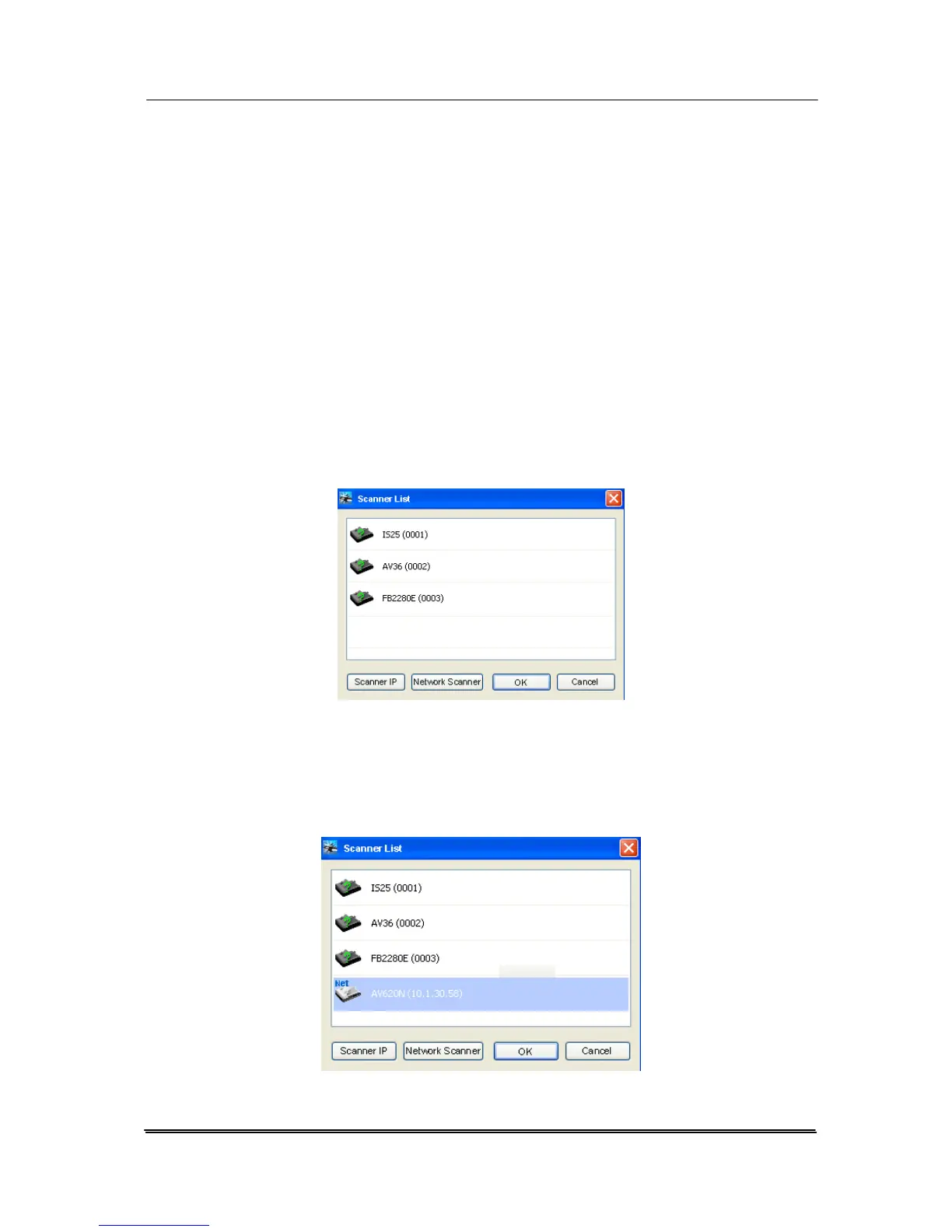
Manager>Button Manager 2 in succession. A “Scanner
List” dialog box appears as shown.
2. Click the “Network Scanner” button to let the computer
automatically search the scanner in the network.
3. In a second, the network scanner will be found and
included in the scanner list as shown.
7-2



 To Next Page