User’s Manual
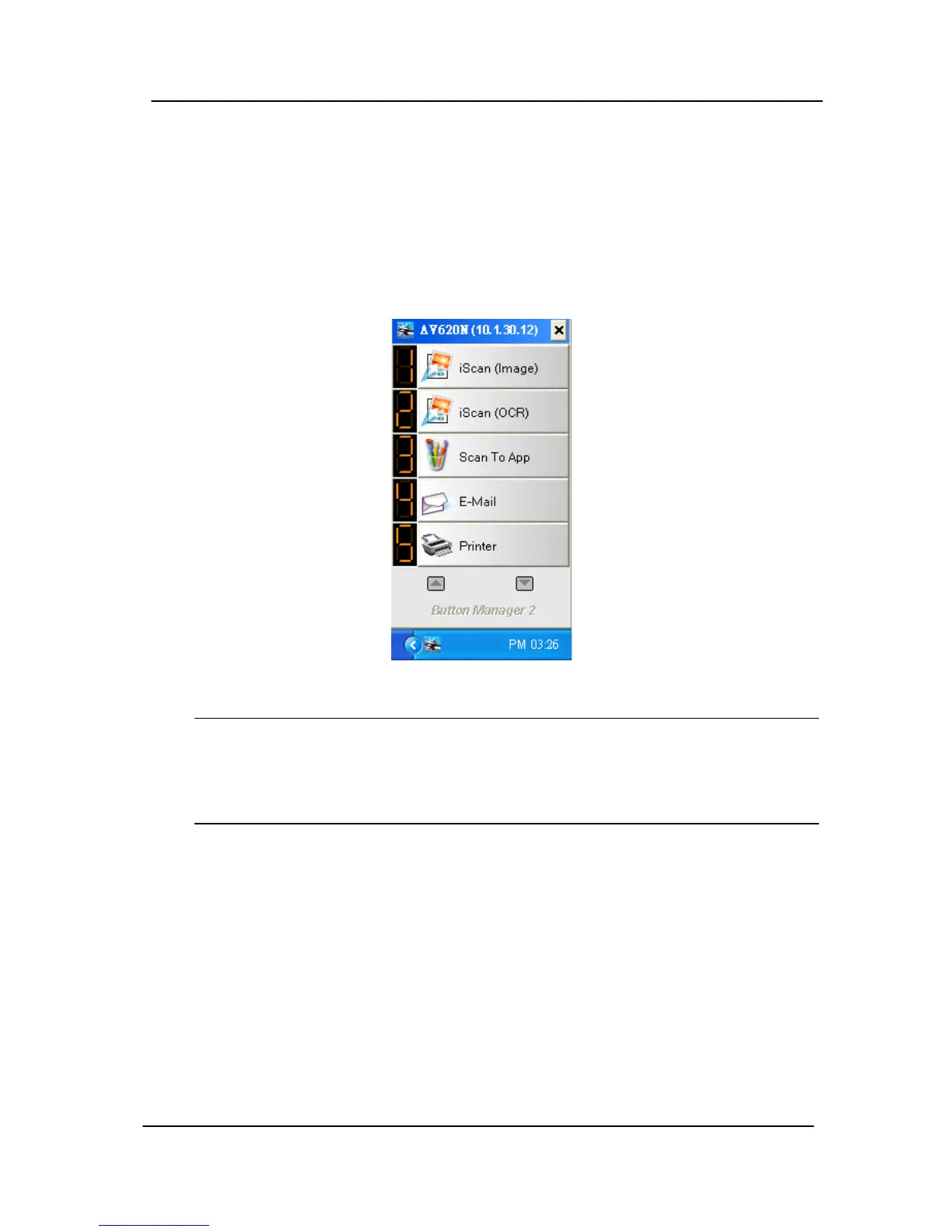
4. Choose the network scanner and then click the “OK”
button to connect the scanner. If connection is successful,
the “Network connection successful” message will be
shown and both the Button Panel and Button icon will be
displayed in the right corner of your screen as shown:
Important:
Please note the network scanner can be found by your
computer only when they are both in the same network
segment.
7-3



 To Next Page