User’s Manual
8. Scanning and Saving Your
Images to a USB Flash Drive
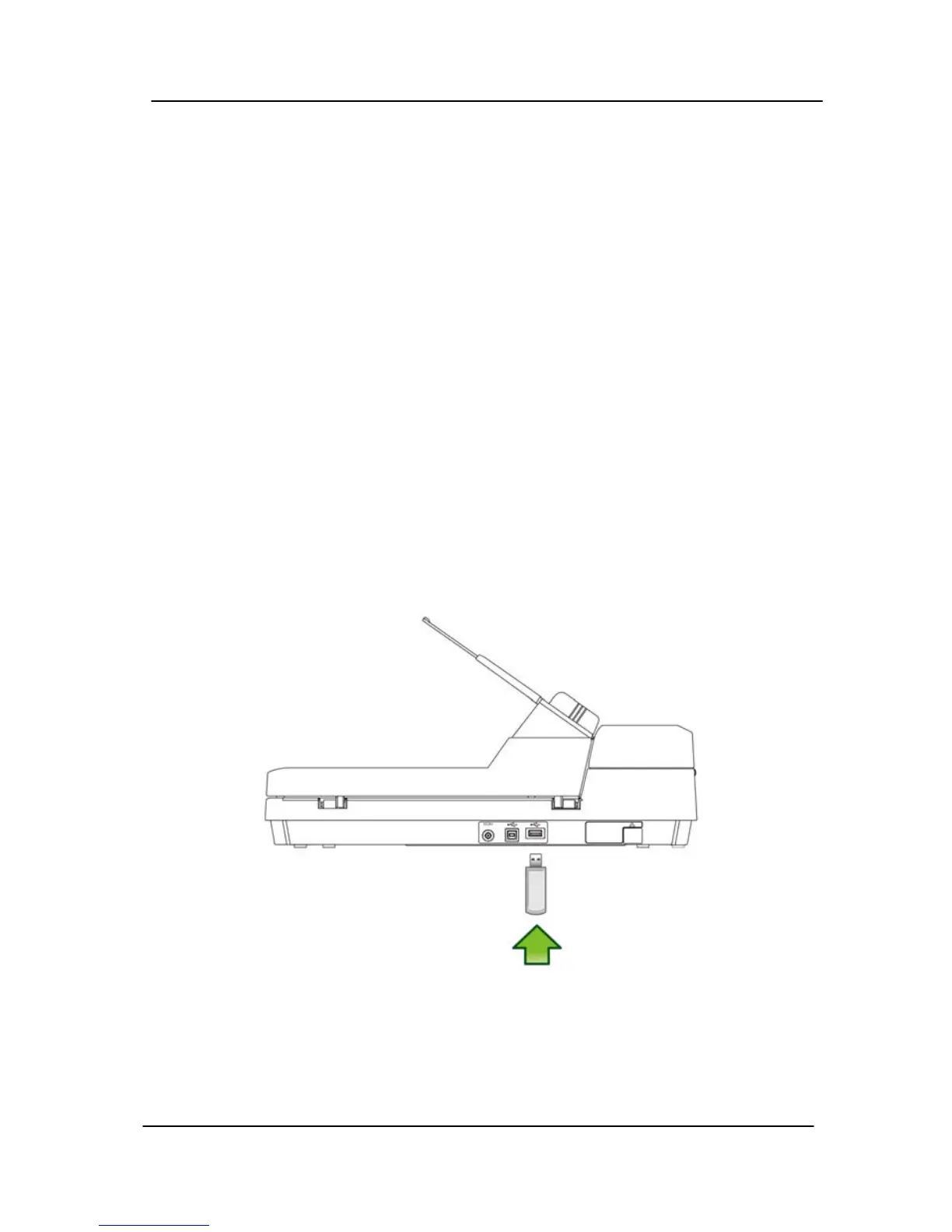
fter inserting the USB flash drive into the USB flash drive port
t the back of the scanner, this product allows you to start
B flash drive port at the
back of the scanner as shown in below:
A
a
instant scan immediately and save the scanned images directly
to a USB flash drive without the need of a computer.
8.1 Connecting a USB Flash Drive
Insert your USB flash drive into the US
8-1



 To Next Page