User’s Manual
Background
Setting
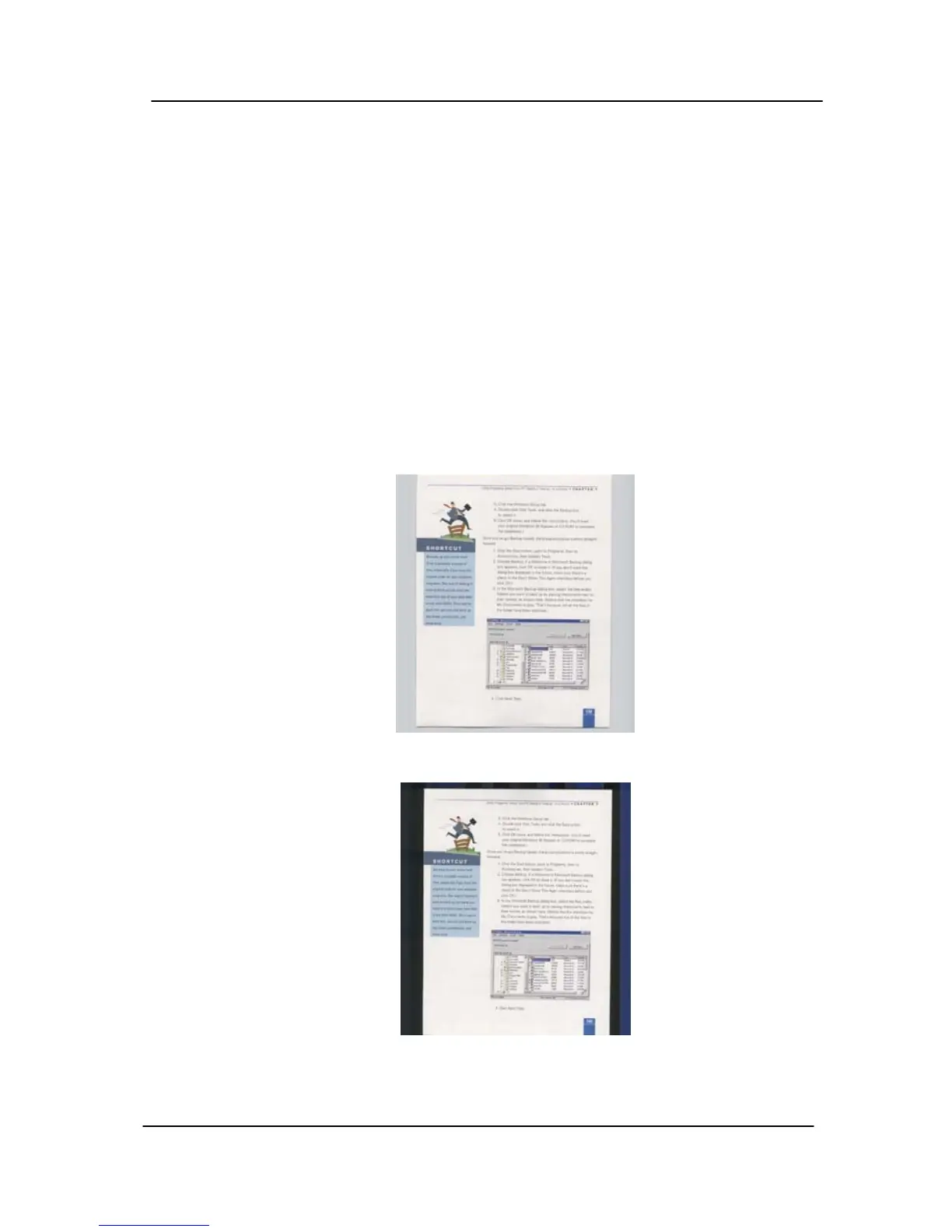
This option allows you to set your scan
background. Choice: White Background,
Black Background.
Note: For a sheet-fed scanner with an auto
document feeder, this option is currently
available only in the “Auto crop” mode. For a
scanner with a flatbed platen, this option is
available either in the “Auto crop” or the
“Fixed to Transport” mode.
For details on choosing the “Auto crop” or
the “Fixed to Transport” mode, please refer
to section 4.5.1, Cropping.
White Background
Black Background
4-53



 To Next Page