User’s Manual
Ultrasonic Detection
Ultrasonic Detection allows you to set overlapped document by
detecting paper thickness between documents. Note: The
availability of the function varies based on type of scanner.
There are two options available if Multi-Feed is detected.
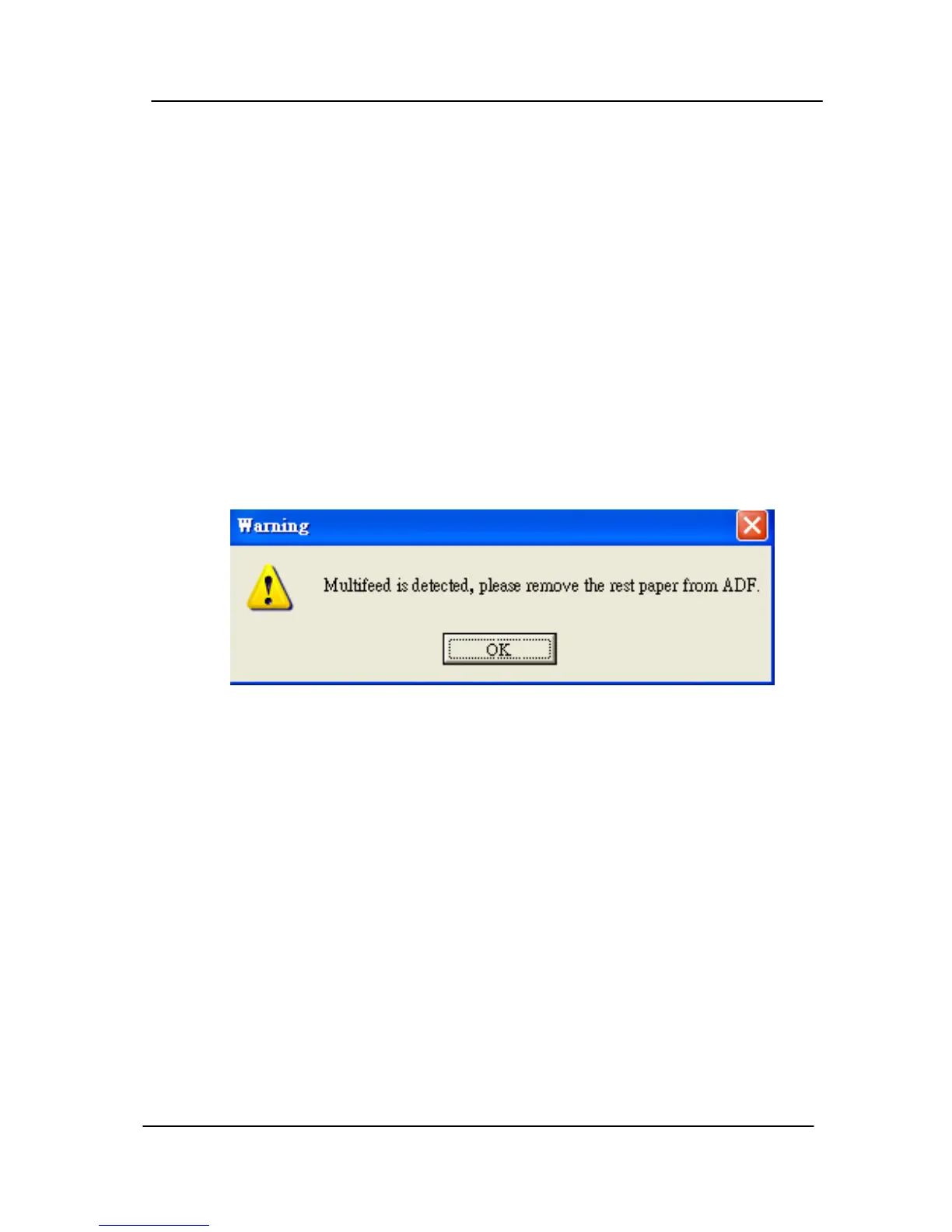
z Stop Scanning after Multi-Feed
If this is selected, the scanner will stop the feeder and
display the following Warning dialog box if multi-feed is
detected.
Action:
1. Follow the instruction on the Warning dialog box to
remove the rest pages on the feeder.
2. Click OK to close the Warning dialog box.
3. Scan the rest pages.
4-43



 To Next Page