User’s Manual
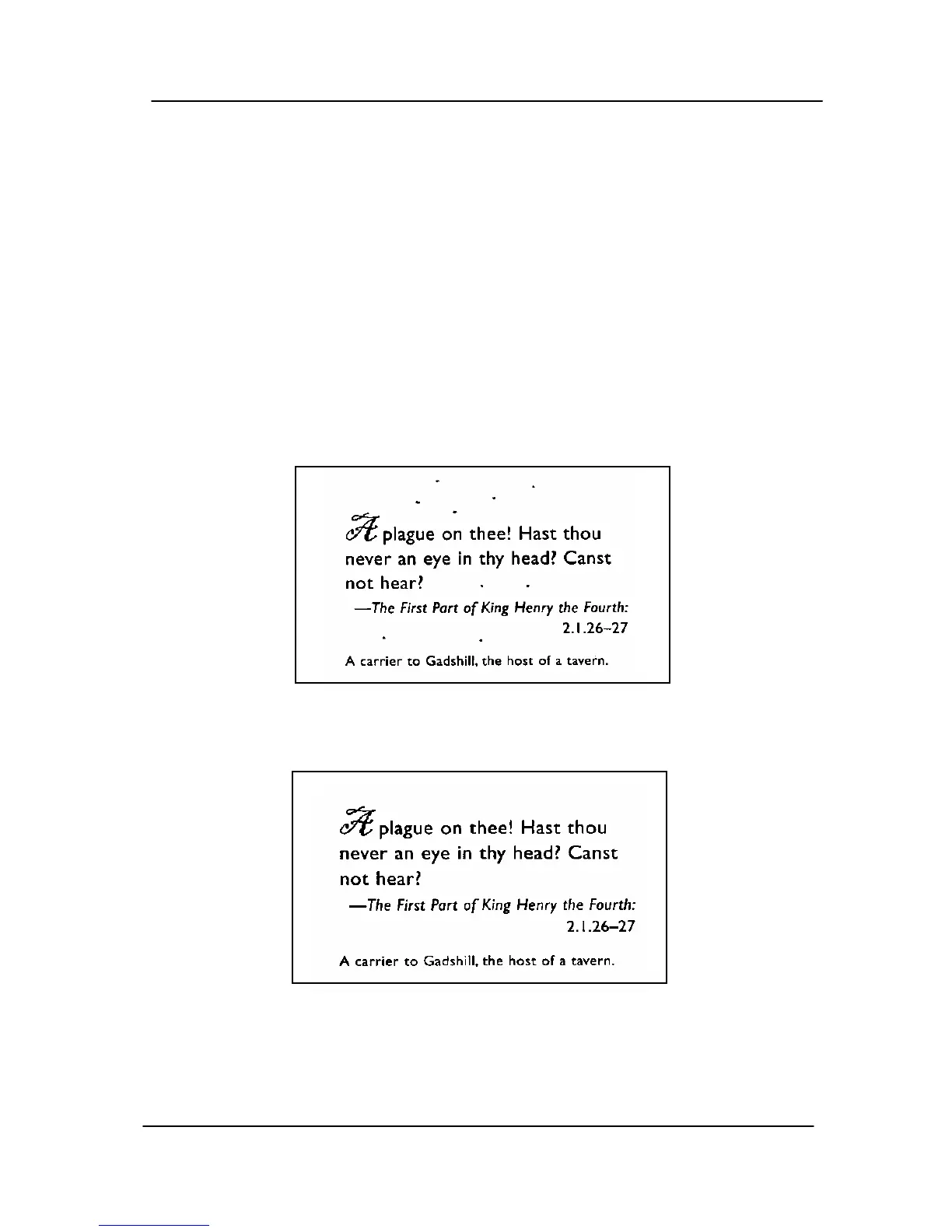
Despeckle
Occasionally small dots or specks appear in the background of
a scanned image. Remove unwanted speckles provides a
cleaner image for OCR (Optical Character Recognition)
processing, and also helps to reduce compressed file size.
Define the speckles (also known as image noise) you wish to
remove by specifying its number (size) and radius (range). The
measuring unit is pixel. The higher the number, the more
speckles will be removed.
Before Despeckle
(noise number:0, noise radius:1)
After Despeckle
(noise number:22, noise radius:10)
4-51



 To Next Page