5-15
Chapter 5. ADVANCED OPERATION
5-15
Chapter 5. ADVANCED OPERATION
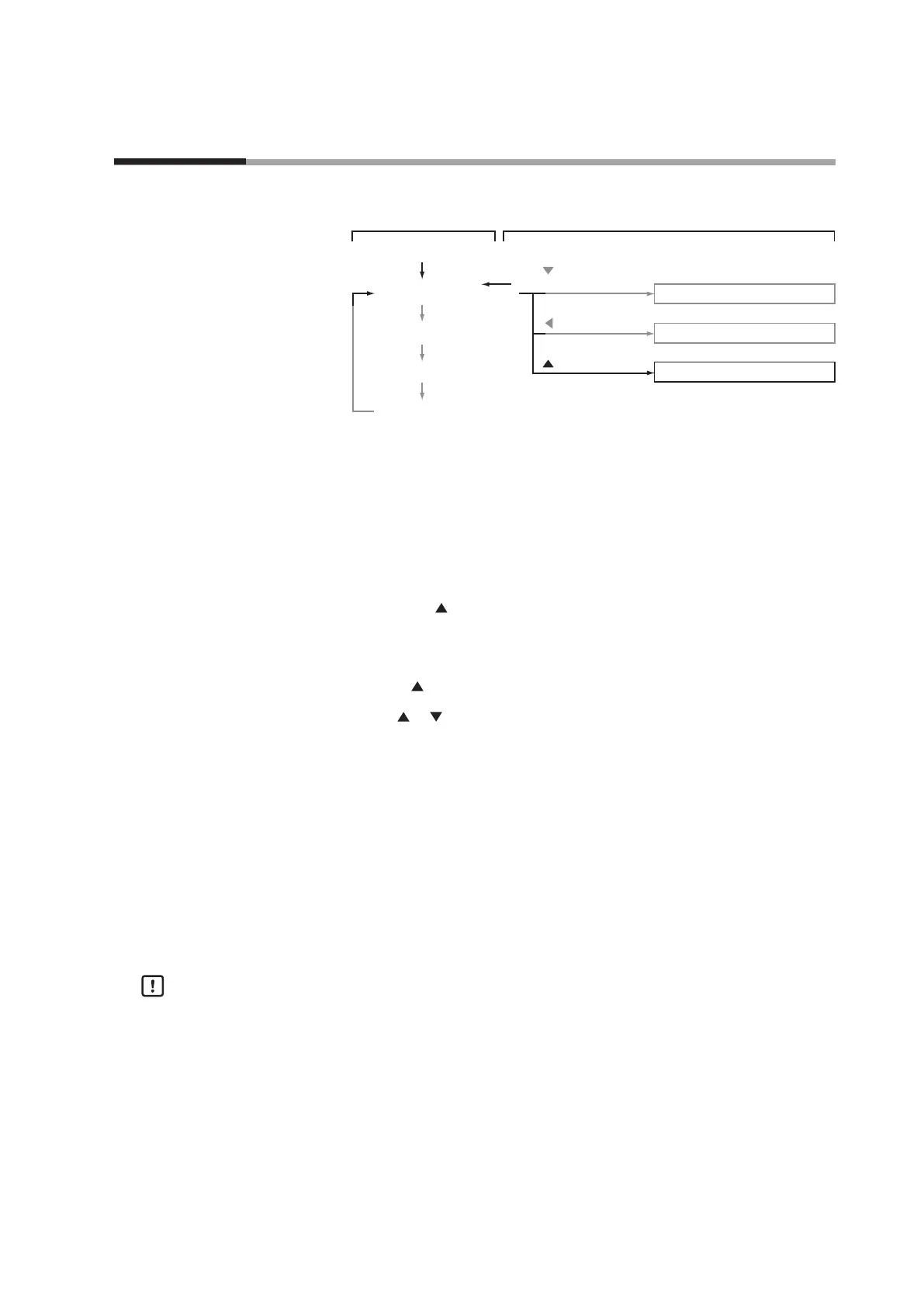
5 - 3 Device Information Display
This section describes device information display.
Instantaneous ow rate display
DISP key
Flow set value display
DISP key
Totalized ow display
DISP key
Power ON
Function setup mode
Parameter setup mode
Device information display mode
Basic operation
DISP key
Advanced operation
key (3 s or more)
key (3 s or more)
key + ENT key
(3 s or more)
DISP key
Setup method
Four items of those set on the device, that is, gas type, full-scale flow rate, reference
temperature, and communications address* are displayed sequentially.
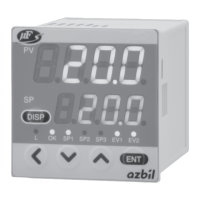
(1) Press the DISP key several times to display the instantaneous flow rate.
>> The instantaneous flow rate is displayed and the PV and L/min lamps light (the
mL/min lamp lights on the MQV9005/9020/9200)
(2) Hold down the
key for three seconds or more.
>> The GA5 is displayed on the 7-segment display and the mode changes to the
device information display mode.
(3) Release the
key once.
(4) Press the
or key to select the desired setting.
>> When releasing the key, the display item and currently set value are alternately
displayed automatically.
(5) If you want to set up other items, return to step (3) and repeat the procedure.
Otherwise, proceed to step (6).
(6) Press the DISP key.
>> The mode returns to the instantaneous flow rate display mode.
* The communications address is displayed only on models with the RS-485
communications option.
Handling Precautions
•
If you do not press any keys for one minute after entering the device
information display mode, the display automatically returns to the
instantaneous flow rate display.


 To Next Page