4-1
Chapter 4. BASIC OPERATION
4 - 1 Switching Displays
CAUTION
Do not operate the console keys using a sharp object such as a mechanical pencil or
screwdriver. Doing so might damage the console.
Basic operation
Basic operation is used to change the display to instantaneous flow rate (PV), flow
set value (SP), totalized flow value, or valve amperage.
Normally, when the power is turned ON, the instantaneous flow rate is displayed
in basic operation mode. When this is the case, operating the DISP key changes the
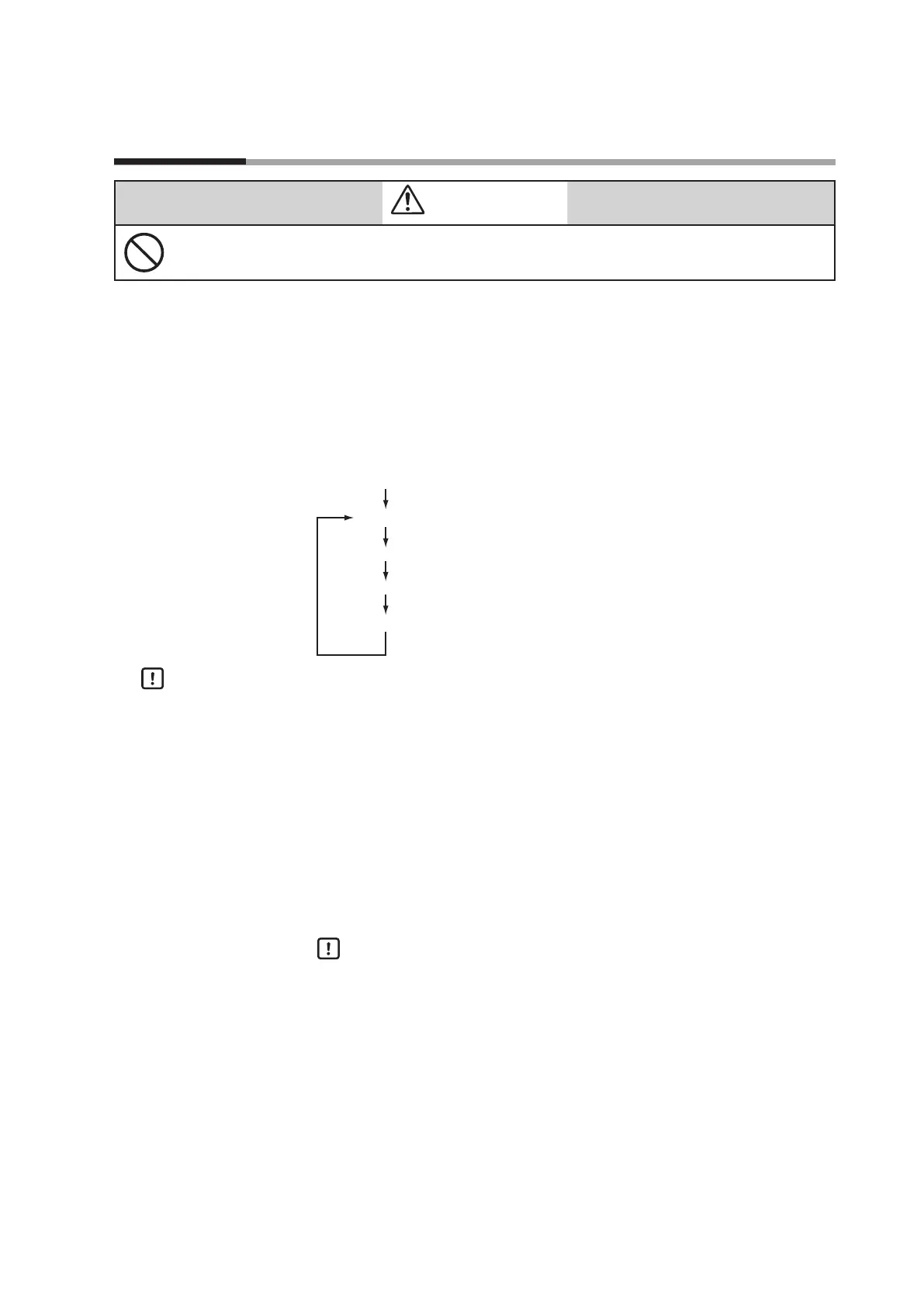
contents of the 7-segment display as described below.
Instantaneous ow rate display (PV and L/min lamps lit)
Flow set value display (SP and L/min lamps lit)
Totalized ow display (L lamp lit)
Valve amperage display (SP, PV, L, and L/min lamps
DISP key
DISP key
DISP key
DISP key
Handling Precautions
•
If there is no operator input for approximately 10 seconds while the flow set
value is being displayed, the display automatically reverts to the instantaneous
flow rate display.
•
On the MQV9005/9020/9200, the mL/min lamp replaces the L/min lamp.
On the MQV9005/9020, the mL lamp replaces the L lamp, and on the
MQV0050(J, K)/0200/0500, the m
3
lamp replaces the L lamp.
z
Indicating instantaneous flow rate (PV display)
When the power is turned ON, the PV and L/min lamps light, and the
instantaneous flow rate is indicated on the display.
Handling Precautions
•
When the operating mode is set to fully closed, and the flow rate is zero,
and when the operating mode is switched to the control mode or fully
open mode, the operating mode (
OFF
/
ON
/
FULL
) is displayed for about
one second.
•
When an alarm occurs, the alarm code and the PV are displayed
alternately.



 To Next Page