4-7
Chapter 4. BASIC OPERATION
Flow rate setup by external contact input (Advanced use)
When assigning "3: Switching of SP No." at external contact input function
assignment
C-
1
0
to
C-
1
2
in the function setup, up to eight SP values can be
changed by means of external contact ON and OFF combinations.
(1) When the number of preset SP values is set to 5 to 8 in function setup
C-04
.
Assign "3: Switching of SP No." to all of
C-
10
to
C-
12
in the function setup.
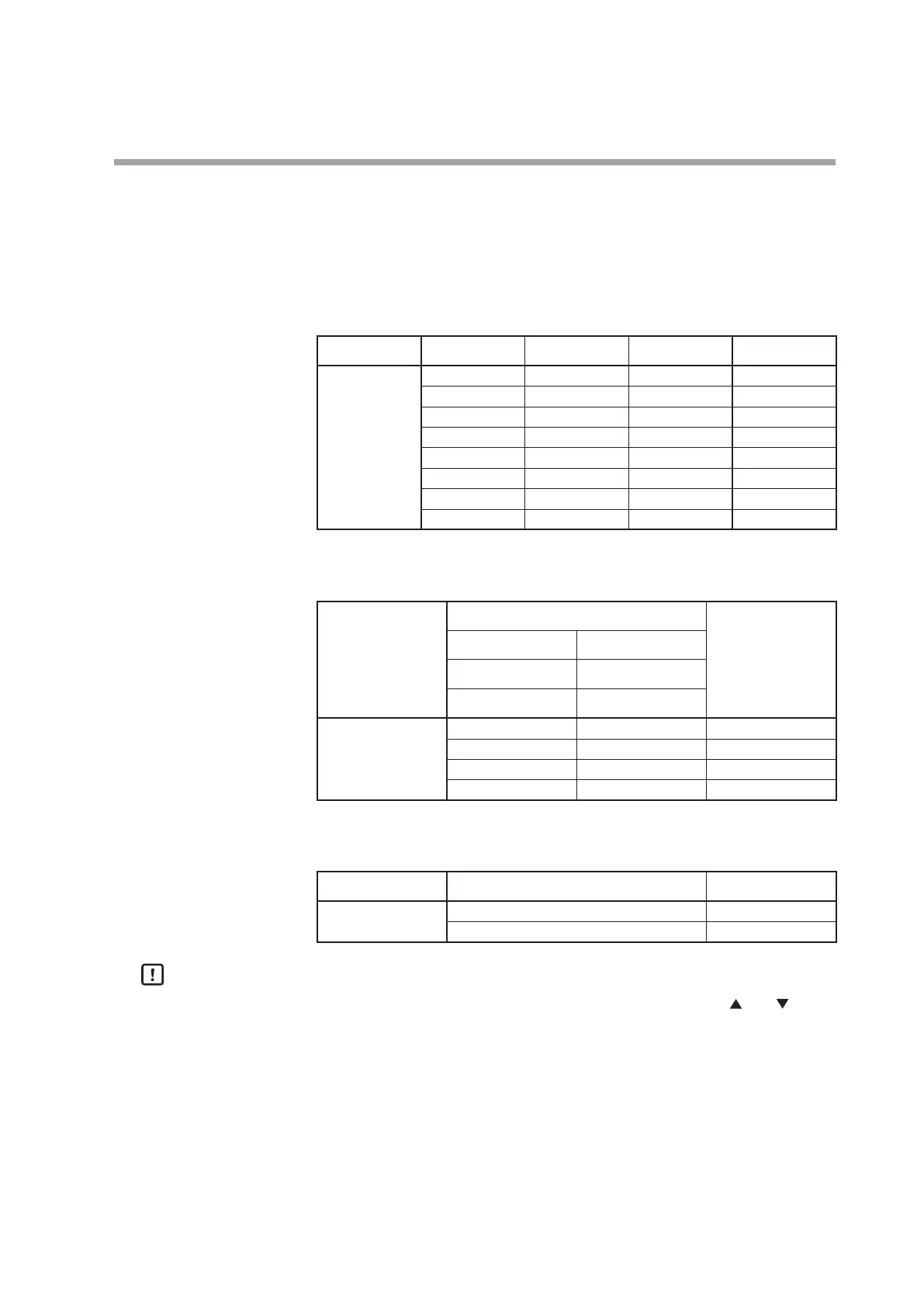
Input 3 (DI3) Input 2(DI2) Input 1(DI1) Selected SP
External contact
input state
OFF OFF OFF SP-0
OFF OFF ON SP-1
OFF ON OFF SP-2
OFF ON ON SP-3
ON OFF OFF SP-4
ON OFF ON SP-5
ON ON OFF SP-6
ON ON ON SP-7
(2) When the number of SP values is set to 3 or 4 in function setup
C-04
.
Assign "3: Switching of SP No." to two of
C-
10
to
C-
12
in the function setup.
External contact input pair
Selected SP
Input 2 (DI2) Input 1 (DI1)
Input 3 (DI3) Input 1 (DI1)
Input 3 (DI3) Input 2 (DI2)
External contact
input state
OFF OFF SP-0
OFF ON SP-1
ON OFF SP-2
ON ON SP-3
(3) When the number of SP values is set to 2 in function setup
C-04
.
Assign "3: Switching of SP No." to one of
C-
10
to
C-
12
in the function setup.
Input 1 to 3 (DI1 to DI3) Selected SP
External contact
input state
OFF SP-0
ON SP-1
Handling Precautions
•
When changing the SP number by external contact input, the and keys
cannot be used (but the SP value can be changed).



 To Next Page