Another possible solution is to close the software, unplug USB cable, wait
until Windows no longer see the keypad, then plug in back the USB cable
(make sure you are plugging in the USB directly in PC and not via USB hub!
So that it has enough power), open the software again.
If the PC still doesn’t recognize your keypad, it could be that firmware
installation have gone wrong, please check 6. TROUBLESHOOTING
section on how to fix that. Or alternatively you can contact Azeron
support via email info@azeron.eu or have a chat in Azeron Discord and
together we will get it back up and running.
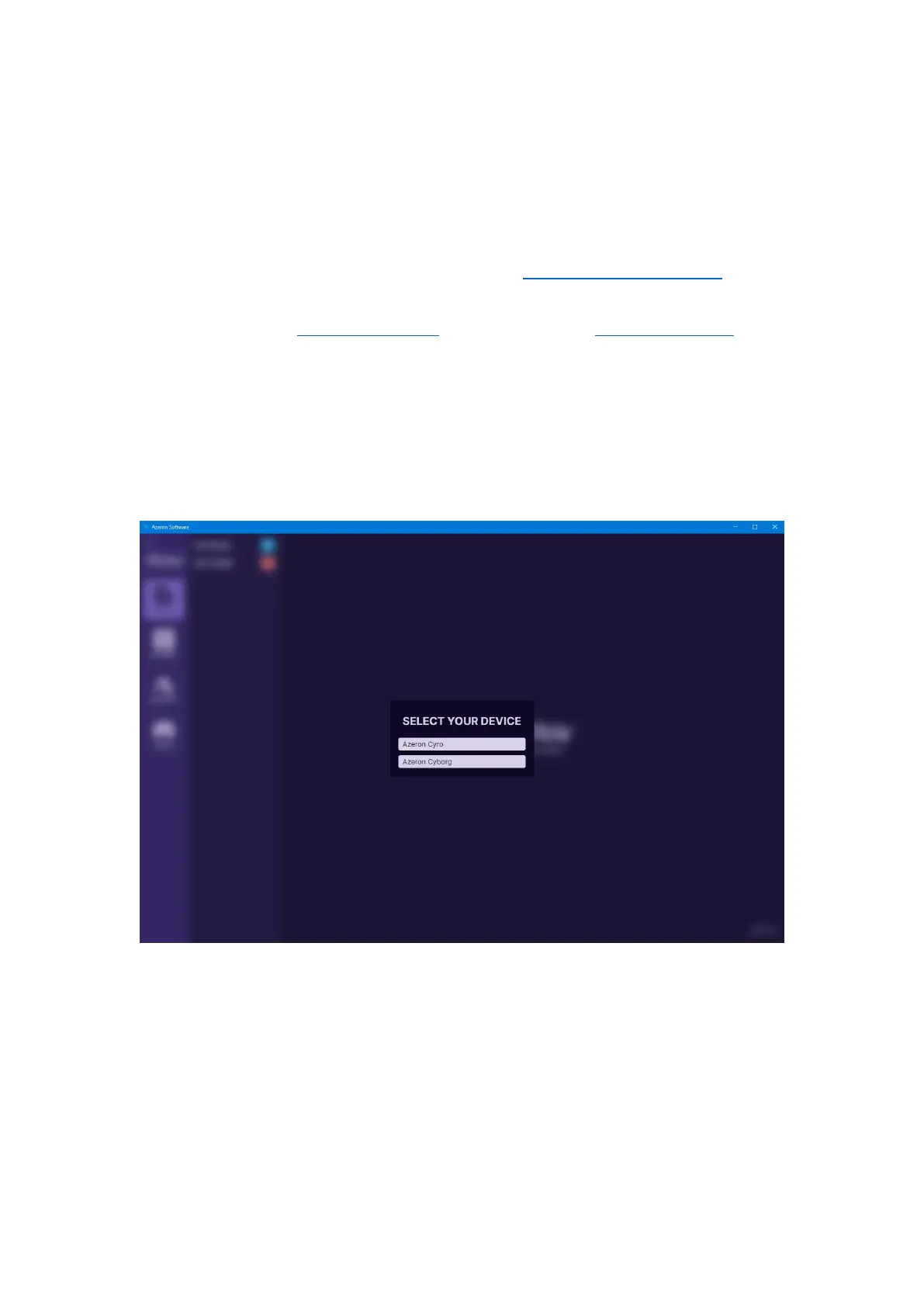
D) Another option is when software is asking to choose the device you
want to setup, if you have plugged in multiple Azeron devices. Choose the
Device you wish to configure.
It is possible to configure only one device at a time. The devices, that
you are not currently configuring, are running on a profile that is in the
on-board memory.



 To Next Page