7. TROUBLESHOOTING
7.1 KEYPAD IS NOT RECOGNIZED
If your PC or Azeron software doesn’t see your keypad or firmware
update failed, please follow these troubleshooting steps:
At the side of the keypad is LED lights on?
Yes -> Go to LED lights on
No -> Go to LED lights off
7.1.1 LED lights ON
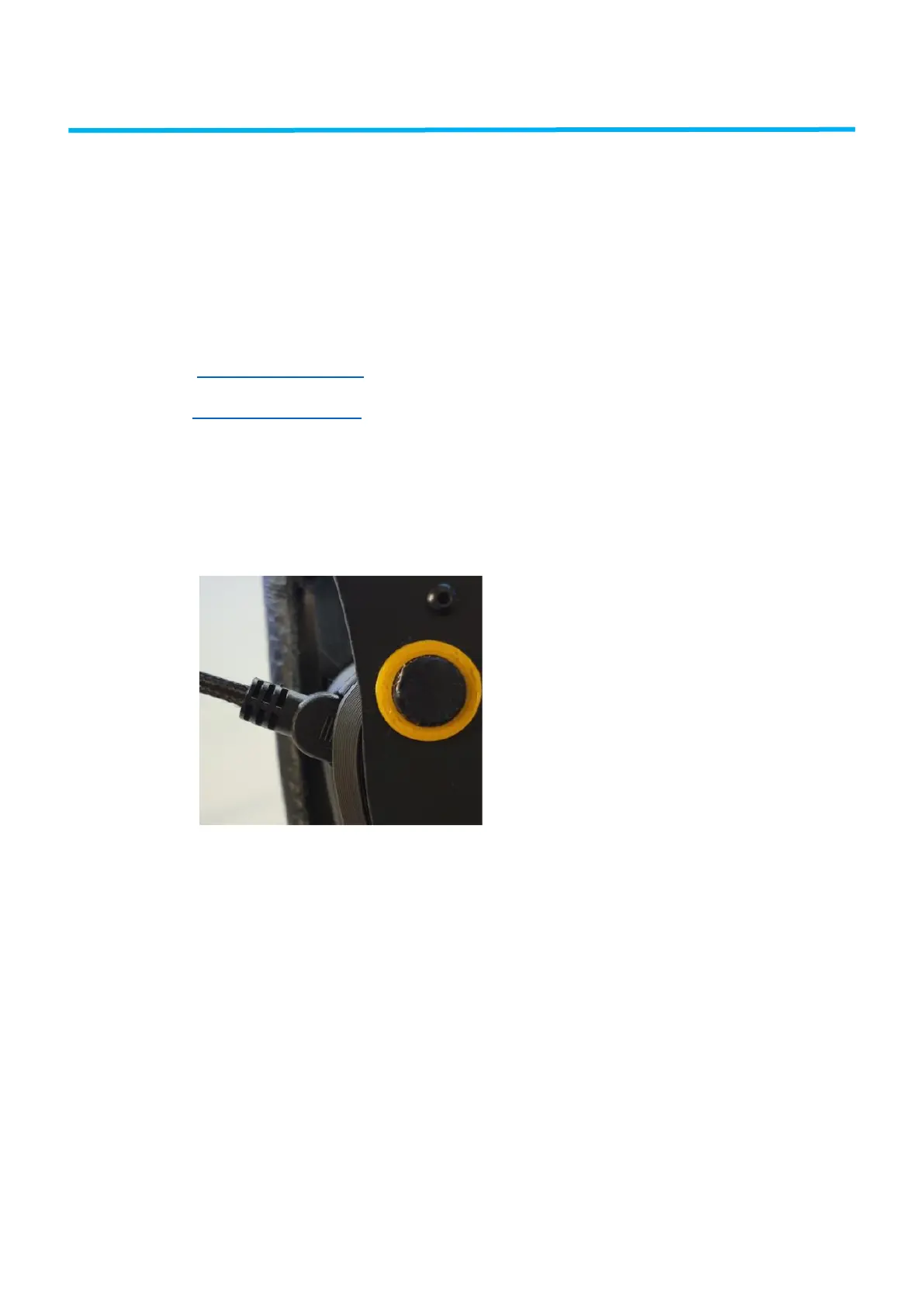
Make sure that the USB cable is securely inserted. It may require a
little wiggle when connecting. It should go in this far:
If you are using USB hub or cable extender, attempt connecting
the Azeron directly to the motherboard USB port using the
original cable.
Make sure no other controllers are connected. If they are, unplug
them and restart PC.
If reWASD software is installed, make sure you end its task and
also end task in rewasdservices from the task manager / services



 To Next Page