underneath the Azeron, then lift the palmrest off your keypad. Inspect the
wires if everything seems connected. Check for your non-functioning key
in the circuit diagram: https://docs.google.com/spreadsheets/d/1axo-
aO__DAPN0JLOLPwUEd83HLnrzD6jn3QIbucUIO4/edit#gid=1309746293
Disconnect the wire for that key and re-connect it again, making sure the
wire is making a clean contact and no insulation is stuck in the screw-in
clamp.
You can plug in your USB again while the palmrest is open to test the key,
just make sure you are not touching any of the wires or board while your
Azeron is plugged in!!!
7.2.3 Ghost clicks (chattering)
Step 1 – update the software and firmware to the latest release
Step 2 – in software Settings -> Troubleshooting -> Utilities press Reset
Device
Step 3 – create a new profile and check whether ghost clicks occur if
button is bound manually. If the issue doesn’t occur, it was caused by a
bad / corrupted profile
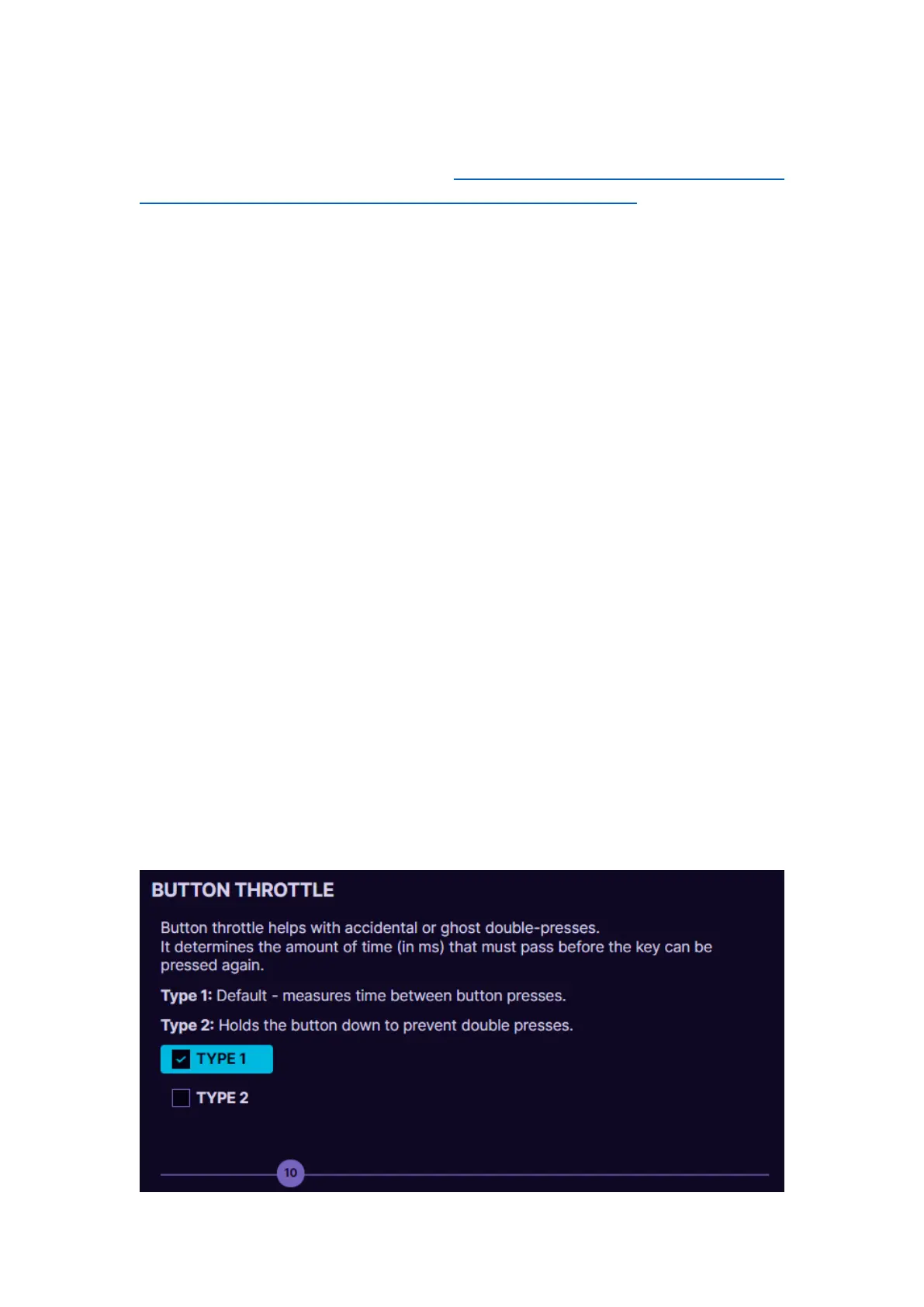
Step 3 – in Azeron software go to Settings -> Advanced -> adjust the
button throttle slider to higher numbers until the ghost clicks disappear.
You can also choose the Type 2 method which is more aggressive to
eliminate button ghost clicks. If the slider is to the maximum and none
of the methods helps, then most likely the switch inside the keypad has
expired and needs to be changed.



 To Next Page