Back
D-pad right, left, down and up
Right trigger, Left trigger
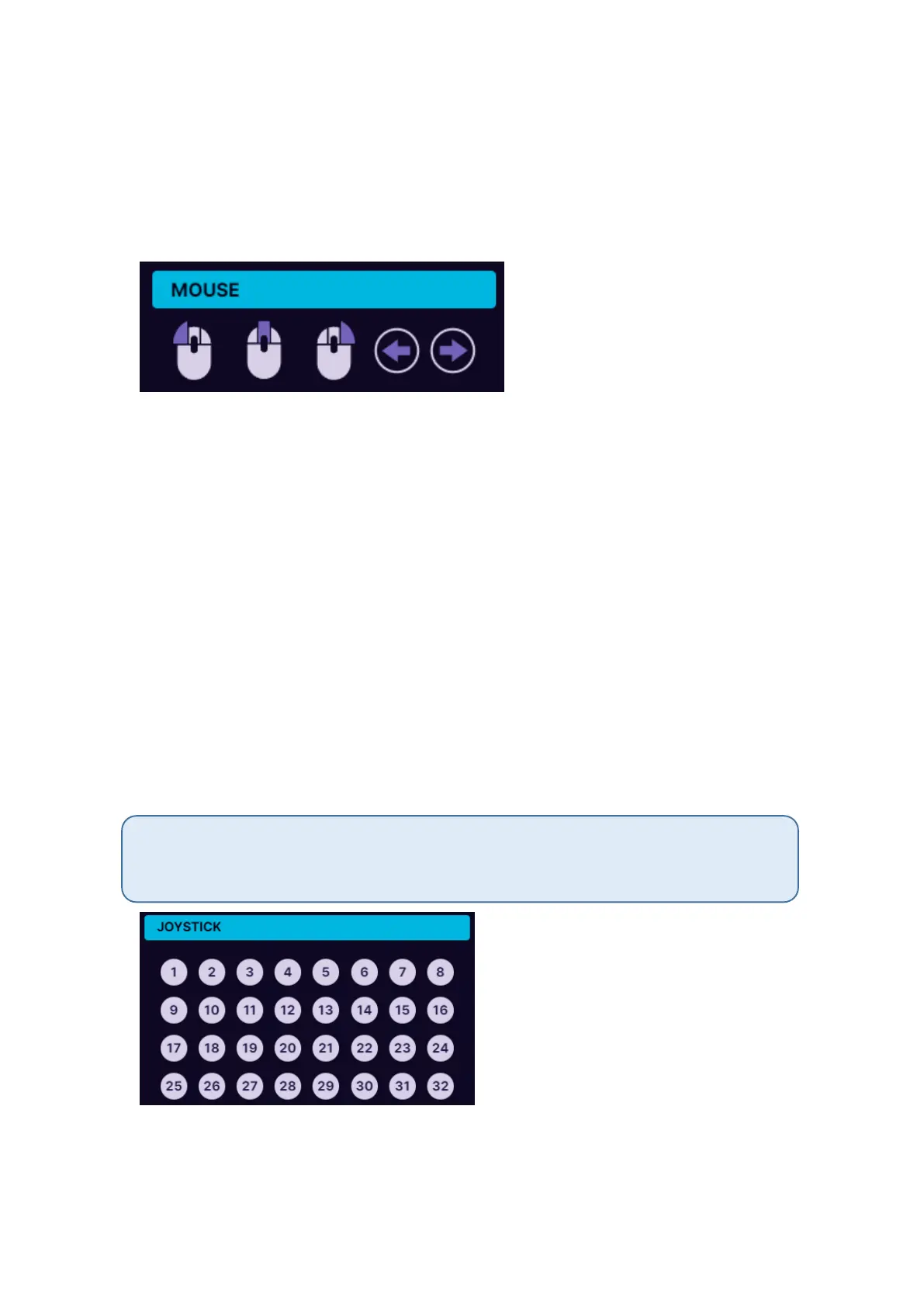
5.2.3. Mouse mode
Under mouse mode the Azeron keypad button can act as a mouse
buttons:
Left click
Middle click
Right click
Back
Forward
5.2.4. Joystick button
In joystick button mode the keypad will act as a generic controller button
(direct input of generic gaming controllers). If you are using Azeron
keypad on consoles through XIM device (or similar adapter), then you
need to setup all buttons as joystick buttons.
Upon receiving your Azeron keypad or after reinstalling firmware by default the second
profile in on-board memory will have all buttons setup as generic joystick buttons. So
you can use Azeron on console via XIM adapter straight out of box.



 To Next Page