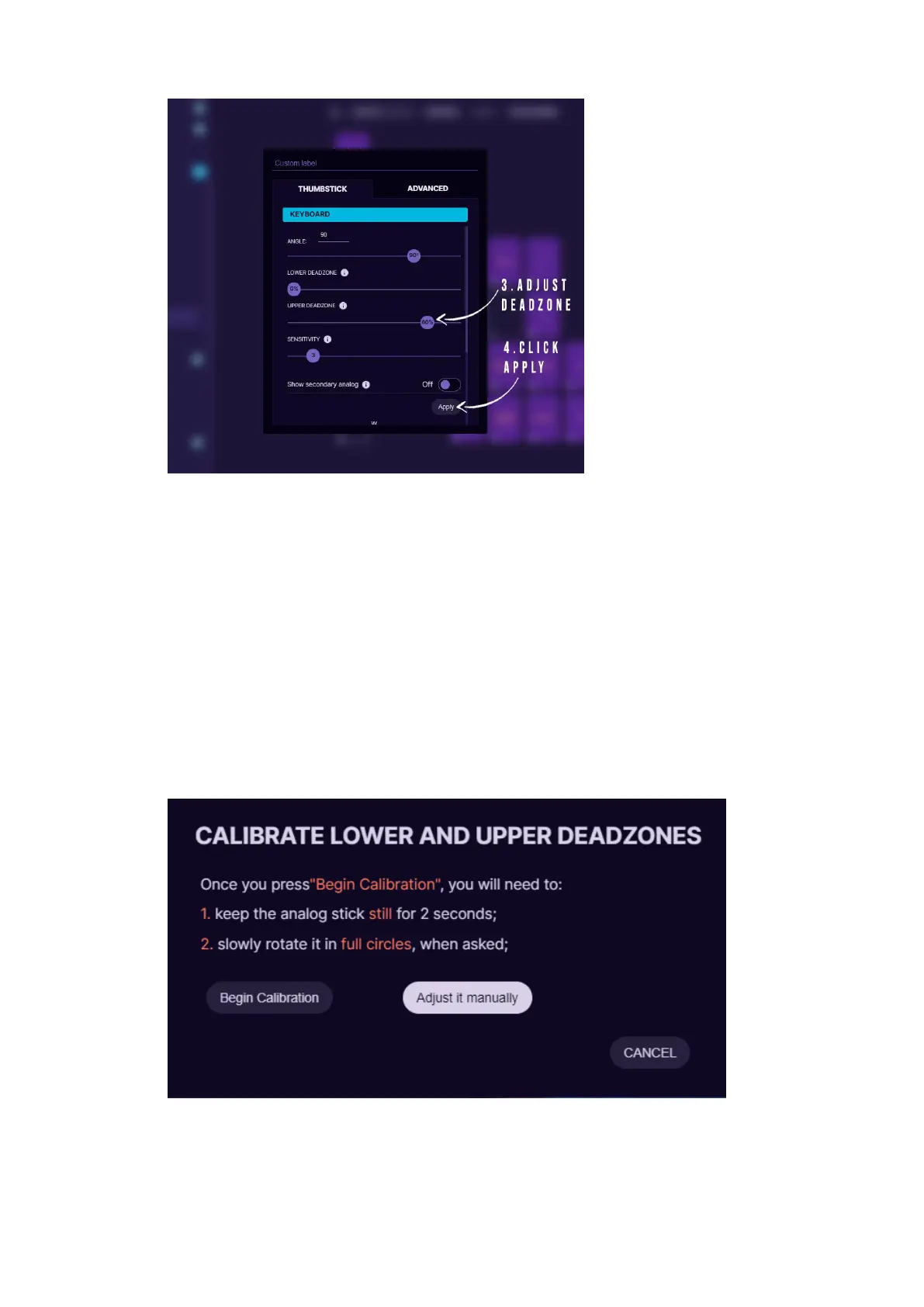
7. Take the upper deadzone and lower it to ~120 (or around 60% in
newer software versions). Make sure the thumbstick makes perfect
circle at the edge when moved around. If not, then lower the
deadzone even more.
If you wish to setup restrictor ring for all your profiles simultaneously,
then instead of adjusting the thumbstick setting for each individual
profile you need to go to Settings -> Analog Calibration -> Calibrate
and choose “Adjust it manually”. If you setup it this way, then make
sure to remove any upper deadzone setting in the individual profile, so
that they don’t stack up on each other.



 To Next Page