Unit Elements
4
Perfusor® compact, 2.1 gb 4 - 13
8. Pay attention to cable laying (please see Fig.: 4 - 14).
9. Close unit (see „Close Unit“ ➨ p. 4 - 4).
Note
Do not squeeze cable.
10. Calibrate in Service Program (see „Calibration after Replace-
ment of Drive“ ➨ p. 7 - 1).
4.14 Axial Positioner
Designation Ord. No.
Axial positioner . . . . . . . . . . . . . . . . . . . . . . . . . . . . . . . 3450 6659
Exchange
1. Open unit (see „Open unit“ ➨ p. 4 - 3).
2. Move drive arm to middle position and lock.
3. Loosen both screws on drive.
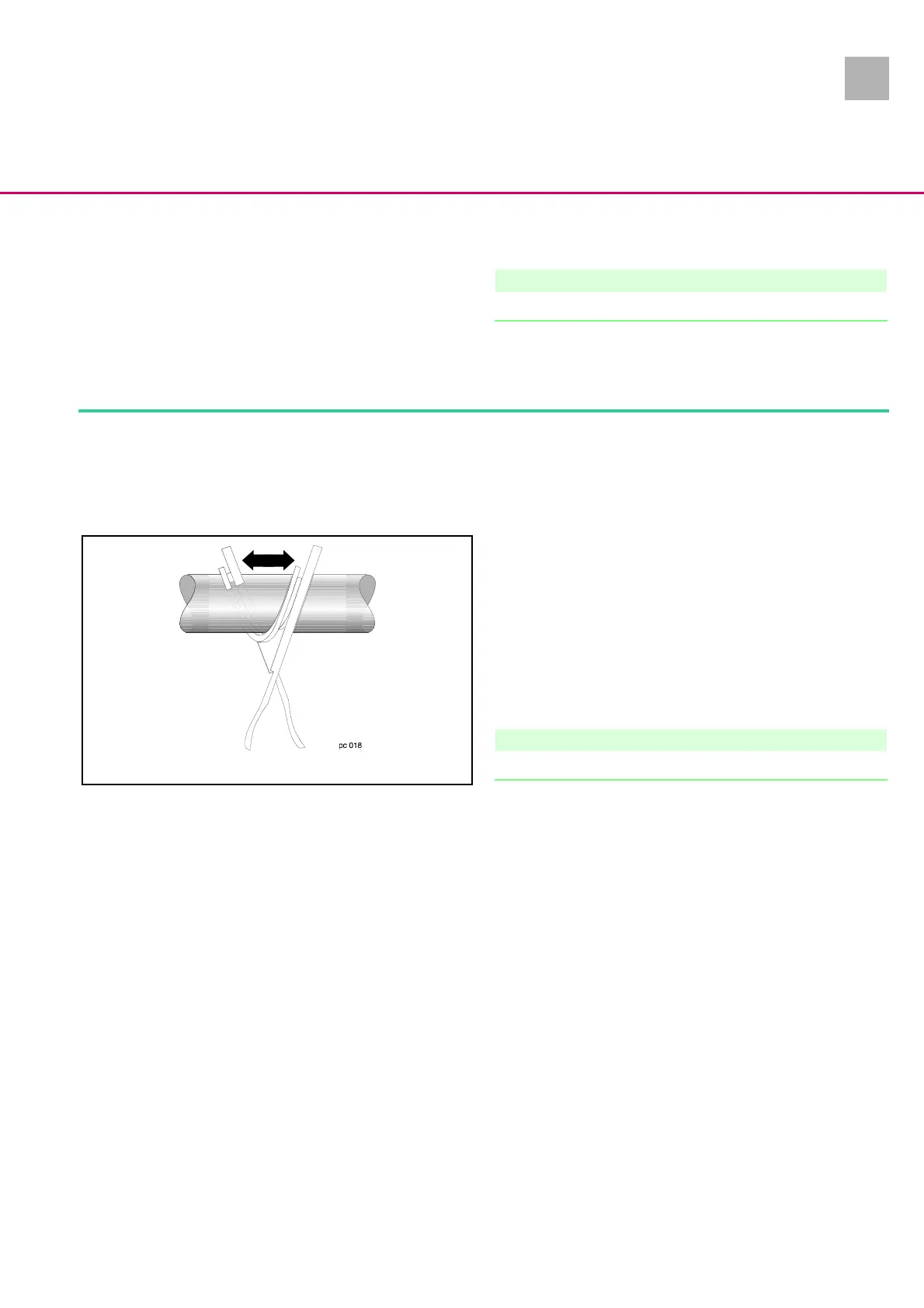
4. Lift drive until the axial positioner is free.
5. Remove axial positioner by forcing apart. Replace new axial
positioner and make sure that the scraper ring is correctly fit
-
ted.
6. Assembly is done in reverse order.
Note
Do not squeeze the cable (see „Close Unit“ ➨ p. 4 - 4).
7. Calibration is required in Service Program (see „Calibration
after Replacement of Drive“ ➨ p. 7 - 1), as the drive was dis-
mounted.
Fig.: 4 - 15












 To Next Page