ImagePRO-II • User’s Guide 121
5. Web Remote Control Operations
Configuring Outputs with the Web App Interface
^ÇàìëíáåÖ=lìíéìí=`çäçê=bÑÑÉÅíë=ïáíÜ=íÜÉ=tÉÄ=^éé=fåíÉêÑ~ÅÉ
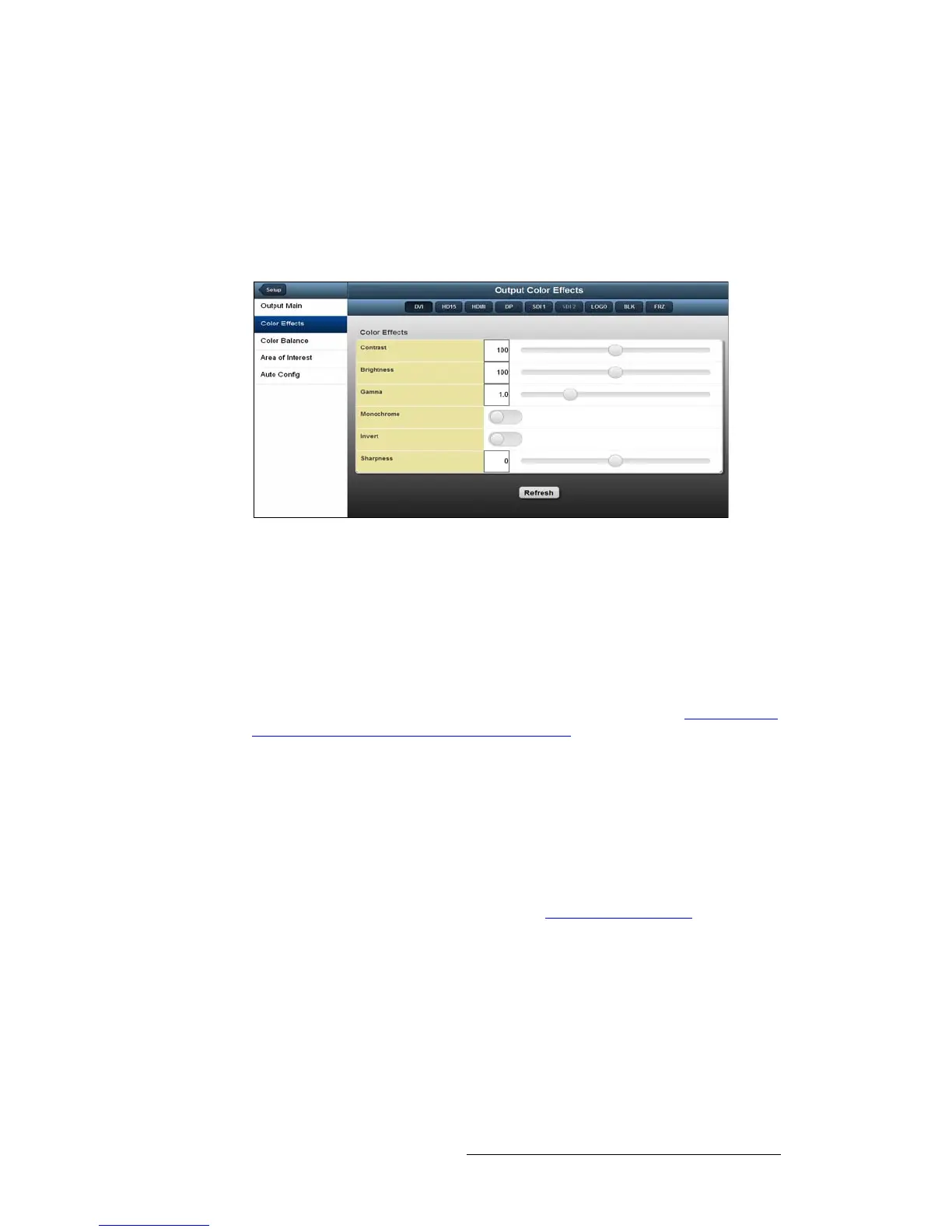
On the Color Effects page, you can change output color, brightness, gamma and
sharpness. You can also invert the color palette of an image, or set a color image to
monochrome.
To access Color Effects from the Home page, select Setup > Output > Output Main >
Color Effects.
Figure 5-23. Output Color Effects Page
On this page:
• The Contrast and Brightness settings are adjustable within a range of 0% to
200%. The default setting for both of these properties is 100%.
• Gamma is adjustable within a range of 0.3 to 3.0. The default setting is 1.0.
• The Sharpness option sets the sharpness or softness of the output image. The
range is from -10 (softest) to +10 (sharpest). The default value is 0.
For information about the Monochrome and Invert functions, refer to Changing the
Output Color Palette with the Web App Interface on page 121.
`Ü~åÖáåÖ=íÜÉ=lìíéìí=`çäçê=m~äÉííÉ=ïáíÜ=íÜÉ=tÉÄ=^éé=fåíÉêÑ~ÅÉ
On the Color Effects page, you can:
• Change a full-color image to a monochrome (grayscale) image. Monochrome is
either On or Off. The default setting is Off.
• Invert the colors in the image’s color palette by 180 degrees. The default setting
for Invert is Off.
To see examples of these color effects, refer to Setting Output Effects on page 58 of
Chapter 4.



 To Next Page