128 ImagePRO-II • User’s Guide
5. Web Remote Control Operations
Remotely Accessing Front-Panel Functions
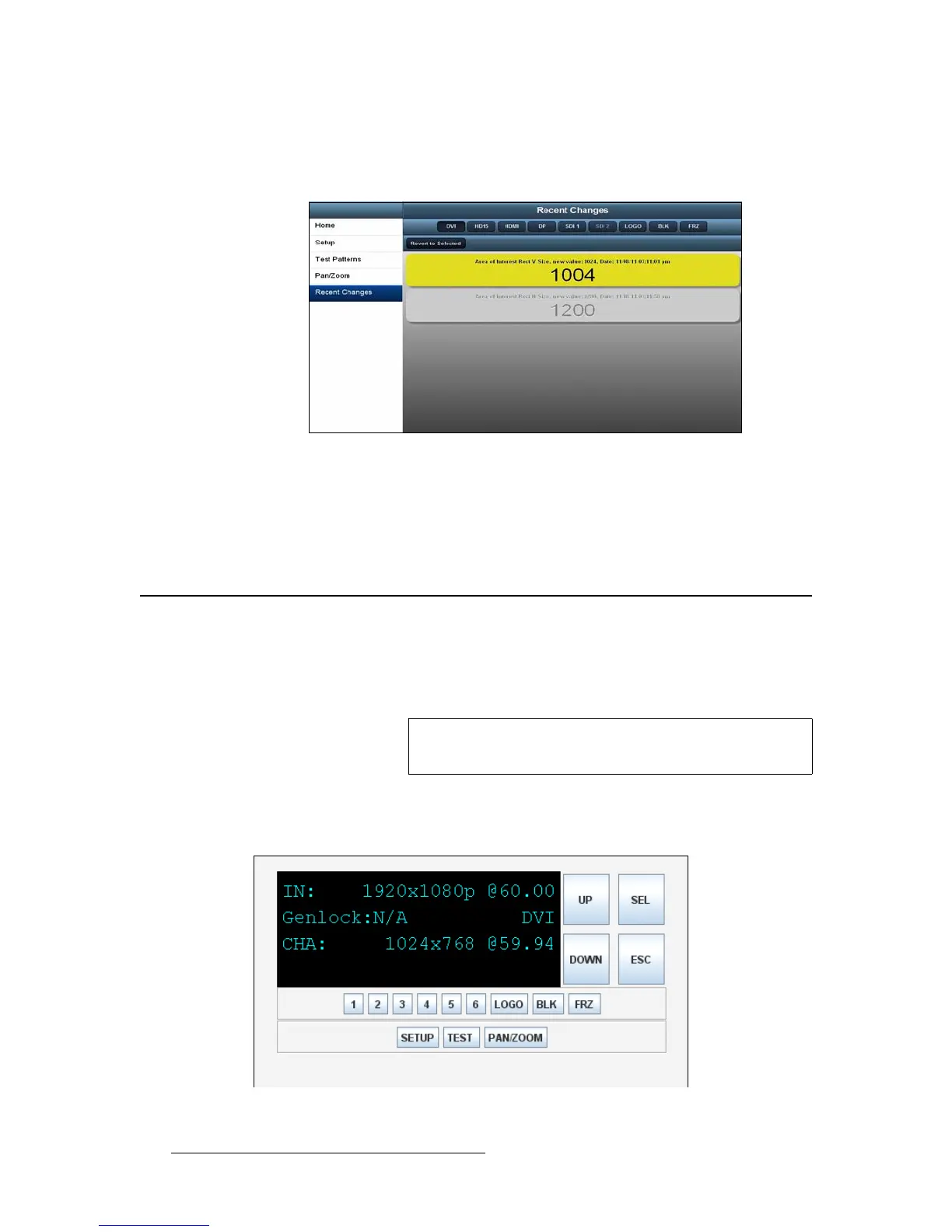
3. To change a value, select one or more fields. The background color of the
selected field(s) changes, as shown in the following illustration. The Revert to
Selected button becomes available.
Figure 5-30. Selection on the Recent Changes Page
4. Click Revert to Selected.
The selected settings revert immediately to their previous values, and they are
removed from this page.
oÉãçíÉäó=^ÅÅÉëëáåÖ=cêçåíJm~åÉä=cìåÅíáçåë
The Front Panel Emulator lets you access the ImagePRO-II front panel to augment Web
App Interface functionality when you operate the unit remotely. All front-panel menus and
buttons are available to you remotely through the Emulator.
As the following illustration shows, the Front Panel Emulator presents a replica of the four-
line display screen on the front panel. The content on the screen reflects the settings of the
ImagePRO-II to which you are connected.
Figure 5-31. Front Panel Emulator
Note
Because the Front Panel Emulator is a Java applet, it is not
available when using Apple devices.



 To Next Page