ImagePRO-II • User’s Guide 33
4. Menu Orientation
Configuring Inputs
`çåÑáÖìêáåÖ=fåéìíë
The Input Menu is used to adjust all parameters relating to inputs. Using this menu, you
can set all of the configuration options for the selected input.
This section provides detailed information about setting up and using inputs. To quickly
position and size video on an LED wall or monitor, refer to Setting up an LED Wall
on
page 94 of this chapter.
fåéìí=jÉåì=qêÉÉ
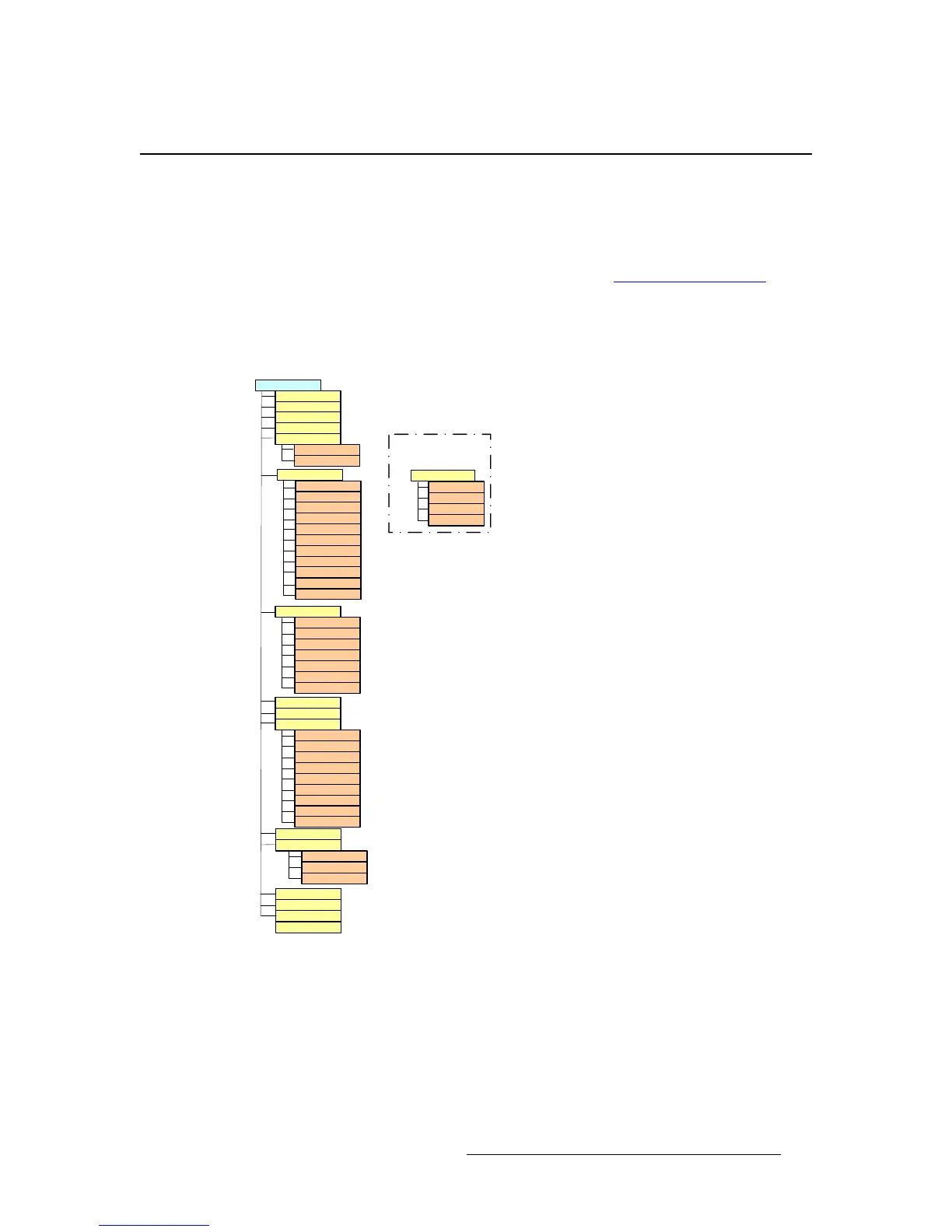
The following figure illustrates the Input Menu tree.
Figure 4-2. Input Menu Tree
Type
Input
Input F orm at
Colorspace
1:1 Sample
Aspect R atio
Set Mode
Ratio
Gamma
Processing
Pulldown Cmp
DeIntlc
Motion Thresh
Saturation
Contrast
Brightness
Recall C onfig
Save Config
Reset Config
Delete C onfig
Red Contrast
Red Bright
Grn Contrast
Grn Bright
Blue Contrast
Blue Bright
Hue
Color Balance
Reset All
Sizing Adjust
Mask Presets
Mask Left
V Size
H Pos
V Pos
Mask Top
Mask Bottom
Mask Right
H Size
Reset Mask
Reset Size
Timing Adjust*
Sample Phase
H Total
H Position
H Active
V Total
V Position
V Active
Edge Timing Adj
Right Edge
Left Edge
Top Edge
Bottom Edge
*When 1:1 Sample is off,
Timing Adjust becomes
Edge Timing Adjust:



 To Next Page