126 ImagePRO-II • User’s Guide
5. Web Remote Control Operations
Creating Pan and Zoom Settings with the Web App Interface
`êÉ~íáåÖ=m~å=~åÇ=wççã=pÉííáåÖë=ïáíÜ=íÜÉ=tÉÄ=^éé=fåíÉêÑ~ÅÉ
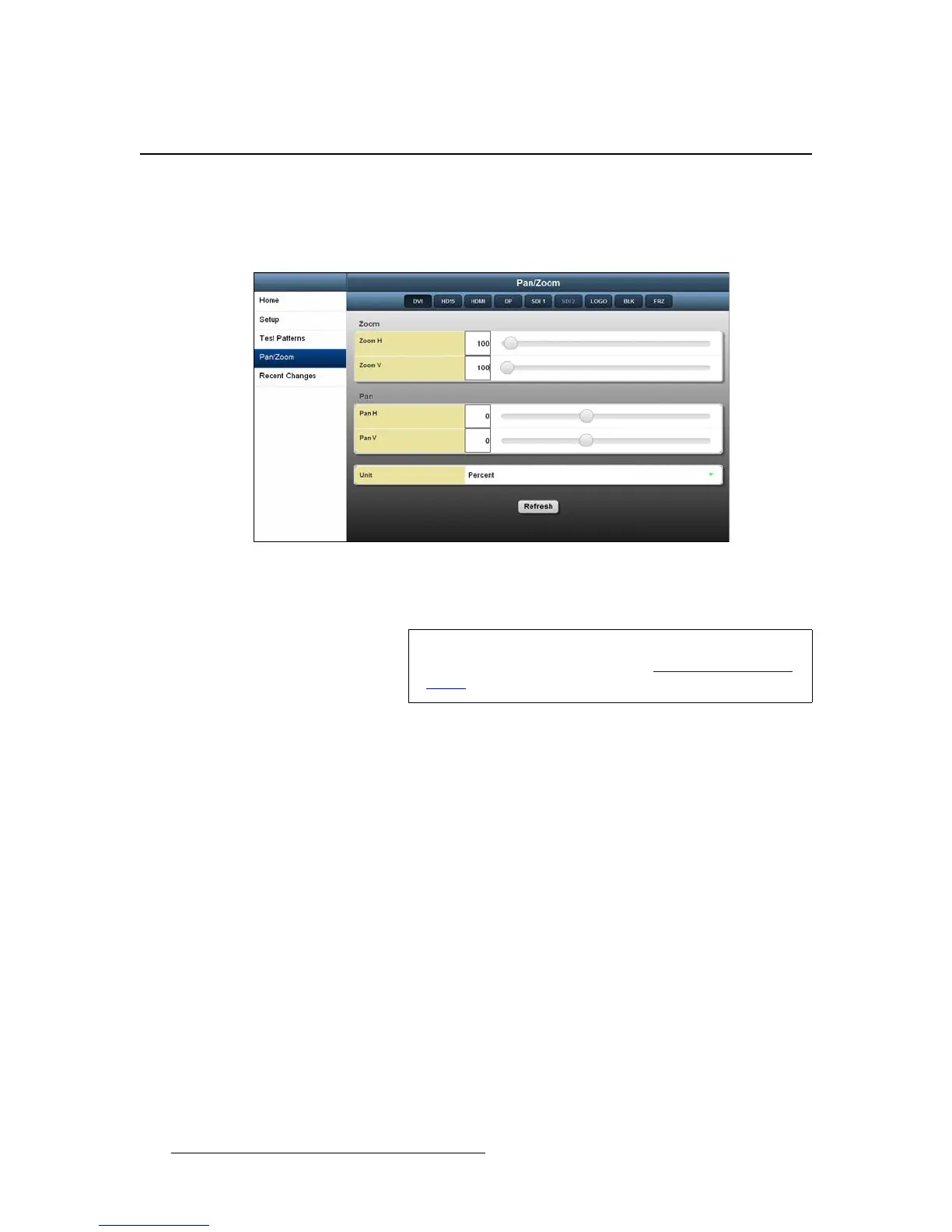
The Pan/Zoom page lets you zoom in or out on an image, and pan horizontally or vertically
to the portion you wish to display. You can assign the pan and zoom settings to an input
using this page.
Figure 5-28. Pan/Zoom Page
On this page, you can set pan and zoom values in pixels or percentages.
On the Pan/Zoom page, the options are:
• Zoom H and Zoom V define horizontal or vertical zoom settings individually. The
default setting is the maximum number of pixels (Zoom H) and lines (Zoom V).
You can increase or decrease these values.
• Pan H and Pan V adjust horizontal and vertical pan settings individually.
• Unit defines the units you are working in — either pixels or percentages.
Note
If you wish to save your settings, you can do so from the front
panel. For more information, refer to Creating and Saving
Views in Chapter 4, on page 71.



 To Next Page