124 ImagePRO-II • User’s Guide
5. Web Remote Control Operations
Configuring Outputs with the Web App Interface
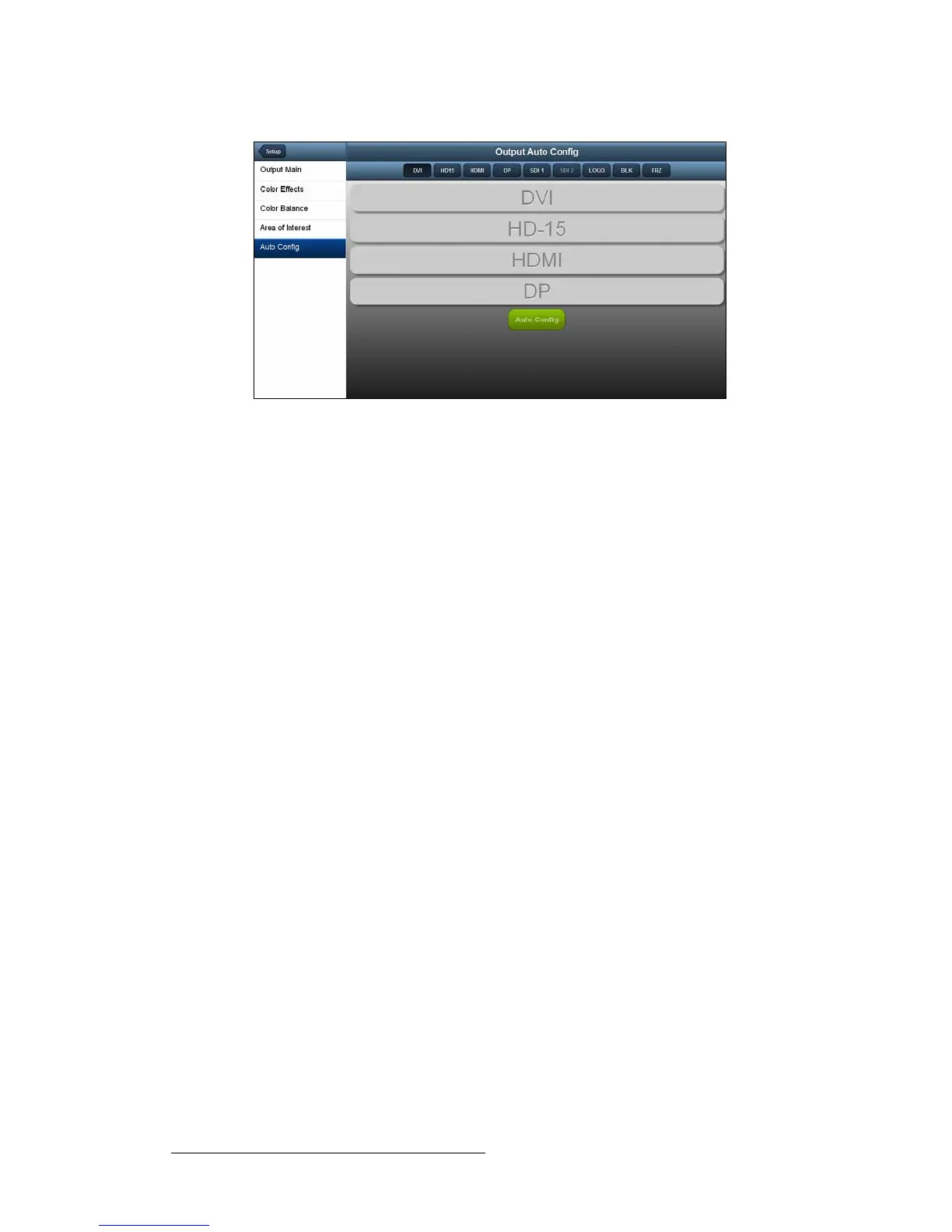
Figure 5-26. Output Auto Config Page
To let the output device change the output format of the ImagePRO-II, use the
following procedure:
1. On the Output Auto Config page, select the field for one of the outputs.
2. Click Auto Config.
If a change is required, the change takes effect immediately. If the change is not
successful, an error message appears below the Auto Config button. In this case,
check that the output display is connected and try again.



 To Next Page