130 ImagePRO-II • User’s Guide
5. Web Remote Control Operations
Remotely Accessing Front-Panel Functions
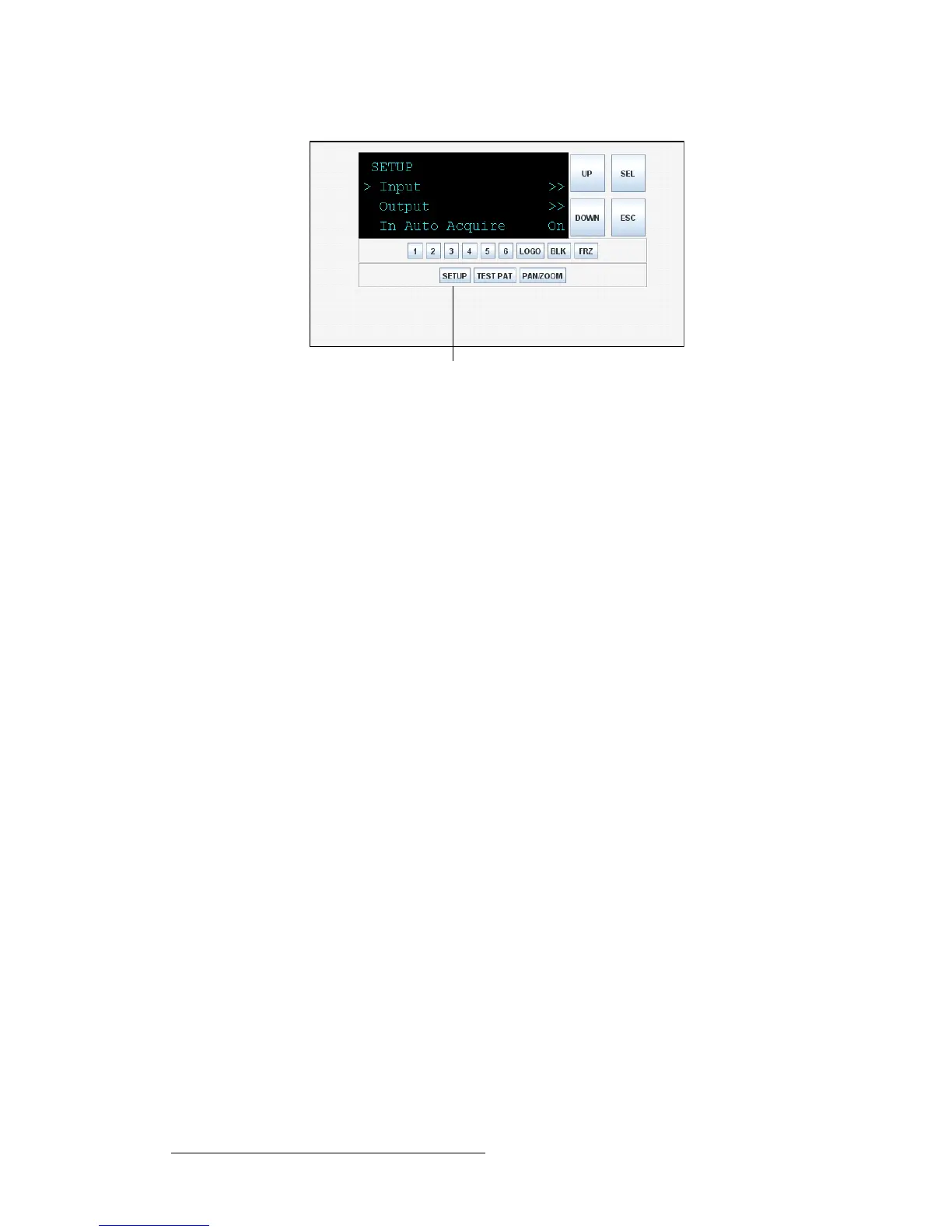
Figure 5-33. Setup Menu — Front Panel Emulator
5. Use the DOWN button to scroll down through this menu. Click SEL to select an
item.
Continue using the navigation buttons to scroll through menu options and make
selections.
6. To exit the Setup Menu and return to the Status Menu, click SETUP again. Or
click another button to work with a different input, a test pattern, or one of the
effects.
bñáíáåÖ=íÜÉ=cêçåí=m~åÉä=bãìä~íçê
To exit the Front Panel Emulator, click the Back button or arrow on your web browser.
You return to the System Information tab of the interface.



 To Next Page