24 ImagePRO-II • User’s Guide
4. Menu Orientation
Power-Up Initialization
mçïÉêJré=fåáíá~äáò~íáçå
Connect power to the ImagePRO-II, then locate the power switch on the rear panel and
turn power On. While the system is initializing, the front-panel buttons light up one at a
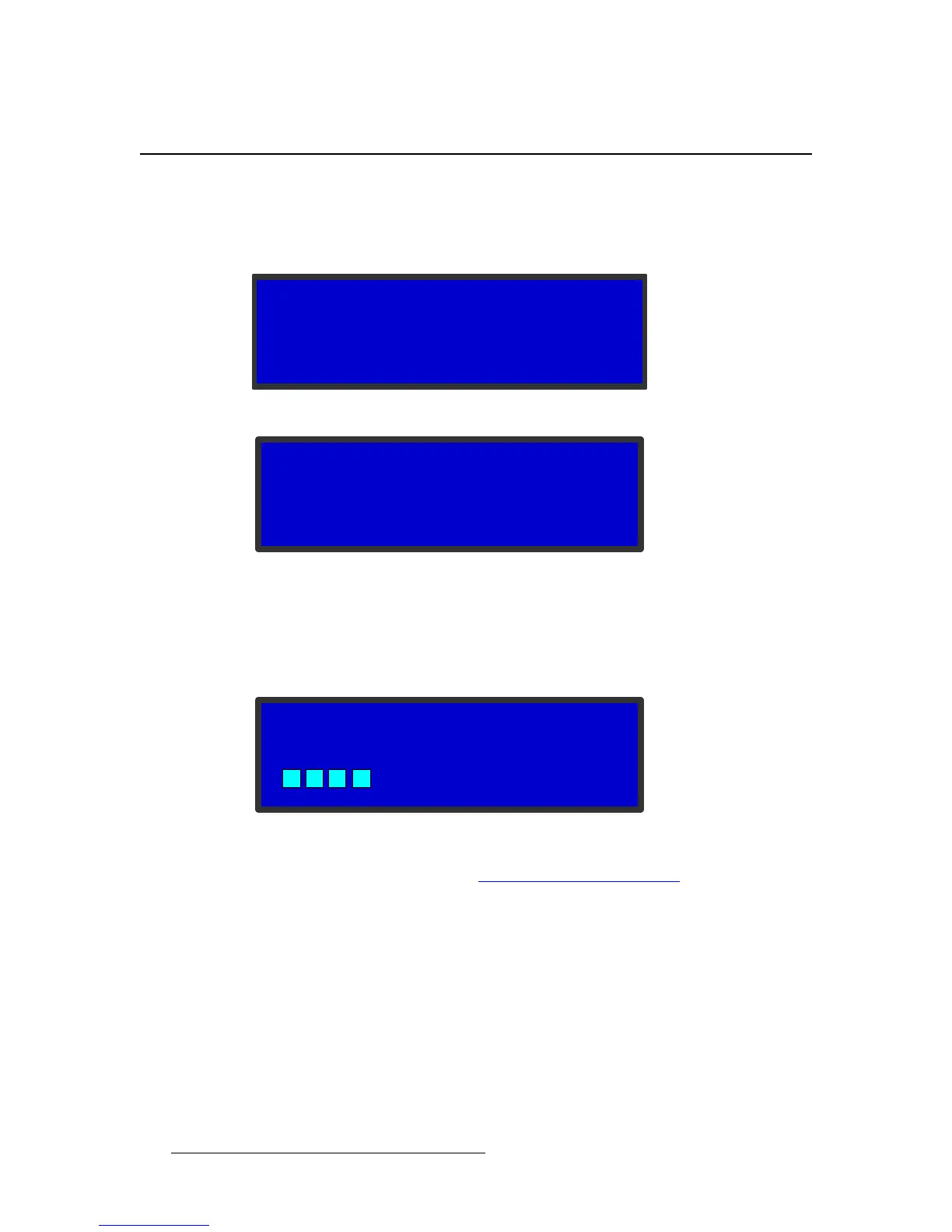
time, and the following messages are displayed.
Figure 4-1. System Initialization Message 1
Figure 4-2. System Initialization Message 2
The version number in the preceding menu shows the software version that is installed.
This version number changes as you install software upgrades.
When you initialize an ImagePRO-II that has a stored logo, a message like the one in the
following illustration appears during initialization.
Figure 4-3. Logo Initialization Message
For information about logos, refer to Using a Logo or Internal Black on page 89.
After system initialization is complete, the Status Menu appears.
Program Loading
Please Wait
ImagePRO-II
Barco Inc
Version 1.00
Initializing…



 To Next Page