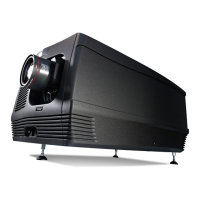
10. Removal and installation of the projector covers
10. R EMOVAL AND INS TALLATION OF THE PROJEC TOR
COVERS
WARNING: All procedures in this chapter may only be performed by “qualified service technicians” .
WARNING: Disconnect the power to the circuit mains terminals and unplug the power cord at UPS INLET,
unless otherwise specified in t he proced ure.
Overview
• Removal of the lamp c over
• Removal of the rear cover
• Removal of the input cover
• Removal of the front cover
• Removal of the side c over
• Installatio n of the front cover
• Installatio n of the input cover
• Installatio n of the lamp cover
• Installatio n of the rear cov er
• Installatio n of the side cover
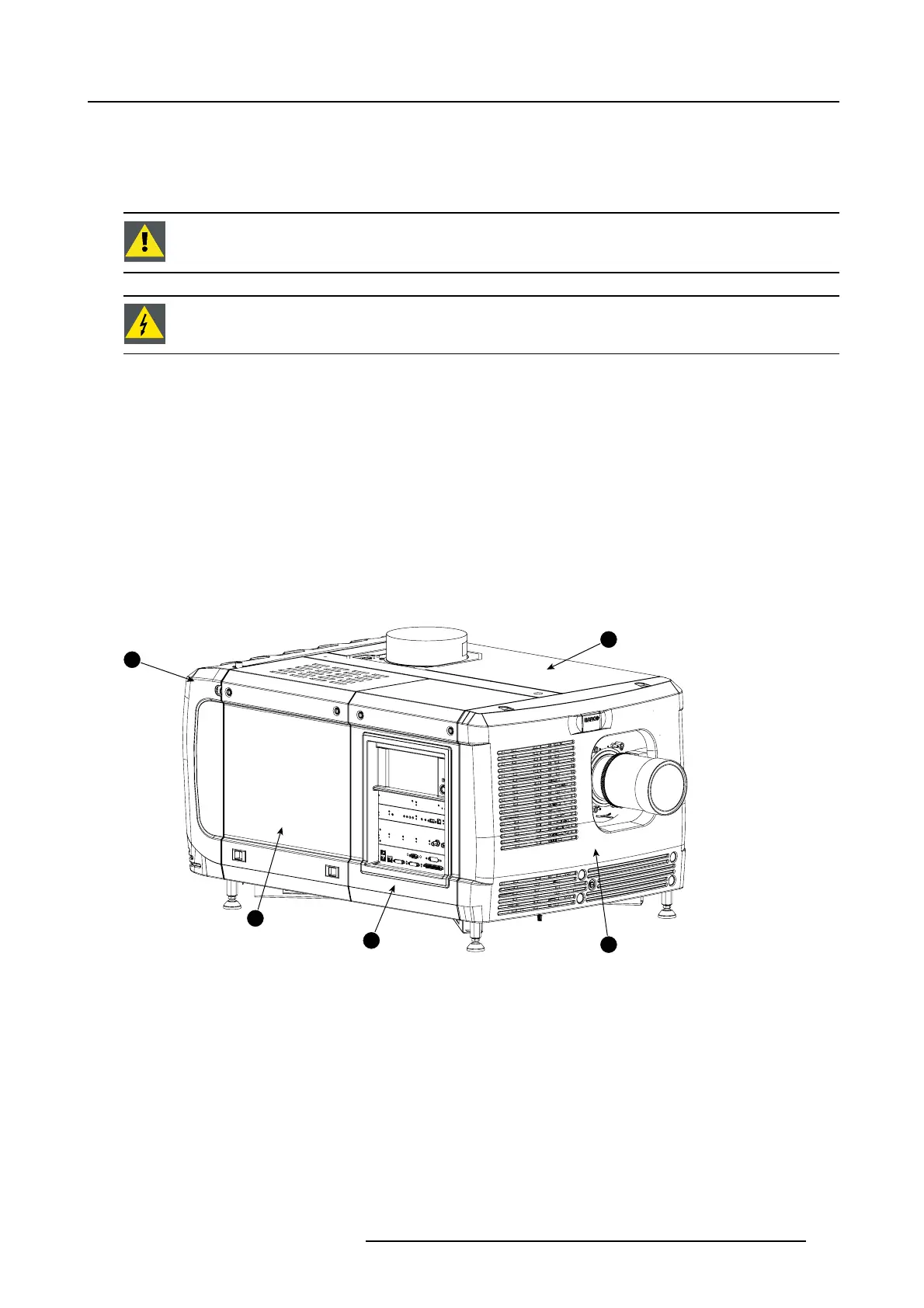
Location of the covers
1
2
3
4
5
Image 10-1
Location of the covers
1 Lam p cover
2 In put cover
3 F ront cov er
4
Side cover
5
Rear cover
All cover can be individually r emov ed.
R5905963 PROMETHEUS SERIES 09/03/2015
131


 To Next Page