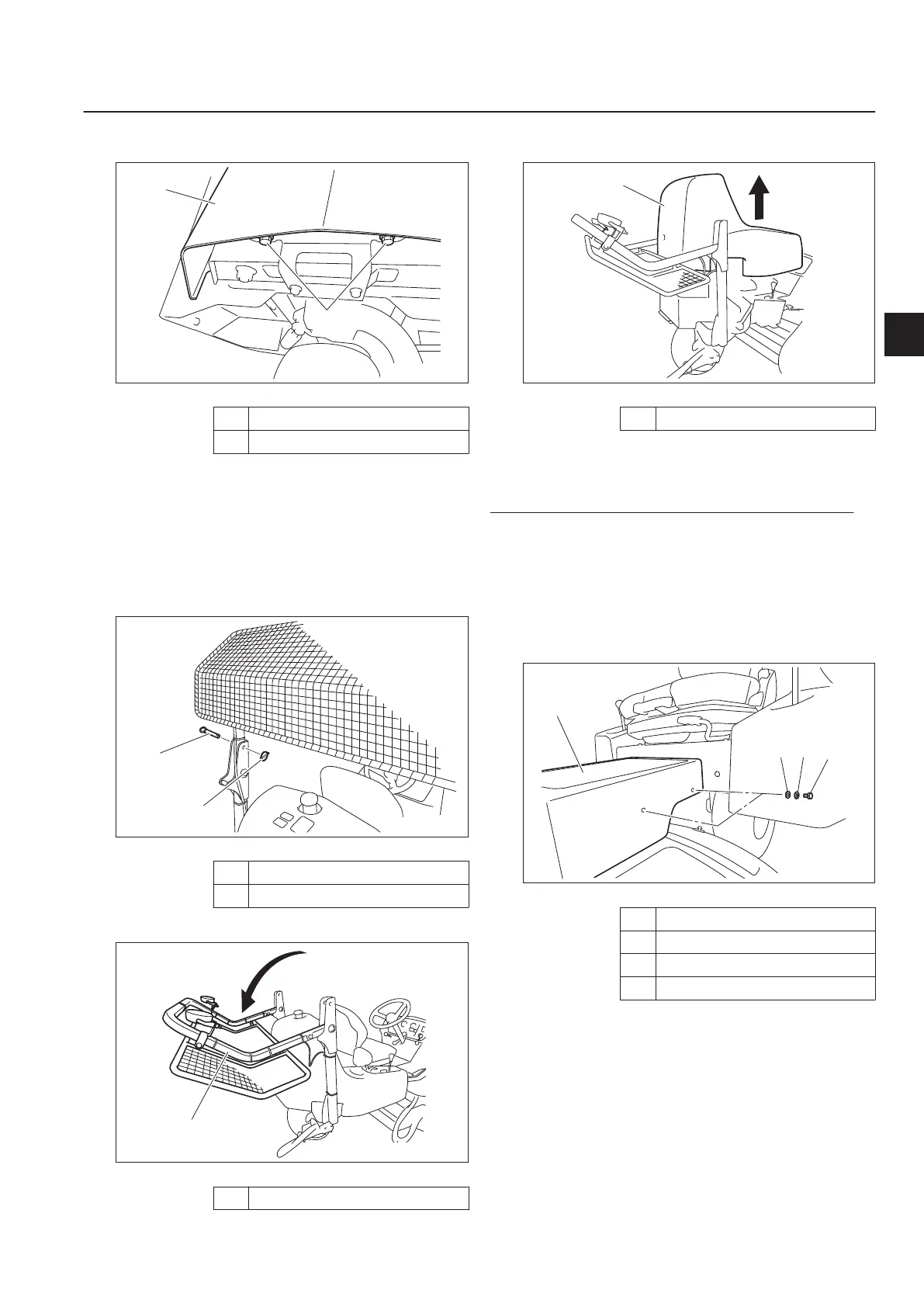
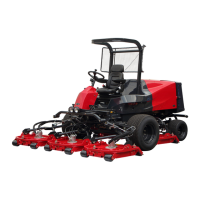
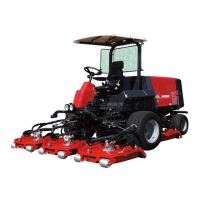
Rear mounting bolts (two)
Removing and Installing of Rear Cover_002
1
Rear cover
2 Bolt
Bring the seat to the very front position.
If the ROPS or the ball proof net is installed,
follow the steps below to fold back the
ROPS.
Remove the clip pins on the left and right
sides of the ROPS, and then remove the
lock pins.
Removing and Installing of Rear Cover_003
1
Clip pin
2 Lock pin
Fold back the ROPS.
Removing and Installing of Rear Cover_004
1
ROPS
2.
3.
[1]
[2]
Pull up the rear cover to remove it.
Removing and Installing of Rear Cover_005
1
Rear cover
For installing the rear cover, reverse the
removing procedure.
Removing and Installing of Center Cover
Removing procedure:
Bring the seat to the backmost position.
Completely raise the steering wheel.
Remove the bolt on each side of the
center cover.
Remove the center cover.
Removing and Installing of Center Cover_001
1
Center cover
2 Bolt
3 Spring washer
4 Washer
Installing procedure:
Bring the seat to the backmost position.
Completely raise the steering wheel.
Install the center cover with the bolts.
4.
5.
1.
[1]
[2]
[3]
[4]
2.
[1]
[2]
[3]
Handling Instructions
LM331
Handling Instructions
Page 5-3
Operations Before Service


 To Next Page