Enabling channels into scan tables in transceivers with channel programming locked
out.
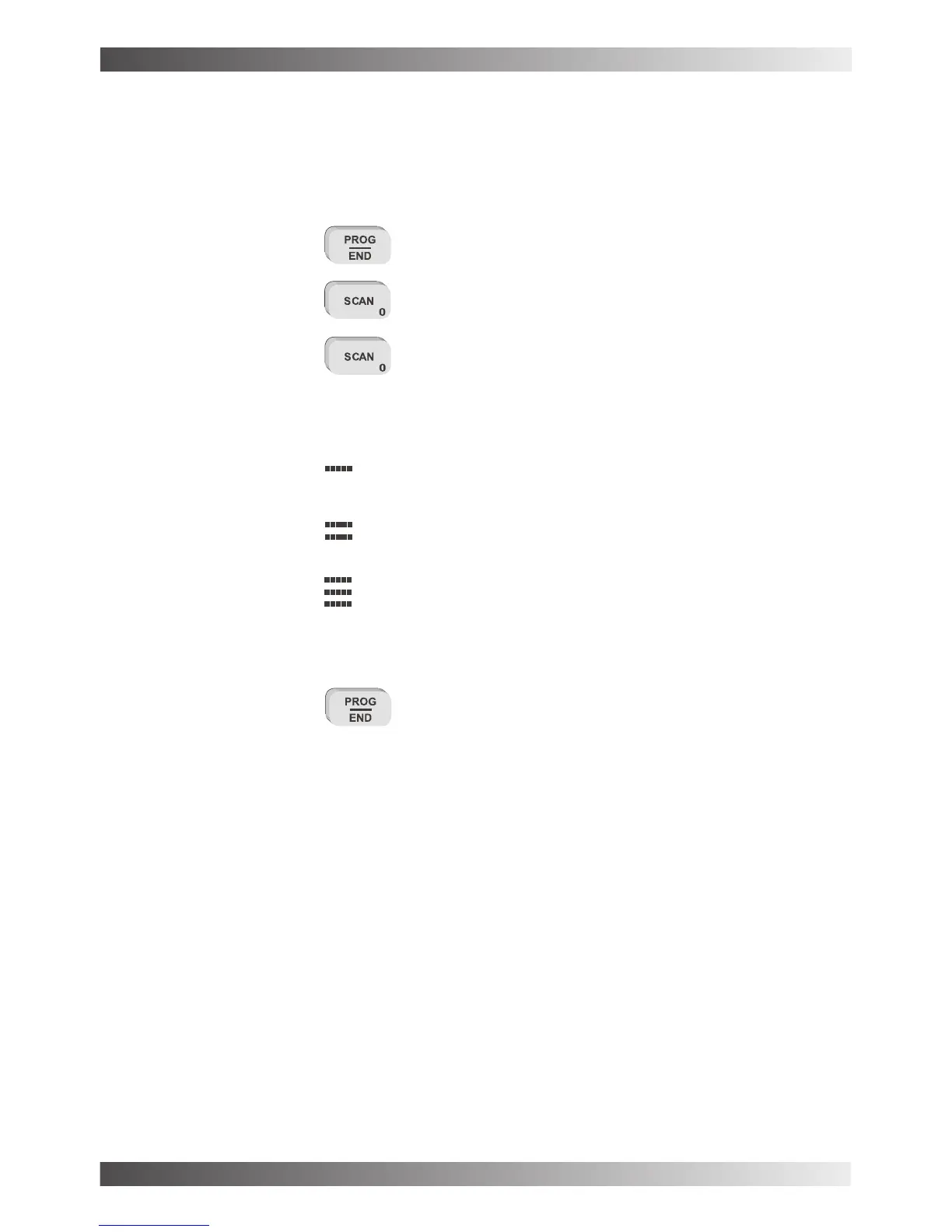
- Select the channel you wish to enable into the scan table.
- press the key
- press the key
- use the key to select the scan table required by selecting the
symbol corresponding to that scan table. This symbol is displayed on the bottom line of the
display in the 2nd character position.
Scan table 1 enabled for this channel
Scan table 2 enabled for this channel
Scan table1&2enabled for this channel
No symbol in this position on the display indicates this
channel will not be programmed for scan.
- press the key to save this change
BARRETT 950 HF TRANSCEIVER
PAGE 27



 To Next Page