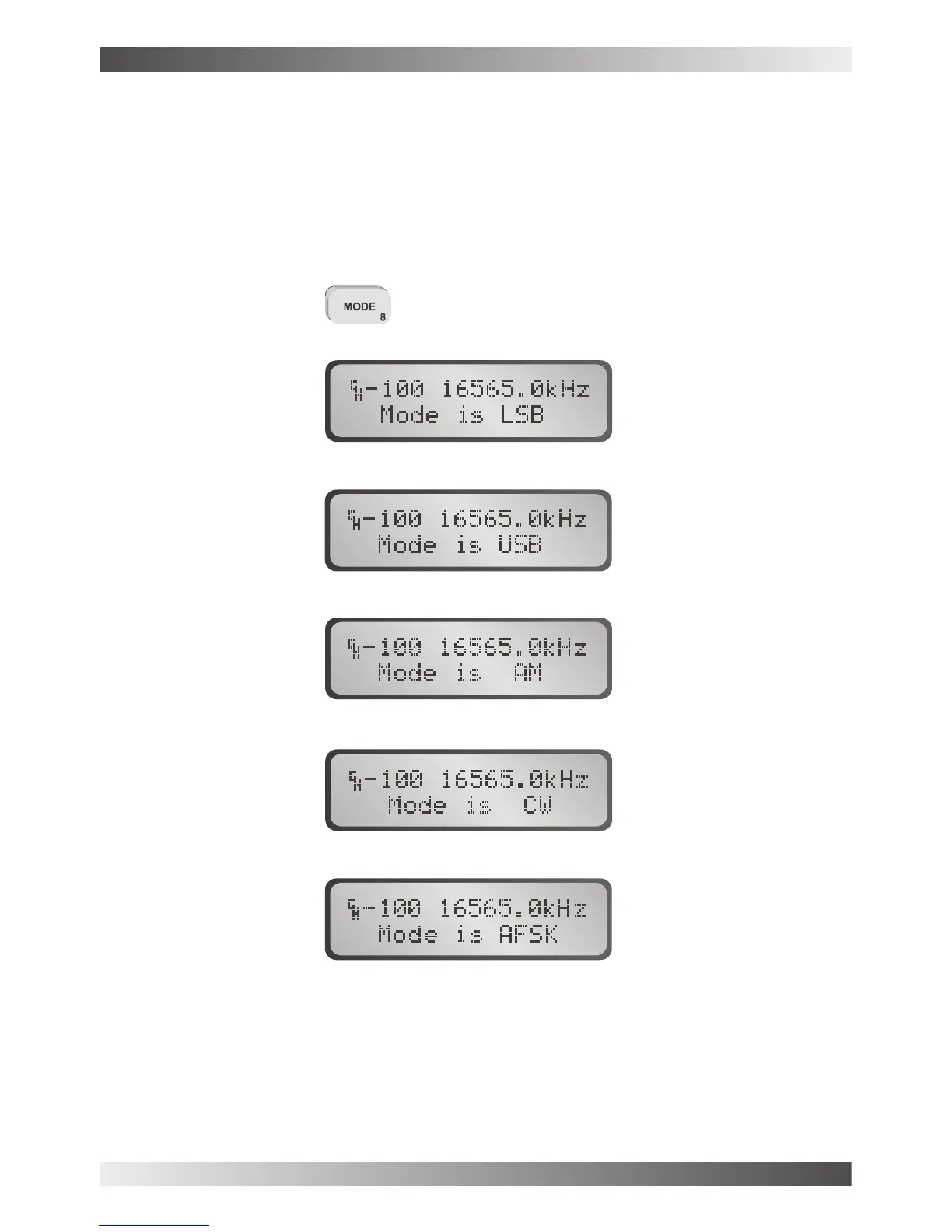
Mode selection
Mode select
LSB mode
USB mode
AM mode
CW mode
AFSK mode
The mode key selects the mode of operation eg LSB, USB, AM, CW or AFSK. The mode
key will temporarily set the mode for a selected channel, until the channel is changed, or the
transceiver is turned off.
... to select the required mode
Note: If the 500Hz filter option is physically fitted and enabled in software, it will
automatically be selected when AFSK mode is selected.
BARRETT 950 HF TRANSCEIVER
PAGE 30



 To Next Page