Menu functions
Menus
Open menu
The menu is divided into two sections, the “open menu section” and the “protected menu
section”. Both sections are used to set or display transceiver parameters. The “open menu
section” is available directly to operators as no critical operation parameters can be changed
in this section. The “protected menu section” has some critical parameters and you need a
password to enter this area. The password is fixed and very simple but is used as a barrier
to stop inadvertent changing of the critical transceiver parameters. It can be totally barred, if
operationally required, by PC programming.
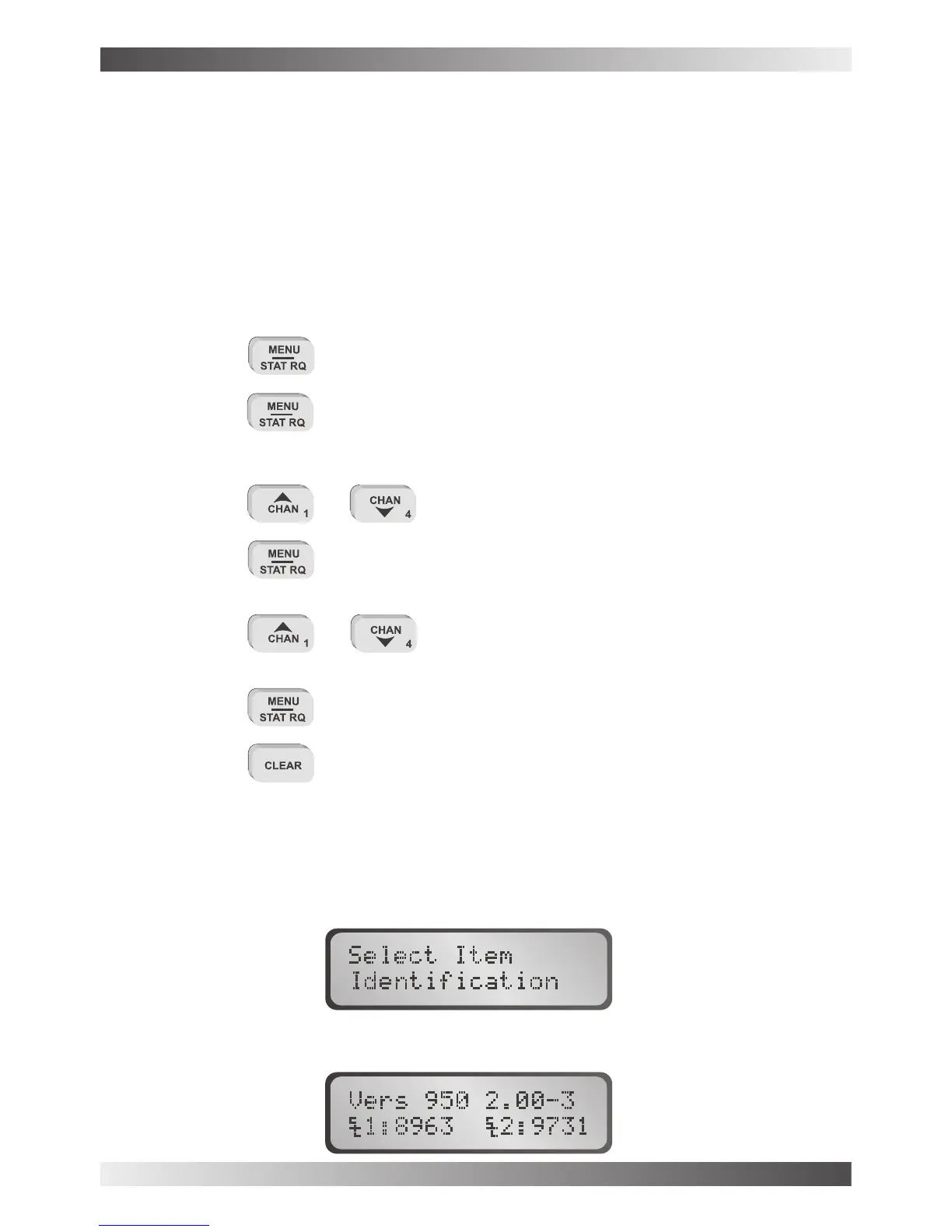
Use the following sequences to display or change parameters of items in the menu section.
or … to select the menu item required to view or edit
... enters the menu item for editing.
or … to select the parameter required.
... to save the parameter
... to exit out of the menu system
If the transceiver is left in menu mode the transceiver will, after a preset time, sound an
audible alarm, flash the message " " and eventually time-out back to normal
operating mode.
This displays the transceiver model, software version number, the option pack fitted and the
transceiver selcall ID, (if selcall is fitted) as follows :-
… to enter the “open menu” section
… for more than 2 seconds to enter the “protected menu” section
use scroll keys
Identification
BARRETT 950 HF TRANSCEIVER
PAGE 48



 To Next Page