BENS Connections
To connect peripheral devices to the BENS, you will need to know the location of the
power source and connection ports, as well as the cables used to communicate.
Power for Peripherals
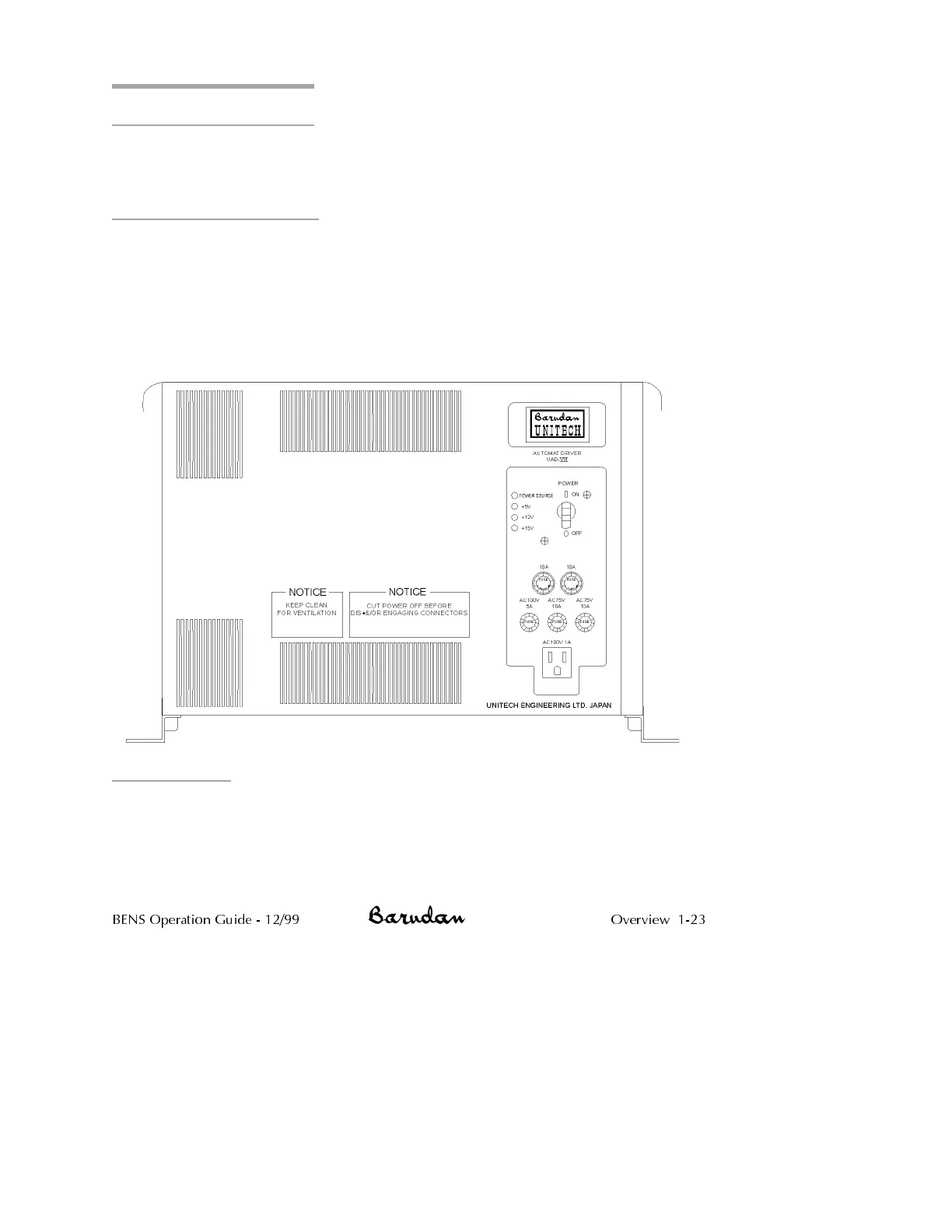
Improper power sources can damage your peripheral devices. The BENS has one
AC100V outlet, located on the front of the driver box. Use this outlet as the power
source for your Barudan peripheral devices.
CAUTION! Do not plug any Barudan peripheral equipment directly into
a wall outlet. The outlet on the BENS was specifically designed for
Barudan accessories. Do not plug non-Barudan accessories into the
AC100V outlet.
Connections
There are several peripheral devices that can be used with the BENS. These devices
communicate through either the BENS tape port or the BENS COM port.
Tape Port The BENS can load patterns through the tape port, with the
parallel input cable attached to the automat. Barudan
peripheral devices such as the PTR-V tape reader and the
BENS Operation Guide - 12/99 Overview 1-23



 To Next Page