5.
Press D, below the Execute icon,to
transfer from paper tape. To exit without
transferring a pattern, press the Read
softkey.
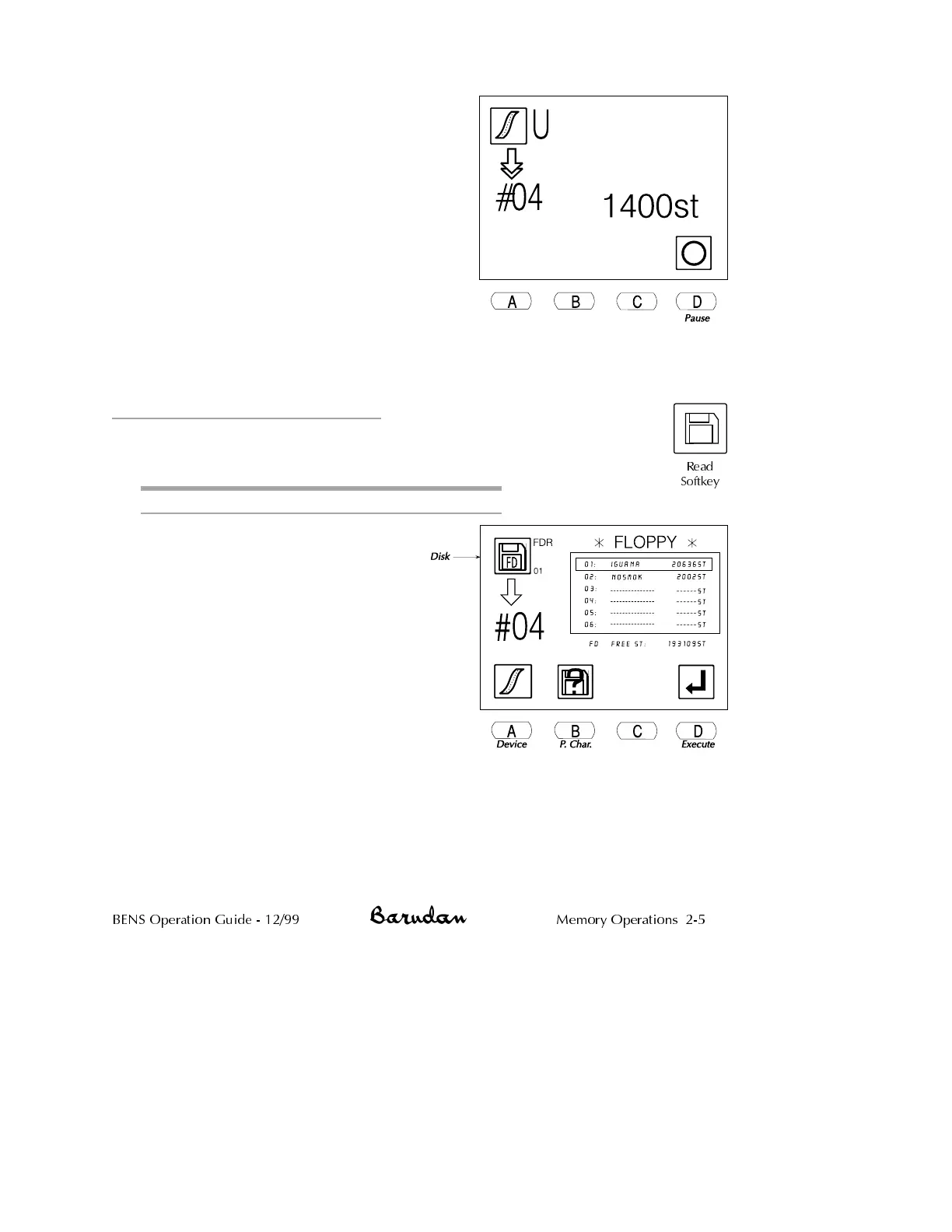
The display shows a count of the stitches
as they are transferred.
•
To stop the transfer press D, below the
Pause icon.
NOTE: Pause will not function if you are
using the PTR-5, or any other peripheral
device without buffer memory.
•
Press D again to resume. Press C,
below the X icon, to cancel.
When complete, the BENS beeps and the basic screen displays.
Reading Patterns from COM
Patterns can also be read into the BENS from peripheral devices using the
serial communication port (COM).
Reading a Pattern through the COM Connection
1. Connect the serial peripheral to the
BENS COM port and prepare it
following the instructions in its
user manual. See page 1-23 for
instructions on connecting devices.
2.
Press the Read softkey. The floppy
disk list displays.
NOTE: If there is not a disk in the
disk drive, and Disk was the last
device used, error A30 displays.
Press any menu key to clear the
message, then proceed with Step 3.
BENS Operation Guide - 12/99 Memory Operations 2-5
Read
Softkey



 To Next Page