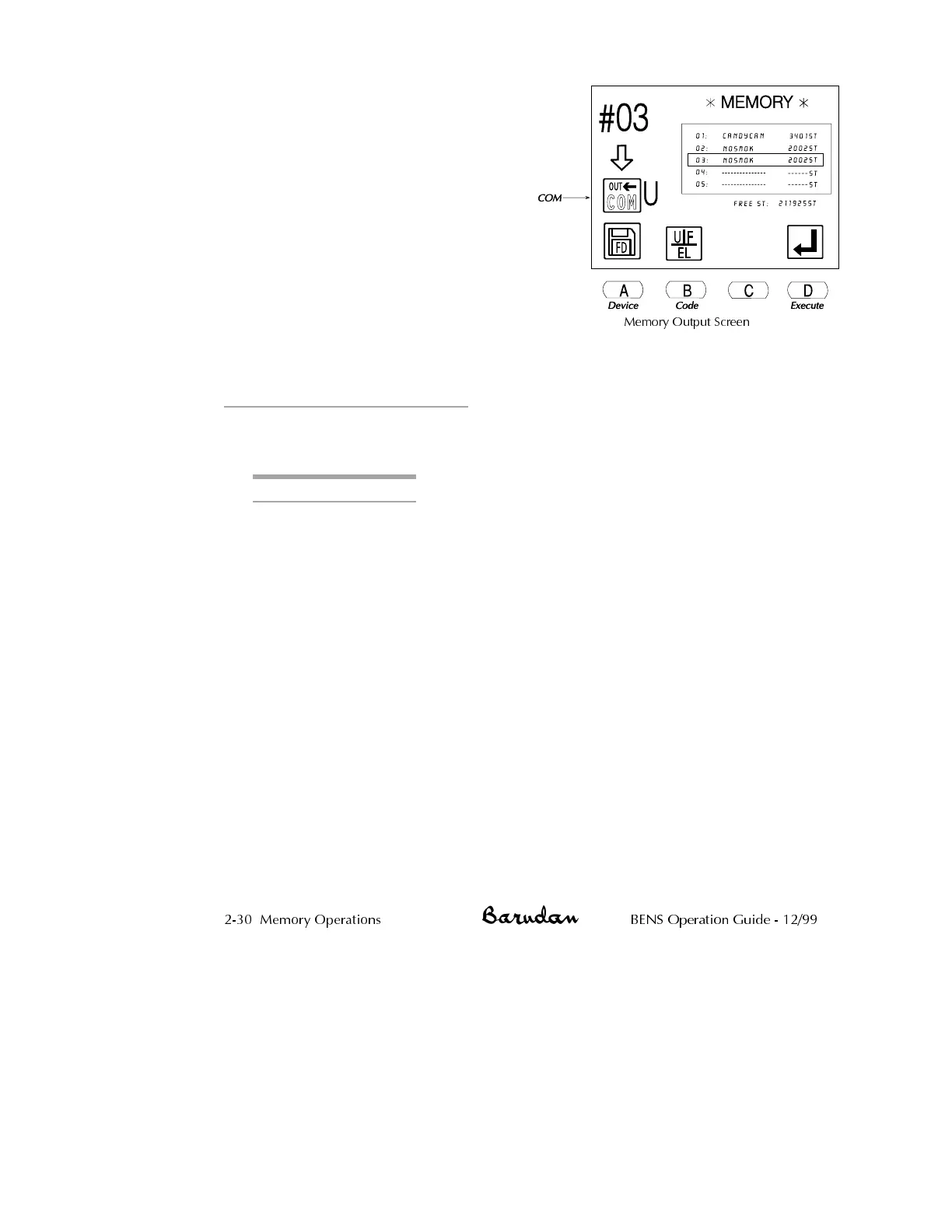
7.
Press D, below the Execute icon,
to begin transferring the pattern.
The display shows a count of the
stitches as they are transferred.
•
To stop the transfer, press D,
below the Pause icon. Press D
again to resume the process.
•
To cancel the command,
press C, below the X icon.
When complete, the Memory
Output screen displays. Press the
Memory softkey to close the
Memory Output screen,
returning to the basic screen.
Password Design Security
This function password protects your designs in memory. The Memory Out function is
disabled unless password is entered.
Setting up a Password
1. Power on NT.
2. Press Menu key until blank screen appears.
3. Press and hold A and C keys simultaneously for 5 seconds to set up a
password. The Password setup screen will display.
4. Press the D key to continue. Press the B key to exit.
5. Enter a password using the jog keys to select a letter and the origin key
to confirm. Same procedure as changing a design name. Continue until
the all letters of the password are entered.
6. Press the C key and enter again to reconfirm.
7. Once the password is reconfirmed, press the D key to lock the design.
8. To exit, press the B key. Notice that no designs can be output. The
Memory output option is crossed out.
9. To cancel the password you must press and hold the A and C keys
simultaneously to enter the password cancel display.
10. Press the D key.
11. Enter the password and press the D key.
12. Press the B key to exit. All designs are free to be output from memory.
NOTE: The password will be disabled when the memory is initialized.
2-30 Memory Operations BENS Operation Guide - 12/99
Memory Output Screen



 To Next Page