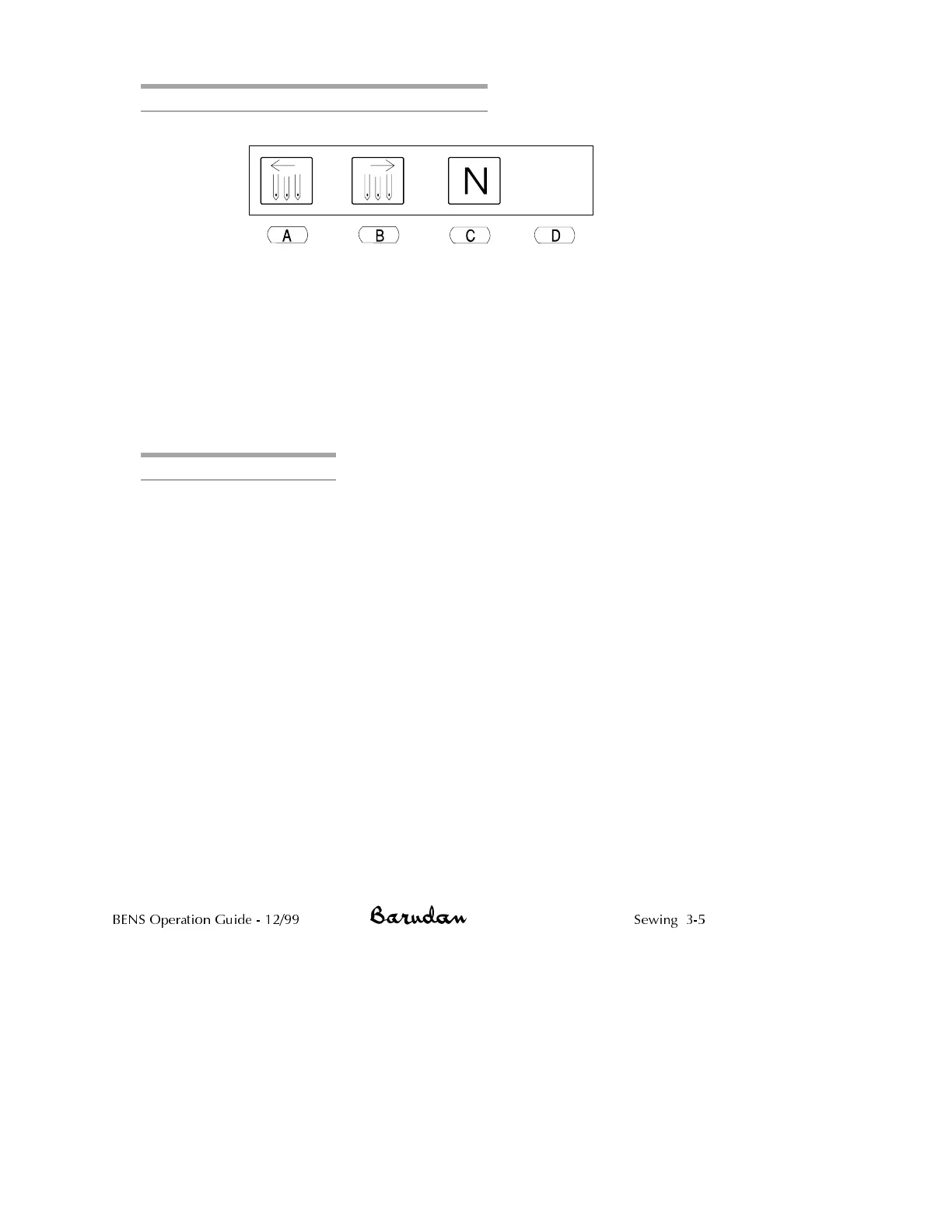
Needle Selection Using Direct Needle Method
1.
Press the Needle softkey. The needle selection menu displays.
2.
Press C, below the Direct Needle icon, to select the exact needle,
without moving the head.
3.
Press A,orB to until display shows the desired needle number.
4.
Press D, below the Execute icon to move the head to the selected
needle. The head automatically move in the direction needed.
CAUTION! Never attempt to physically change colors when the power is
OFF. Doing so will cause the head to bind and can cause extensive
damage to the machine.
Fixing a YS/YN Head Bind
1. Power on the machine.
2. Disengage all the thread keep solenoids by manually pulling the bar on
the thread keep solenoids forward. Do this for each head.
3. Disengage all the heads, following the directions on page N Series
Mechanical Guide.
4. Make sure the gang shaft is in its proper position by selecting a needle,
as explained above.
5. If the gang shaft is out of position, the display will prompt you to start
the machine by moving the Start/Stop bar to the left.
CAUTION! If following these steps does not clear the bind, do not force
it. Call your technician.
BENS Operation Guide - 12/99 Sewing 3-5



 To Next Page