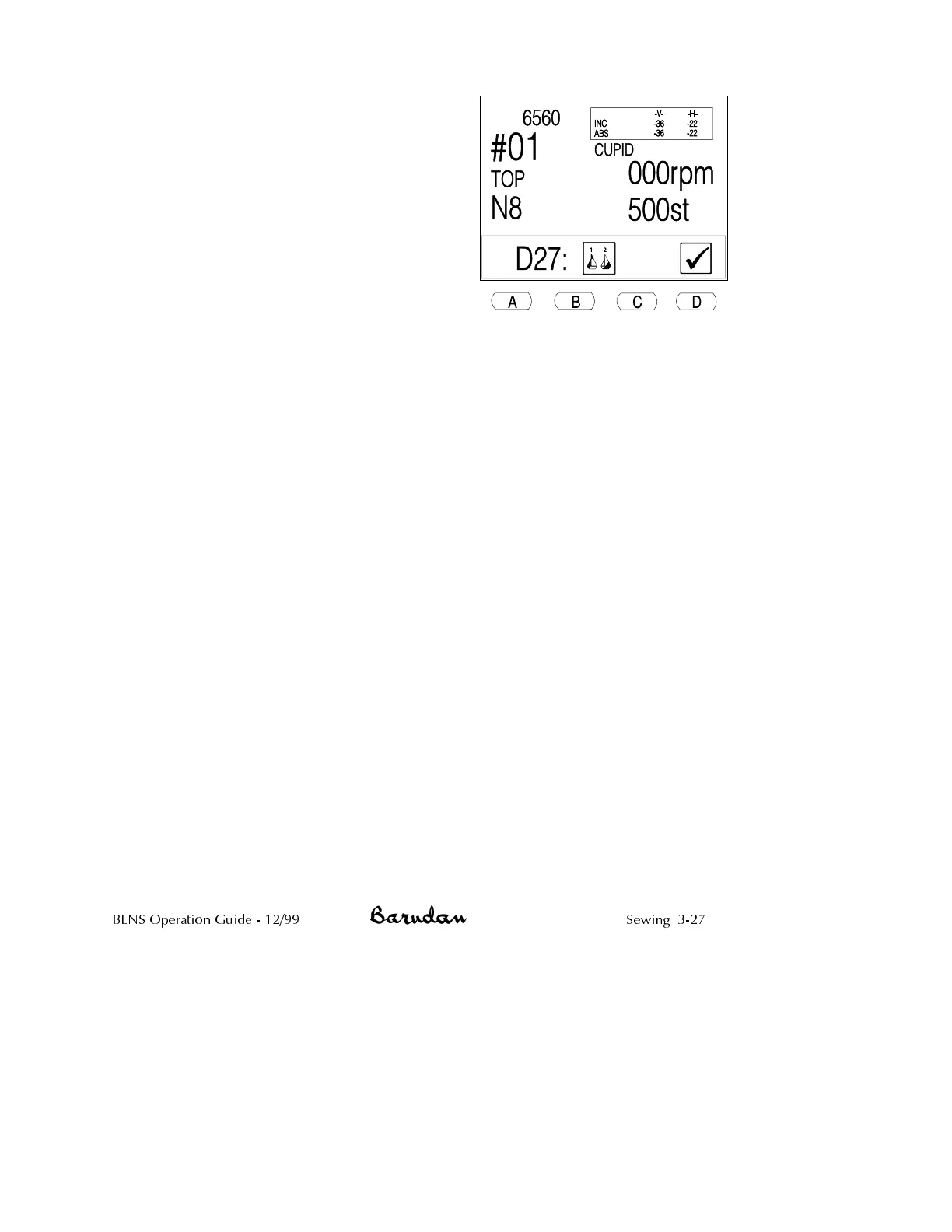
10.
Press D, below the Check icon, to clear
the message.
11. Turn on the head that was canceled in the
previous run of the pattern.
12.
Move the Start/Stop bar to the left or
press the green Start Button to continue
sewing.
If sewing is unsatisfactory on one of the
heads in this run of the pattern, you may
insert temporary stops. The BENS keeps
track of stops inserted in the previous run,
and stops that pertain to the next run.
BENS Operation Guide - 12/99 Sewing 3-27



 To Next Page